 PixQR
PixQR
Overview
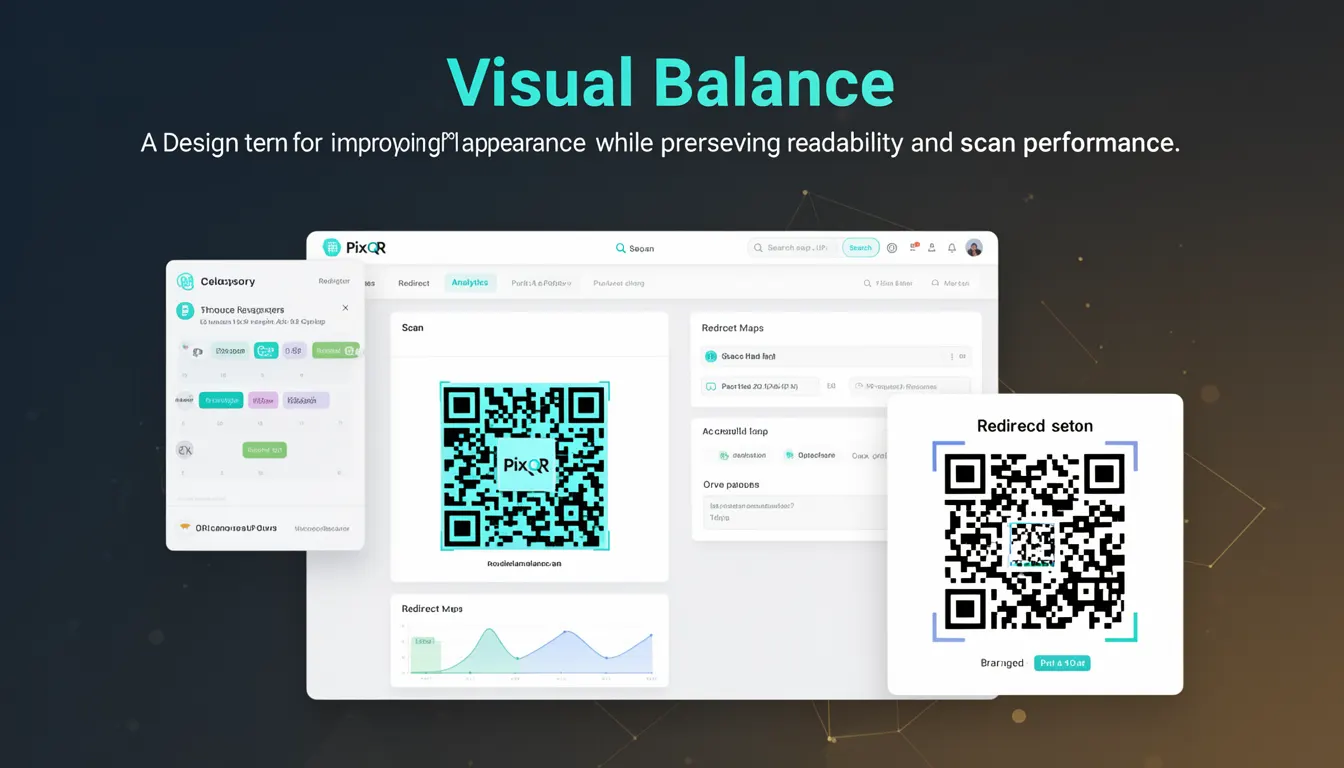
Visual balance in QR code design refers to the strategic arrangement of visual elements within a QR code's structure to ensure both aesthetic appeal and functional integrity. It is a critical component of modern QR code generation, particularly when integrating brand elements, logos, or custom styling into otherwise standardized codes. Visual balance helps maintain the code's readability while allowing for creative expression that aligns with brand identity.
For developers working with PixQR, visual balance becomes a key consideration when designing QR codes that must be both scannable and visually consistent with a brand's identity. It is used in applications such as marketing campaigns, loyalty programs, or digital product labeling where the QR code is part of a larger visual ecosystem.
Why It Matters
Visual balance is essential in QR code development because it directly affects both the code’s scanability and its usability in branding contexts. Poorly balanced QR codes can lead to scanning failures, especially in low-light or high-contrast environments. Additionally, when logos or brand elements are embedded within a QR code, visual imbalance can disrupt the code's structure, causing data corruption or misinterpretation during scanning.
For product teams and site operators using PixQR, maintaining visual balance ensures consistent performance across platforms and devices. It also contributes to user experience by reducing confusion when users scan codes that appear visually inconsistent or unprofessional. From a security standpoint, well-balanced codes are less likely to be misused in phishing or fraudulent contexts due to their clear structure and reliability.
How It Works
Visual balance in QR code design is achieved through careful placement of modules (the black and white squares that encode data) and the strategic use of design elements such as logos, color, and spacing. The process involves balancing visual weight, maintaining contrast, and preserving the code's data integrity.
- Modules in a QR code must be evenly distributed to avoid skewing the code’s structure. Uneven spacing or disproportionate module sizes can cause scanning errors.
- Logo or brand elements added to a QR code must be placed in a way that does not interfere with the code’s alignment or data encoding zones.
- Color contrast between modules and background must be maintained to ensure scan compatibility, even when incorporating brand colors.
- Padding and spacing around the QR code structure should be consistent to preserve visual harmony and scanning accuracy.
- Design elements must be proportionally scaled to avoid distortion or occlusion of critical data modules.
Quick Reference
| Item | Purpose | Notes |
|---|---|---|
| Module spacing | Ensures consistent grid alignment | Must remain uniform to maintain scanability |
| Logo placement | Integrates brand elements without disrupting data | Should be in quiet zones or outer areas |
| Color contrast | Preserves readability across devices | Must meet accessibility standards |
| Padding | Provides visual breathing room | Should be at least 2 modules wide |
| Visual weight | Ensures balanced composition | Must not obscure data encoding |
Basic Example
PixQR Example QR
This QR links directly to this glossary page, so printed notes, onboarding docs, and support material can bring scanners back to the current reference.

This example shows a basic QR code structure where visual balance is maintained through even module spacing and clear contrast.
<div class="qr-code">
  <div class="module-row">
    <div class="module black"></div>
    <div class="module white"></div>
    <div class="module black"></div>
  </div>
</div>
The example demonstrates how modules are arranged in rows with consistent spacing and clear contrast between black and white elements. This ensures the code remains scannable while maintaining a clean visual structure.
Production Example
This example illustrates a production-ready QR code design that integrates brand elements while maintaining visual balance and scan reliability.
<div class="qr-container">
  <div class="qr-code" style="background: white; padding: 16px;">
    <div class="module-grid">
      <div class="module-row">
        <div class="module black"></div>
        <div class="module white"></div>
        <div class="module black"></div>
        <div class="module white"></div>
        <div class="module black"></div>
      </div>
      <div class="module-row">
        <div class="module white"></div>
        <div class="module black"></div>
        <div class="module white"></div>
        <div class="module black"></div>
        <div class="module white"></div>
      </div>
    </div>
    <div class="brand-logo" style="position: absolute; top: 50%; left: 50%; transform: translate(-50%, -50%);">
      <img src="/logo.svg" alt="Company Logo" width="20" height="20">
    </div>
  </div>
</div>
This version is more suitable for production because it includes padding, uses absolute positioning for the logo to avoid interference with data modules, and maintains clear contrast. The design also ensures that the logo does not disrupt the quiet zones, which are critical for scan reliability.
Common Mistakes
- Placing logos or brand elements in data zones, which disrupts encoding and causes scanning failures.
- Using inconsistent module spacing, which leads to misalignment and reduced scan accuracy.
- Ignoring color contrast requirements, resulting in QR codes that are unreadable on certain devices or in certain lighting.
- Adding too much visual weight to one side of the code, causing imbalance that may confuse scanning algorithms.
- Scaling brand elements too large or too small, which either obscures modules or fails to provide visual impact.
Security And Production Notes
- Ensure that any visual enhancements do not compromise the QR code's ability to be scanned reliably across all platforms.
- Validate that logo placement and color choices comply with accessibility standards, particularly for users with visual impairments.
- Use consistent padding and spacing to avoid creating scanning artifacts or misinterpretations.
- Test QR codes under various lighting conditions to confirm that visual balance does not negatively impact performance.
- Do not embed sensitive data in visual elements that might be misinterpreted or altered during scanning.
Related Concepts
Visual balance is closely connected to several other aspects of QR code design and development. Understanding these relationships is crucial for developers working with PixQR:
- Module structure: The fundamental building blocks of QR codes that must be evenly spaced to ensure readability.
- Quiet zones: The clear margins around a QR code that must remain unobstructed for proper scanning.
- Scanning reliability: The ability of a QR code to be read consistently across devices and environments.
- Brand-safe design: The practice of integrating branding elements in a way that does not compromise functionality.
- Print fidelity: Ensuring QR codes maintain visual balance and scan performance when printed at various scales.