 PixQR
PixQR
Overview
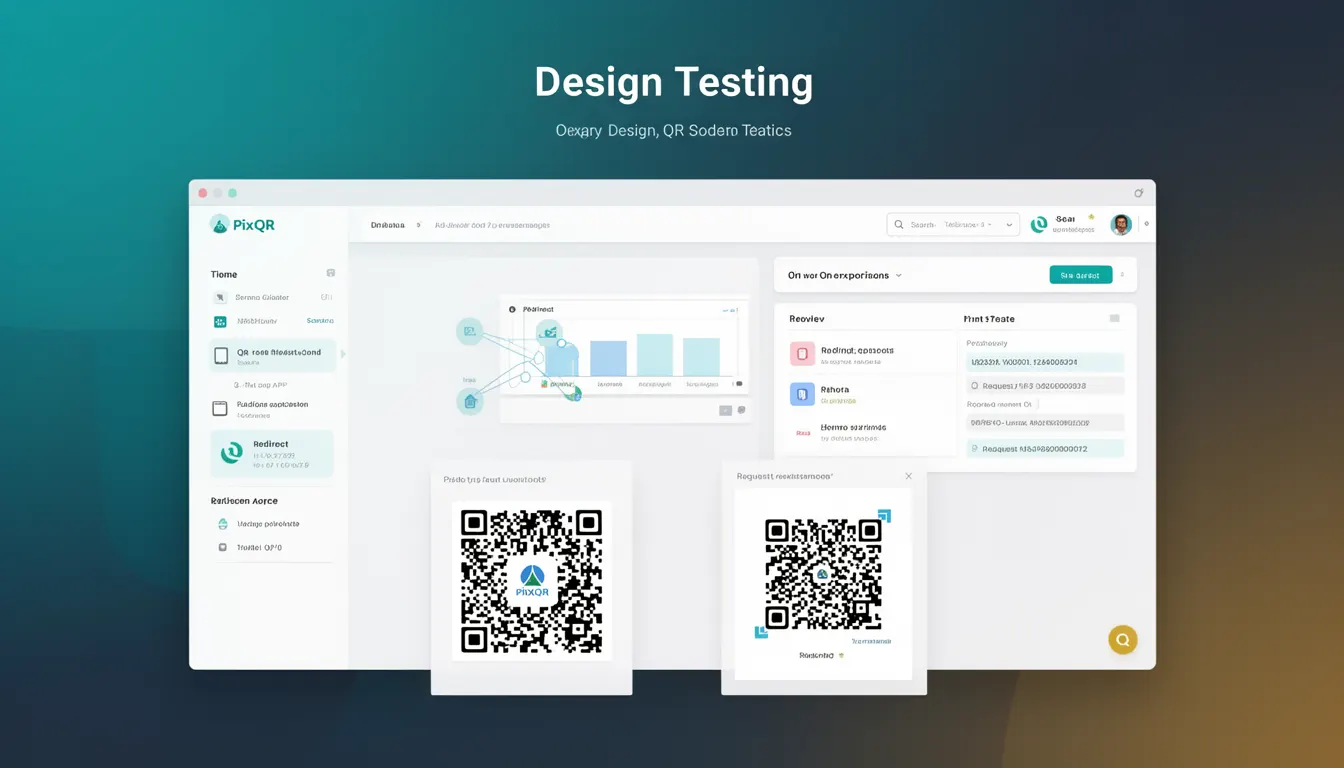
Design Testing in the context of QR code development refers to the process of evaluating and refining the visual appearance of QR codes while ensuring they maintain full functionality and scan reliability. This practice is essential for developers who must balance aesthetic requirements with technical constraints, particularly in branding, marketing, and user experience contexts.
In PixQR, Design Testing encompasses both automated and manual evaluation methods to validate that QR code modifications do not compromise core performance metrics such as scan speed, error correction capability, and compatibility across various scanning devices. It is used during the generation phase and post-generation validation to ensure that visual enhancements do not introduce scanning failures or data corruption.
Why It Matters
For developers and product teams, Design Testing ensures that QR codes remain functional despite visual customization. Poorly tested designs may result in scanning failures, especially on low-quality devices or in challenging lighting conditions. This is particularly critical in production environments where QR codes are used for redirects, authentication, or transaction processing.
From a user experience perspective, a visually appealing QR code can improve brand recognition and trust, but only if it scans reliably. In PixQR, Design Testing helps maintain the balance between visual branding and operational integrity. Without it, organizations risk customer frustration, reduced conversion rates, and potential security vulnerabilities due to misread codes.
How It Works
Design Testing in PixQR involves a multi-stage validation process that includes both static and dynamic checks. The system evaluates visual modifications against established QR code standards and scan performance metrics.
- Visual integrity checks ensure that modifications like colors, logos, and patterns do not interfere with the code's scannability.
- Scan simulation tools validate that the QR code functions correctly across different devices and lighting conditions.
- Error correction level (ECC) verification confirms that the code maintains its ability to recover from damage or distortion.
- Resolution and size constraints are enforced to ensure compatibility with various output formats and print quality.
- Accessibility compliance checks ensure that contrast and visual elements meet standards for users with visual impairments.
Quick Reference
| Item | Purpose | Notes |
|---|---|---|
| Visual Integrity | Ensures design elements do not interfere with scannability | Must preserve quiet zones and module structure |
| Scan Simulation | Validates QR code performance across devices | Tests under varying lighting and device conditions |
| Error Correction Level | Verifies recovery capability from damage | Must be maintained at or above configured threshold |
| Resolution Constraints | Ensures compatibility with output formats | Minimum resolution must be maintained for readability |
| Accessibility Compliance | Ensures contrast and readability for all users | Must meet WCAG 2.1 AA standards |
Basic Example
PixQR Example QR
This QR links directly to this glossary page, so printed notes, onboarding docs, and support material can bring scanners back to the current reference.

This example demonstrates a basic QR code generation with a simple color change and a logo overlay. It shows how a developer might begin testing design changes for visual appeal and scan compatibility.
const qrCode = pixqr.generate({
  data: 'https://example.com',
  color: '#000000',
  logo: 'brand-logo.png',
  size: 200
});
The important lines define the QR code's data, color scheme, and logo. The size parameter ensures a readable output. This example assumes that PixQR's internal Design Testing mechanism validates the logo overlay and color contrast to ensure scannability.
Production Example
This example shows a production-ready implementation of Design Testing for QR code generation, including validation, error handling, and configuration for scalability.
const config = {
  data: 'https://secure.example.com/login',
  color: '#000000',
  logo: 'brand-logo.png',
  size: 300,
  ecc: 'H',
  quietZone: 2,
  accessibility: true
};

try {
  const qrCode = pixqr.generate(config);
  const testResult = pixqr.testDesign(qrCode);
  if (!testResult.success) {
    throw new Error('Design test failed: ' + testResult.message);
  }
  console.log('QR code generated and validated successfully');
} catch (error) {
  console.error('Failed to generate QR code:', error.message);
}
This version includes explicit error handling, configuration for error correction level (ECC), and a call to pixqr.testDesign to validate the design. It is more suitable for production because it enforces quality checks before deployment and provides meaningful feedback on failures.
Common Mistakes
- Ignoring quiet zones during design modifications, which can cause scanning failures on certain devices.
- Using low-contrast colors that make the QR code difficult to scan, especially in poor lighting.
- Adding large logos or graphics that obscure the code's modules, reducing error correction effectiveness.
- Overlooking accessibility requirements, which may lead to non-compliance with WCAG standards.
- Skipping validation after design changes, leading to deployed codes that fail in real-world use.
Security And Production Notes
- Always validate design changes against QR code standards to avoid introducing scanning vulnerabilities.
- Ensure that visual modifications do not compromise the code's error correction capability or integrity.
- Implement automated testing in CI/CD pipelines to catch design-related issues before deployment.
- Use accessible color palettes to ensure usability for users with visual impairments.
- Log and monitor design test results to detect recurring issues in code generation workflows.
Related Concepts
Design Testing is closely related to several other QR code development concepts:
- QR Code Generation – The core process of creating QR codes, which Design Testing validates.
- Scan Reliability – Ensures that codes can be read consistently across devices and conditions.
- Dynamic Redirects – QR codes used for redirects must maintain their integrity under design changes.
- Brand Safety – Visual branding must not compromise the functional aspects of the code.
- Analytics – Design testing ensures accurate tracking and reporting of scan events.