 PixQR
PixQR
Overview
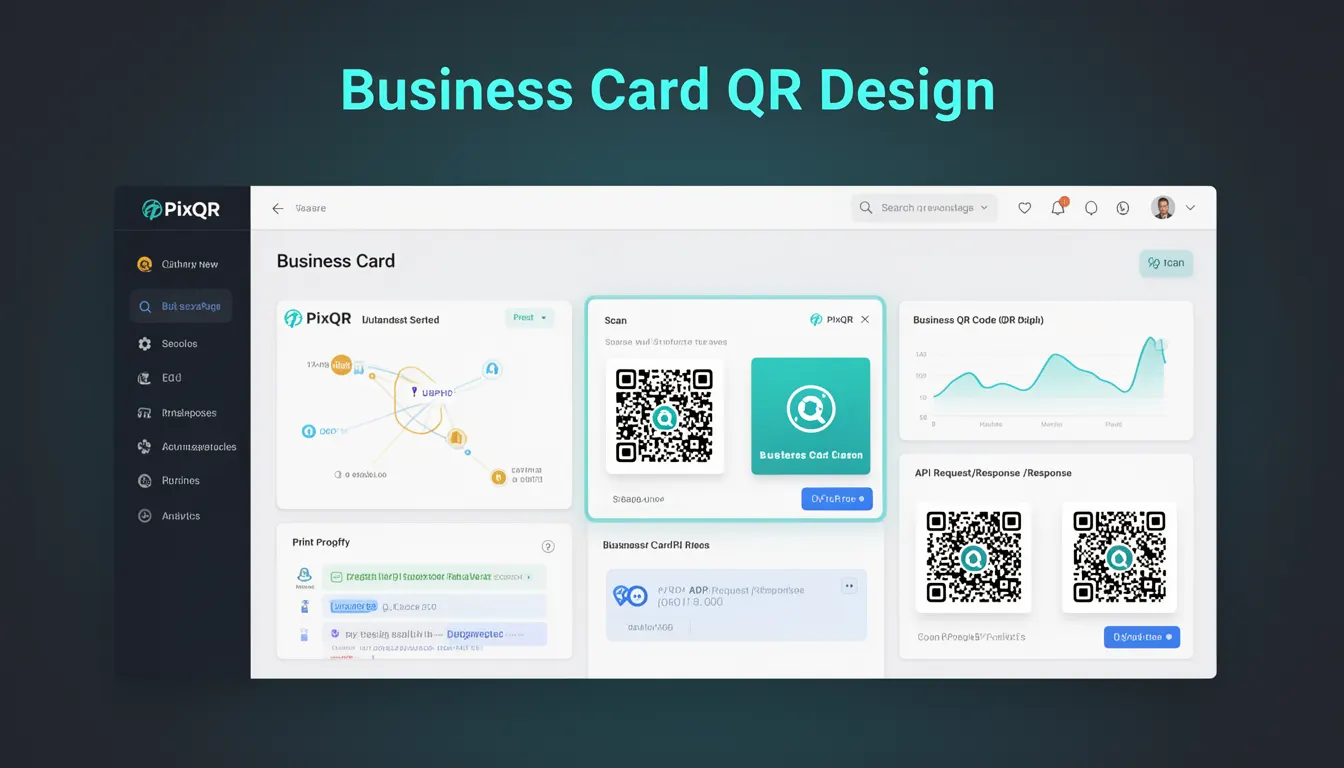
Business Card QR Design refers to the practice of integrating QR code elements into branded or personalized designs that retain full functionality and scan reliability. It is used in digital marketing, product packaging, and promotional materials to make QR codes visually appealing while ensuring they meet technical requirements for scanning and redirection.
Developers and designers working on PixQR platforms often encounter this term when building QR code templates or configuring custom designs for clients. It combines aesthetic choices with technical constraints to produce functional QR codes that align with brand identity and user expectations.
Why It Matters
Business Card QR Design impacts both user experience and system performance. A well-designed QR code must maintain scannability even when embedded in complex layouts or with visual enhancements. Poor design choices can cause scanning failures, especially on mobile devices or in low-light conditions.
For PixQR, this concept is critical for maintaining brand safety and operational reliability. Misconfigured designs may result in failed redirects, degraded analytics, or compromised security if the QR code becomes unreadable or misinterpreted. Additionally, it affects print and digital distribution workflows where design fidelity must be preserved across various media.
How It Works
Business Card QR Design involves balancing visual aesthetics with technical specifications. The process typically begins with defining the QR code's structure, then applying design elements such as color, shape, or branding overlays while preserving scannability.
- QR code modules must remain distinguishable, with sufficient contrast between dark and light areas.
- Design elements like logos or borders must not obscure critical alignment markers or data modules.
- Color schemes should avoid using similar hues for foreground and background to prevent misreading.
- Module size and spacing must adhere to QR code standards to ensure compatibility with scanning hardware.
- Designs should be validated across multiple devices and scanning environments to ensure consistent performance.
Quick Reference
| Item | Purpose | Notes |
|---|---|---|
| Module contrast | Ensures scannability | Must exceed 4.5:1 for accessibility |
| Alignment markers | Facilitates accurate scanning | Must remain unobstructed |
| Color palette | Supports branding | Must avoid color similarity |
| Design overlay | Enhances visual appeal | Must not cover data modules |
| Scanning validation | Ensures reliability | Test across multiple scanners |
Basic Example
PixQR Example QR
This QR links directly to this glossary page, so printed notes, onboarding docs, and support material can bring scanners back to the current reference.
/glossary/qr-code-design/qr-code-design-business-card-qr-design

This example shows a minimal implementation of a QR code with a brand logo overlay, illustrating how to preserve scannability while enhancing visual appeal.
<div class="qr-container">
  <img src="/qr-code.svg" alt="QR Code" />
  <div class="overlay">
    <img src="/brand-logo.svg" alt="Brand Logo" />
  </div>
</div>
The qr-container holds the QR code image, and the overlay div contains the brand logo. The logo must be carefully positioned to avoid covering QR modules or alignment markers. The alt attributes ensure accessibility.
Production Example
This example demonstrates a production-ready approach to designing a QR code with branding, including validation, responsive layout, and accessibility features.
<div class="qr-wrapper">
  <div class="qr-frame">
    <img src="/qr-code.svg" alt="Scan to access content" />
    <div class="brand-overlay">
      <img src="/brand-icon.svg" alt="Company Brand" />
    </div>
  </div>
  <div class="qr-label">Scan for more information</div>
</div>
This version includes a wrapper for layout control, a dedicated frame for the QR code, and a separate overlay for branding. It also adds a label for accessibility and ensures the design remains scalable and readable across devices.
Common Mistakes
- Overlapping brand elements with QR modules, which causes scanning failures.
- Using low-contrast colors that make the QR code hard to distinguish from the background.
- Applying too much visual detail or texture that obscures alignment markers.
- Ignoring responsive design, leading to QR codes that break on different screen sizes.
- Not testing designs across multiple scanners and environments, resulting in inconsistent performance.
- Using vector graphics without proper rendering control, which can distort QR code structure.
Security And Production Notes
- Ensure all overlays or design elements are validated for scannability before deployment.
- Use color contrast ratios of at least 4.5:1 to comply with accessibility standards.
- Validate QR code functionality with automated tools and real-world scanners.
- Implement fallback mechanisms for cases where QR codes fail to scan due to design issues.
- Apply consistent design patterns to avoid confusion or misinterpretation in user workflows.
Related Concepts
Business Card QR Design connects to several related concepts in QR code engineering and user experience. These include QR code structure and error correction, which define how data is encoded and recovered. It also intersects with branding and design systems, where consistency and identity play a role. Additionally, it ties into analytics and tracking, as design changes can affect user behavior or data collection. Accessibility standards and mobile responsiveness are also key considerations, as QR codes must function across platforms and devices. Finally, operational workflows such as print quality control and API integrations must account for design fidelity to ensure consistent performance.