 PixQR
PixQR
Overview
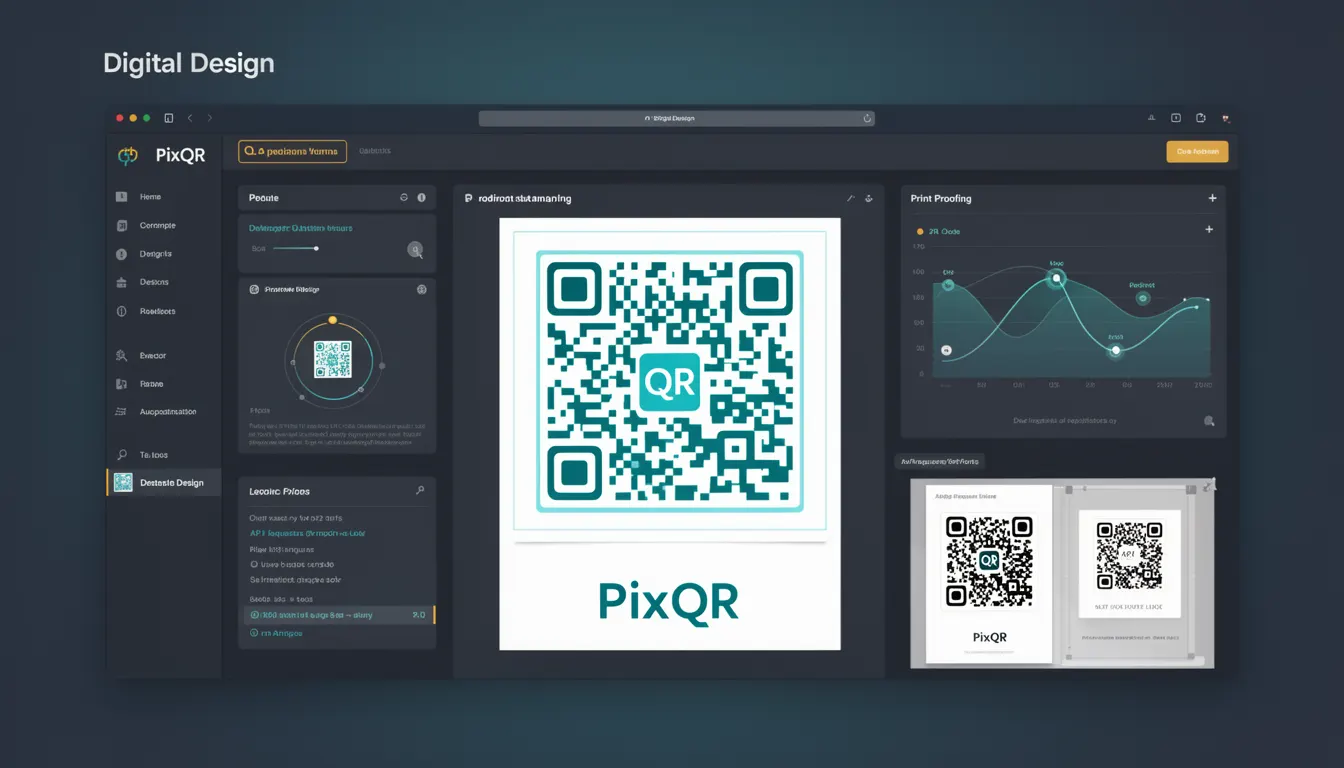
Digital Design in the context of PixQR refers to the practice of enhancing the visual appearance of QR codes while maintaining full functionality and scan reliability. This includes modifying colors, adding logos, customizing shapes, and applying visual effects without compromising the code's ability to be read by scanning devices.
Developers working with PixQR encounter Digital Design when configuring QR code aesthetics for brand consistency, marketing campaigns, or user experience improvements. It is used to ensure that QR codes not only perform their core function but also align with visual branding guidelines.
Why It Matters
Digital Design directly impacts user experience and brand perception. Poorly designed QR codes can reduce scan success rates, cause confusion, or appear unprofessional. In production environments, maintaining a balance between aesthetics and functionality is critical for operational success.
For PixQR, Digital Design is essential for ensuring that QR codes are both visually appealing and fully operational. It affects analytics accuracy, user trust, and the effectiveness of marketing or operational workflows. A QR code that fails to scan due to design choices may result in lost conversions or user frustration.
How It Works
Digital Design in PixQR operates through a set of configurable parameters that control visual aspects of QR code generation. The system preserves the underlying data structure while applying visual modifications.
- Color customization allows for setting foreground and background colors, with constraints to maintain scannability.
- Logo embedding supports adding brand elements within the QR code structure, subject to size and placement rules.
- Shape and pattern modifications let developers alter the geometric layout of the code without affecting its data integrity.
- Visual filters and effects such as shadows, gradients, or transparency can be applied with limits to preserve readability.
- Dynamic design elements allow for runtime customization, such as conditional branding based on user segments or campaign parameters.
Quick Reference
| Item | Purpose | Notes |
|---|---|---|
| Foreground Color | Controls the color of the QR code pattern | Must contrast with background for scan reliability |
| Background Color | Controls the color of the empty space around the QR code | Should be neutral to avoid interference |
| Logo Embedding | Adds a brand image to the center of the QR code | Logo must be small enough to preserve scannability |
| Shape Modifiers | Alters the geometric layout of the code | Must not obscure critical data points |
| Visual Filters | Applies effects like gradients or shadows | Should not affect QR code contrast or resolution |
Basic Example
PixQR Example QR
This QR links directly to this glossary page, so printed notes, onboarding docs, and support material can bring scanners back to the current reference.

This basic example demonstrates how to configure a QR code with a custom color scheme using PixQR's Digital Design options.
const qrConfig = {
  "data": "https://example.com",
  "design": {
    "foreground_color": "#000000",
    "background_color": "#ffffff"
  }
};
The foreground_color sets the QR code pattern to black, and background_color sets the background to white. These values are standard for optimal scannability.
Production Example
This production example includes validation, branding, and scan reliability checks to ensure that visual enhancements do not compromise functionality.
const qrConfig = {
  "data": "https://example.com",
  "design": {
    "foreground_color": "#000000",
    "background_color": "#ffffff",
    "logo": {
      "url": "https://example.com/logo.png",
      "size": "20%"
    },
    "shape": "rounded",
    "filter": "none"
  },
  "validation": {
    "scan_test": true,
    "brand_compliance": true
  }
};
This version includes a logo, rounded shape, and validation steps. The scan_test flag ensures that the final design passes scannability checks, while brand_compliance verifies adherence to brand guidelines.
Common Mistakes
- Using overly bright or low-contrast colors, which can make QR codes unreadable on various devices or in different lighting.
- Embedding logos that are too large, which can obscure critical data points and prevent scanning.
- Applying visual filters or effects that reduce contrast or introduce artifacts that interfere with scanning.
- Ignoring platform-specific scanning requirements, such as mobile vs. desktop device compatibility.
- Applying design elements without testing for scannability, leading to deployment failures in production.
Security And Production Notes
- Always validate color contrast ratios to maintain scannability across different devices and lighting conditions.
- Ensure that embedded logos are served securely (HTTPS) to prevent mixed-content warnings or scan interruptions.
- Limit visual modifications to preserve QR code integrity and avoid data corruption or misinterpretation.
- Use consistent design parameters across campaigns to maintain brand identity and user expectations.
- Test all design variations in real-world scanning environments to detect potential issues before deployment.
Related Concepts
Digital Design intersects with several core PixQR concepts:
- QR Code Generation – The core process of creating QR codes, which Digital Design enhances with visual customization.
- Scan Reliability – Ensures that design choices do not compromise the ability of scanners to read the code.
- Brand Safety – Maintains visual consistency and compliance with brand guidelines while preserving code integrity.
- Analytics – Visual design can influence user behavior and tracking accuracy, especially in marketing campaigns.
- Operational Workflows – Digital Design is often part of larger systems that manage QR code lifecycle, including creation, deployment, and monitoring.