 PixQR
PixQR
Overview
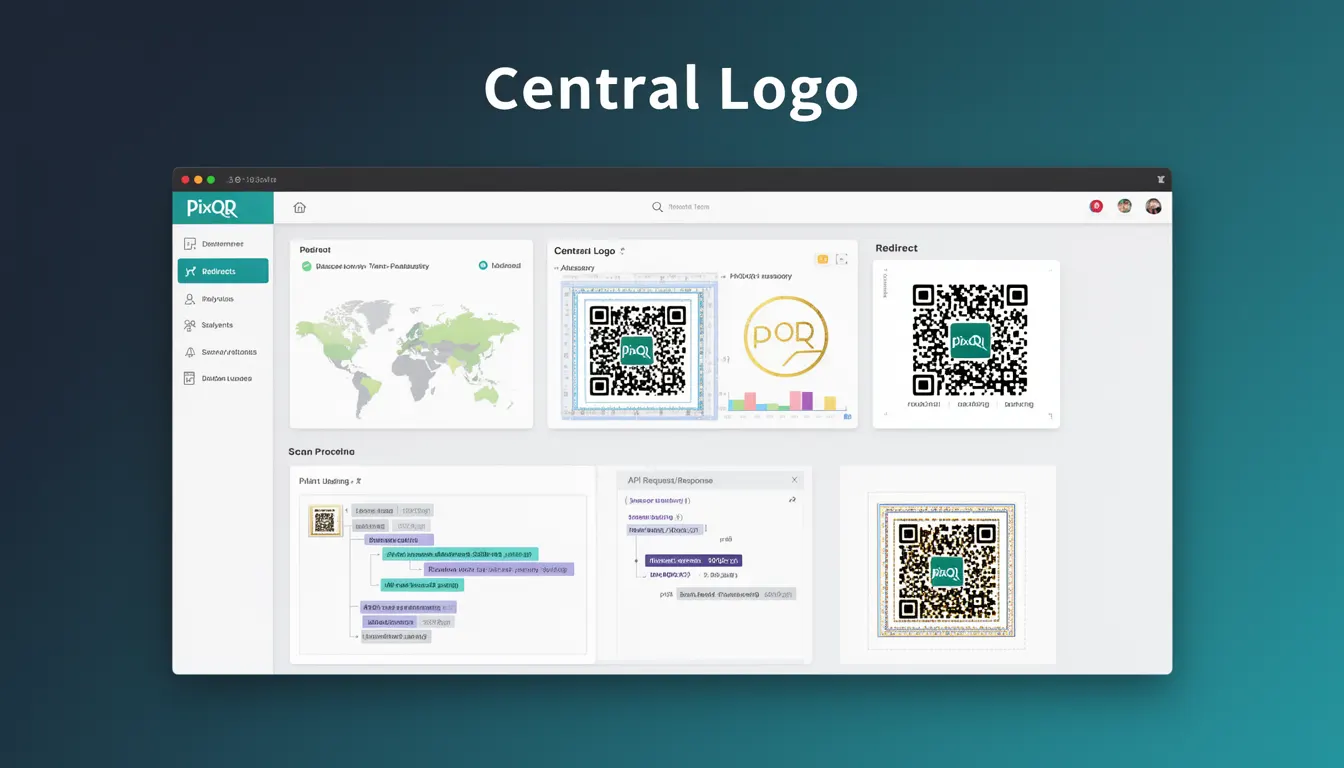
In PixQR's QR code generation system, Central Logo refers to a brand identifier or visual element embedded at the center of a QR code matrix. This design element is strategically positioned within the QR code's quiet zone or core area to maintain scannability while enhancing brand recognition and visual appeal. The Central Logo functionality allows developers to create QR codes that are both functional and aesthetically aligned with brand guidelines.
The implementation involves placing a logo image within the QR code's data structure without interfering with error correction or data encoding. PixQR's system automatically optimizes logo placement and sizing to ensure scanning reliability, making it a practical solution for marketing campaigns, product labeling, and user experience enhancement.
Why It Matters
For developers working with PixQR, Central Logo represents a balance between brand identity and technical functionality. When properly implemented, it enhances user trust and recognition while maintaining QR code performance. Poor implementation can result in failed scans, which directly impacts conversion rates and user experience in physical or digital environments.
From a product operations perspective, Central Logo enables consistent brand presentation across multiple platforms and mediums. It allows businesses to maintain visual identity in QR code interactions, which is particularly important in retail, marketing, and service environments where QR codes are used for customer engagement and access control.
How It Works
The Central Logo system in PixQR operates through a combination of image processing, QR code matrix analysis, and automatic optimization. The platform analyzes the QR code's structure to identify safe areas for logo placement while ensuring error correction data remains intact. The logo is then scaled and positioned to fit within the designated area without compromising scanning performance.
- Logo placement is automatically calculated to avoid critical data areas of the QR code matrix
- Image dimensions are scaled relative to the QR code size to maintain optimal scanning ratios
- Error correction levels are adjusted dynamically to accommodate logo embedding
- Color contrast analysis ensures logo visibility while preserving scannability
- Automatic optimization applies to all QR code generation requests with Central Logo enabled
Quick Reference
| Parameter | Value Type | Description |
|---|---|---|
| src | string | URL or base64 encoded image data for the logo |
| size | number | Proportional size (0.0-1.0) of logo relative to QR code |
| position | string | Placement location: 'center' or 'custom' |
| fit | string | Scaling method: 'contain', 'cover', or 'fill' |
| margin | number | Additional spacing around logo in QR code units |
Basic Example
PixQR Example QR
This QR links directly to this glossary page, so printed notes, onboarding docs, and support material can bring scanners back to the current reference.
This example demonstrates the minimal configuration required to add a Central Logo to a QR code using PixQR's API:
const qrCode = pixqr.generate({
  text: 'https://example.com',
  logo: {
    src: 'https://example.com/logo.png',
    size: 0.2
  }
});
The example shows a basic logo configuration with a URL source and proportional sizing. The system automatically handles positioning and optimization without requiring additional parameters.
Production Example
This production-ready implementation includes validation, error handling, and responsive sizing to ensure reliable QR code generation:
const generateBrandQR = (url, brandLogo) => {
  try {
    const qrOptions = {
      text: url,
      logo: {
        src: brandLogo,
        size: 0.15,
        fit: 'contain',
        margin: 2
      },
      errorCorrection: 'H',
      width: 300,
      height: 300,
      margin: 1
    };

    return pixqr.generate(qrOptions);
  } catch (error) {
    console.error('QR generation failed:', error);
    throw new Error('Unable to generate QR code with brand logo');
  }
};
This version includes error handling, explicit sizing parameters, and configuration validation. It is suitable for high-volume production environments where reliability and consistency are critical.
Common Mistakes
- Using logos that are too large, exceeding 20% of the QR code area, which can cause scanning failures
- Applying logos with insufficient color contrast against the QR code background, leading to poor readability
- Not validating image formats, resulting in compatibility issues during QR code generation
- Placing logos in critical data areas of the QR code matrix, corrupting scanning data
- Ignoring error correction level adjustments when adding Central Logo, causing reduced scanning reliability
Security And Production Notes
- All Central Logo images must be validated against size limits to prevent memory exhaustion during QR generation
- Implement input sanitization for logo sources to prevent injection attacks or malicious image content
- Use HTTPS endpoints for logo sources to ensure secure image delivery and prevent man-in-the-middle attacks
- Implement fallback mechanisms when logo images fail to load, ensuring QR code generation completes successfully
- Monitor QR code scanning performance metrics after logo implementation to detect potential reliability issues
Related Concepts
Central Logo functionality intersects with several core QR code development concepts:
- QR Code Matrix – The underlying grid structure that determines where logos can be safely embedded
- Error Correction – The mechanism that allows QR codes to remain scannable despite logo interference
- Quiet Zone – The margin area around QR codes where logos are typically placed for optimal scanning
- Scanning Optimization – Techniques that maintain QR code reliability during visual enhancements
- Dynamic Generation – The process of creating QR codes on-demand with Central Logo support