 PixQR
PixQR
Overview
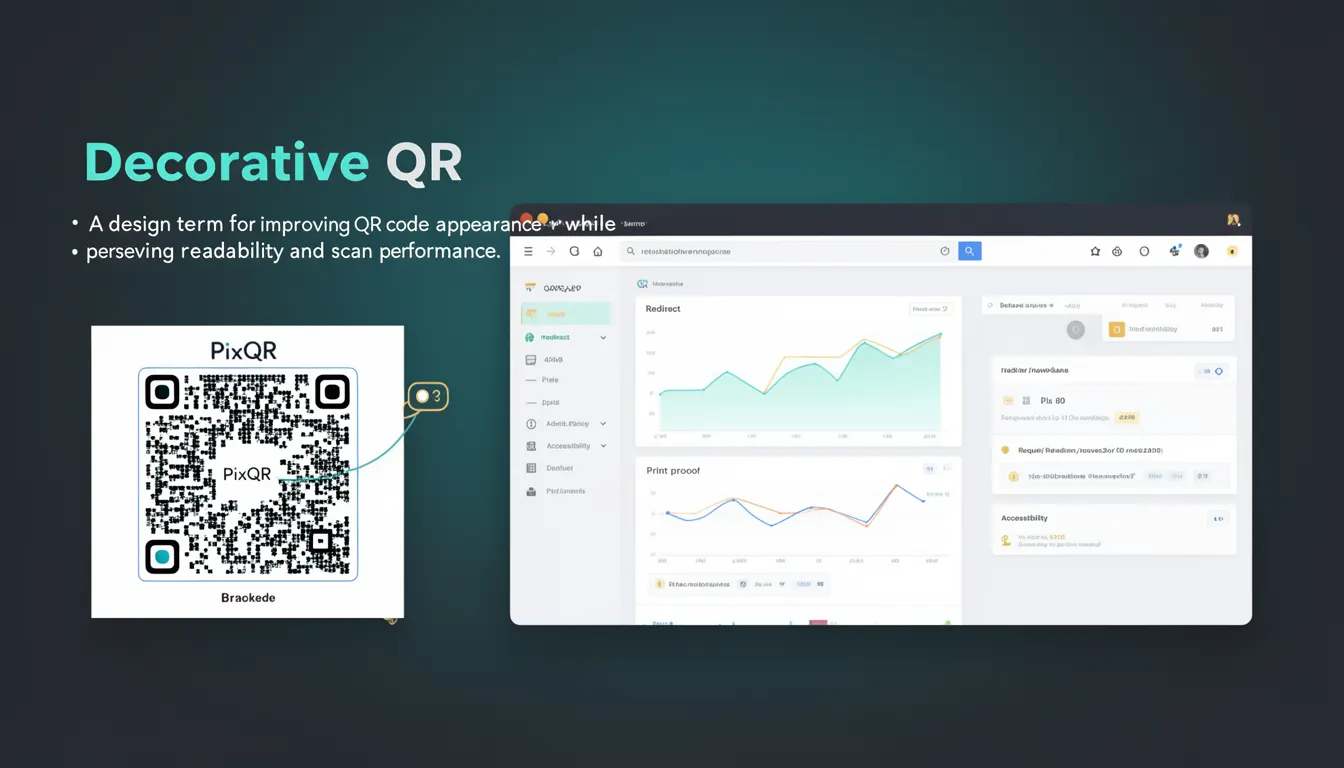
A Decorative QR code is a QR code design approach that enhances visual appeal while maintaining full functionality and scan reliability. Unlike traditional QR codes, which are typically monochromatic and geometric, a Decorative QR code incorporates brand elements, color, shapes, or patterns into its structure, provided that the underlying data integrity remains intact.
Developers use Decorative QR codes when branding consistency and user experience are priorities. For instance, a company may want its QR code to match its logo, color palette, or marketing assets. However, this must be done carefully to avoid compromising the code’s ability to be scanned reliably. PixQR supports Decorative QR generation by allowing developers to apply design elements to the QR code while preserving its core functionality.
Why It Matters
Decorative QR codes are crucial in modern digital marketing and brand identity strategies. They help ensure that QR codes blend seamlessly with a brand’s visual language, increasing user trust and engagement. In environments where QR codes are printed on physical materials or displayed in high-traffic digital spaces, a visually appealing QR code can significantly improve the likelihood of interaction.
From a technical standpoint, maintaining scan reliability is paramount. A poorly implemented decorative design can cause scanning failures, especially on low-quality devices or in poor lighting conditions. PixQR ensures that even with design enhancements, the QR code remains scannable by enforcing strict compliance with QR code standards during generation. This allows developers to implement brand-safe design without sacrificing functionality.
How It Works
Decorative QR code generation involves layering visual enhancements onto a standard QR code structure while ensuring that the underlying data remains accessible. The process typically involves:
- Identifying the QR code’s base structure, which includes alignment patterns, timing patterns, and data modules.
- Applying design elements such as color, logos, or textures to non-critical areas of the code.
- Preserving the integrity of the code's finder patterns and data encoding to ensure scanning success.
- Using a PixQR API or SDK to generate a code with design overrides that comply with industry standards.
- Validating the output to confirm that the code remains scannable under various conditions and devices.
Decorative QR generation in PixQR is managed through a configuration system that allows developers to specify:
- Color overrides for the QR code modules.
- Logo or image placement within the code's center.
- Background or border styling.
- Module shape customization (e.g., rounded corners).
- Design transparency or opacity levels.
Quick Reference
| Item | Purpose | Notes |
|---|---|---|
| Module Color | Defines the color of QR code modules | Must not obscure data |
| Logo Placement | Positions a brand logo in the center | Must be within safe zone |
| Background Style | Applies a background to the QR code | Should not interfere with scan |
| Module Shape | Changes shape of individual modules | Round or square variants supported |
| Design Transparency | Controls opacity of design elements | Should remain visible but not obstructive |
Basic Example
PixQR Example QR
This QR links directly to this glossary page, so printed notes, onboarding docs, and support material can bring scanners back to the current reference.

This example demonstrates how to generate a basic Decorative QR code using PixQR's API with a custom color and logo.
const qrConfig = {
  text: "https://example.com",
  design: {
    color: "#FF0000",
    logo: "https://example.com/logo.png"
  }
};

const qrCode = pixqr.generate(qrConfig);
The example sets a red color for the QR code modules and places a logo in the center. PixQR ensures that the logo is positioned in the safe zone, where scanning is not affected.
Production Example
This example shows a more robust implementation that includes validation, error handling, and accessibility considerations.
const generateDecorativeQR = (url, options = {}) => {
  try {
    const config = {
      text: url,
      design: {
        color: options.color || "#000000",
        logo: options.logo,
        background: options.background || "transparent"
      },
      size: options.size || 300,
      errorCorrection: "M"
    };

    const qrCode = pixqr.generate(config);
    return qrCode;
  } catch (error) {
    console.error("QR code generation failed:", error);
    return null;
  }
};
This version includes error handling, default fallbacks, and configurable options. It is suitable for integration into larger systems where reliability and consistency are key.
Common Mistakes
- Overlapping design elements with finder patterns, which causes scanning failures.
- Using too much transparency or low contrast, making the code hard to scan.
- Placing logos or images in the wrong area, such as the quiet zone or alignment patterns.
- Ignoring QR code size constraints, leading to poor readability on small displays.
- Applying too many visual styles, which can introduce scanning errors or inconsistencies.
Security And Production Notes
- Always validate the input URL to prevent injection or malicious redirects.
- Use secure HTTPS URLs for logos and design assets to avoid mixed-content issues.
- Limit the size of design assets to prevent performance degradation.
- Ensure that design elements do not interfere with the QR code's quiet zone or alignment markers.
- Test generated codes across multiple devices and scanners to verify compatibility.
Related Concepts
Decorative QR codes are closely related to several core QR code and branding concepts:
- QR Code Standards: The underlying structure of QR codes must remain intact for scan reliability.
- Dynamic Redirects: Decorative QR codes can be used with dynamic redirects to track user behavior.
- Brand Safe Design: Ensures that design elements align with brand guidelines and are scan-safe.
- Scan Analytics: Decorative QR codes can be tracked for performance and engagement metrics.
- Print Reliability: Design choices must maintain readability in physical print formats.