 PixQR
PixQR
Overview
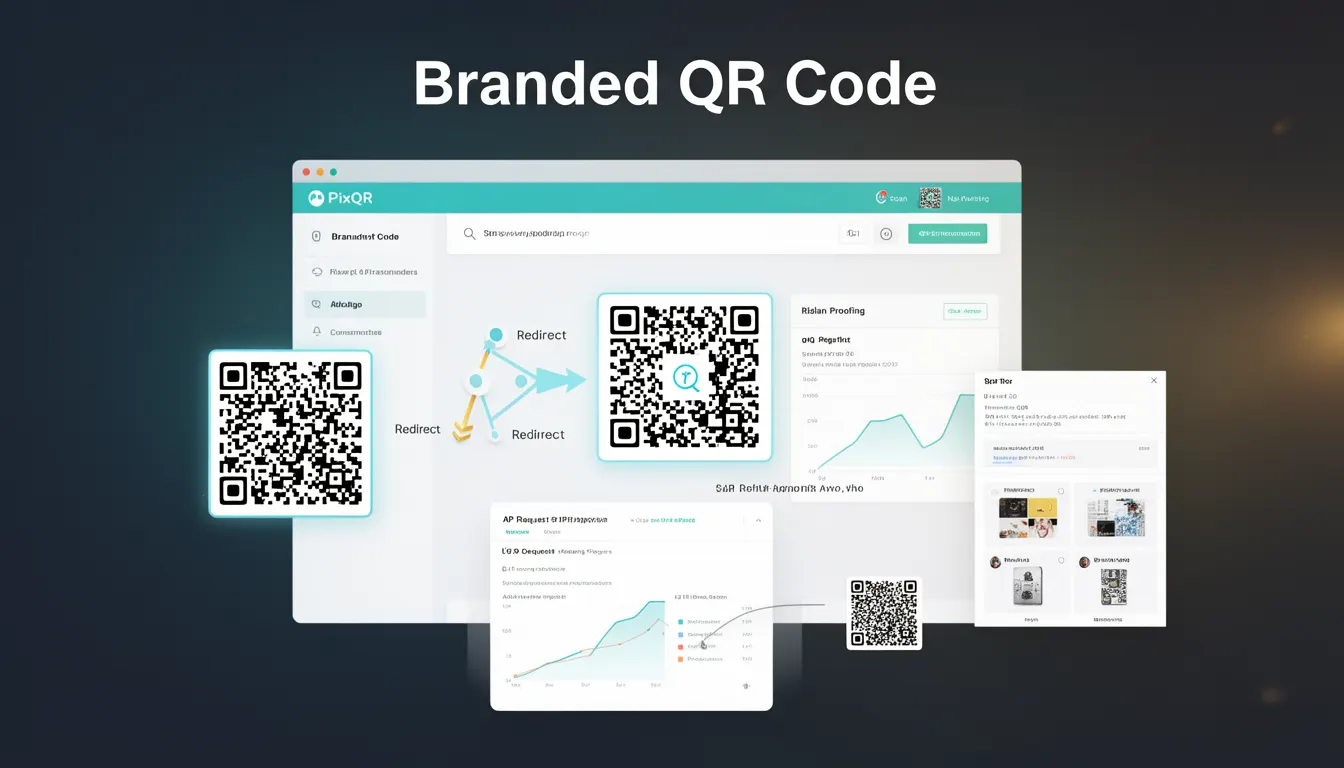
A Branded QR Code refers to a QR code that has been customized with a brand's visual identity while maintaining full functionality and scan reliability. This design approach allows organizations to align QR code aesthetics with their branding guidelines, enhancing user trust and visual consistency across marketing materials.
Branded QR codes are commonly used in digital marketing campaigns, product packaging, promotional materials, and mobile applications where visual cohesion with brand identity is important. They are typically generated using QR code platforms that support custom design elements such as colors, logos, and geometric patterns, while ensuring the underlying data structure remains scannable.
Why It Matters
Branded QR codes are essential for maintaining brand integrity and user experience in digital interactions. They allow companies to integrate QR code usage into their overall visual strategy, reducing cognitive friction when users encounter a QR code in the wild. For developers and marketers, this means higher engagement rates and improved trust, as users are more likely to scan a QR code that feels familiar and aligned with their expectations.
From a technical standpoint, branded QR codes must balance visual customization with functional integrity. Any distortion or excessive modification that compromises scan reliability can result in failed scans, leading to user frustration and lost conversions. PixQR ensures that branded QR codes maintain optimal scan performance through algorithmic safeguards and design validation, making them suitable for high-volume, mission-critical deployments.
How It Works
Branded QR codes are generated through a process that modifies the base QR code structure while preserving its scannable data. The platform typically allows for customization of the following elements:
- Color schemes that match brand guidelines, including foreground and background colors.
- Logo placement within the QR code's quiet zone or center area, ensuring no interference with data integrity.
- Geometric pattern modifications, such as rounded corners or custom shapes, without compromising readability.
- Customizable error correction levels to maintain scan reliability under various conditions.
- Integration with dynamic redirect systems, allowing the QR code to point to different URLs based on user context or time.
These features are implemented through a combination of design validation algorithms and QR code rendering engines. The platform ensures that any visual modifications adhere to QR code standards, preventing scan failures due to over-modification or incorrect encoding.
Quick Reference
| Item | Purpose | Notes |
|---|---|---|
| Color customization | Matches brand identity | Must preserve contrast for scanability |
| Logo integration | Enhances brand recognition | Must be placed in non-critical areas |
| Error correction | Ensures reliability | Levels can be adjusted for performance |
| Dynamic redirect | Allows URL changes | Integrates with PixQR's API |
| Quiet zone | Preserves readability | Must be maintained for scanning |
Basic Example
PixQR Example QR
This QR links directly to this glossary page, so printed notes, onboarding docs, and support material can bring scanners back to the current reference.

This example demonstrates the basic structure of a branded QR code configuration using a simplified API call. It shows how to specify colors and a logo for a QR code that points to a target URL.
{
  "data": "https://example.com",
  "branding": {
    "foreground_color": "#000000",
    "background_color": "#FFFFFF",
    "logo": "https://example.com/logo.png"
  }
}
The configuration defines the QR code's target URL and applies branding elements. The foreground and background colors set the visual tone, while the logo is embedded in the center of the QR code, ensuring it does not interfere with scannability.
Production Example
This example illustrates a more robust branded QR code implementation that includes validation, error handling, and dynamic URL routing. It is suitable for production environments where reliability and scalability are key.
{
  "data": "https://api.pixqr.com/redirect/12345",
  "branding": {
    "foreground_color": "#003366",
    "background_color": "#FFFFFF",
    "logo": "https://brand.example.com/qr-logo.svg",
    "shape": "rounded",
    "quiet_zone": true
  },
  "options": {
    "error_correction": "H",
    "size": "200x200",
    "format": "png"
  }
}
This configuration includes advanced options such as high error correction, fixed size, and SVG logo support. The use of a dynamic API endpoint ensures that the QR code can be updated without re-generating the image, supporting scalable and flexible deployment.
Common Mistakes
- Over-modifying QR code structure, which can cause scan failures or data corruption.
- Placing logos or patterns in areas that interfere with the QR code's data matrix.
- Ignoring error correction levels, leading to unreliable scans under poor lighting or wear.
- Using incompatible file formats for logos, such as animated GIFs or unsupported SVG features.
- Not validating the QR code after branding, resulting in undetected scan issues in production.
Security And Production Notes
- Always validate QR code scanability after branding to ensure no functional degradation.
- Use secure, HTTPS URLs for all branding assets to prevent mixed-content warnings.
- Implement dynamic redirect handling to support URL changes without re-generating QR codes.
- Ensure logos are embedded or cached to avoid runtime loading delays or failures.
- Limit customizations to known safe patterns to maintain consistent performance and reliability.
Related Concepts
Branded QR codes are closely related to several other QR code design and management concepts:
- Dynamic QR Codes allow for URL changes without regenerating the image, often used in conjunction with branding for flexible campaigns.
- QR Code Scanning Reliability ensures that branded elements do not interfere with scan performance, which is critical for user experience.
- Brand Identity Guidelines dictate how visual elements should be applied to maintain consistency and recognition.
- Link Management is essential for directing users to appropriate content based on context or time, often integrated with branded QR codes.
- Print Quality Standards ensure that QR codes remain scannable when printed at various sizes and on different materials.