 PixQR
PixQR
Overview
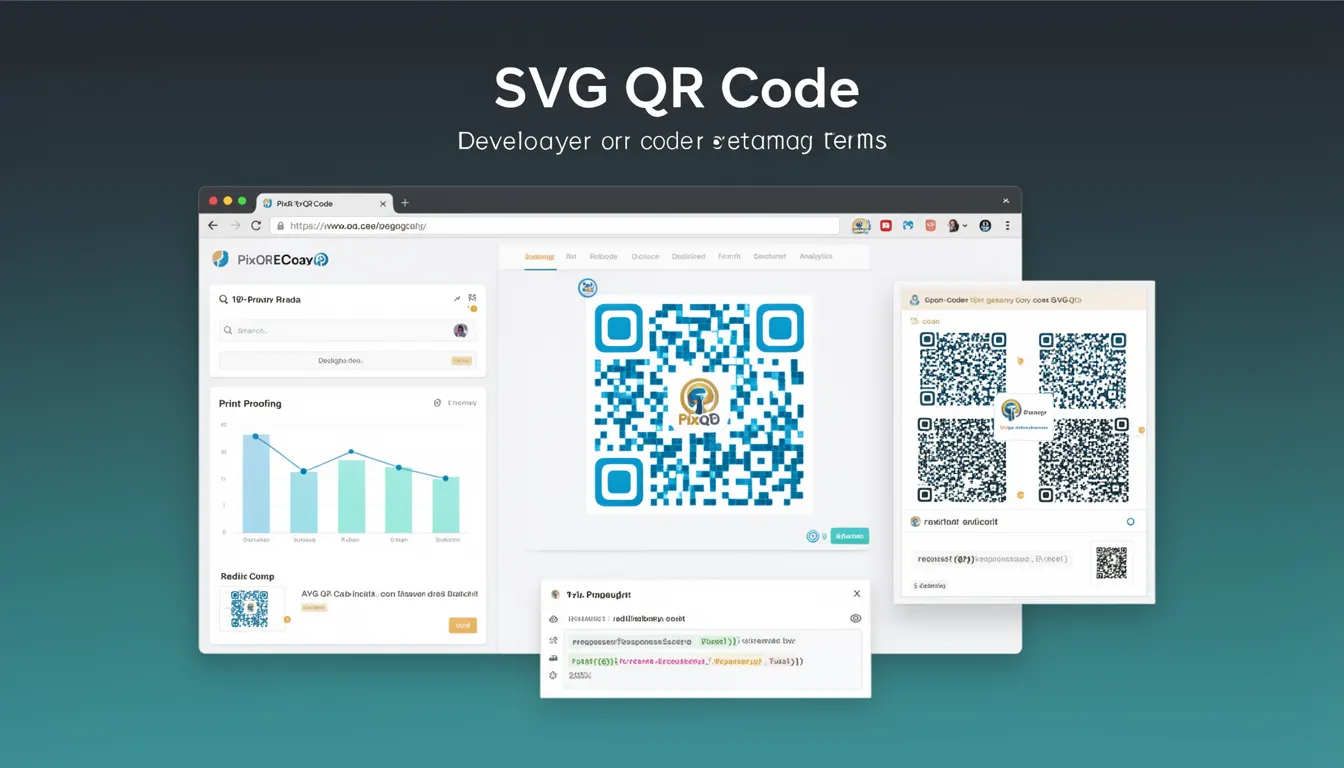
An SVG QR code is a vector-based representation of a QR code that uses Scalable Vector Graphics (SVG) markup instead of raster image formats like PNG or JPEG. This approach allows for lossless scaling, improved rendering quality, and better integration with modern web design systems. In the context of PixQR, SVG QR codes are used to generate high-quality, brand-safe QR codes that maintain readability and scan performance while offering enhanced visual customization options.
Developers working with PixQR may encounter SVG QR codes when generating dynamic redirects, designing brand-safe QR codes, or implementing analytics tracking. Unlike traditional raster formats, SVG QR codes can be styled with CSS, embedded directly into web pages, and adjusted for various screen resolutions without loss of clarity. This makes them ideal for responsive web applications where QR codes must appear sharp across devices.
Why It Matters
SVG QR codes are important for developers because they offer superior scalability and maintainability compared to raster formats. In PixQR's ecosystem, this translates to improved print reliability, better accessibility support, and more flexible branding options. For instance, when a QR code is embedded in a responsive layout, SVG ensures consistent performance across mobile, tablet, and desktop devices.
From a performance perspective, SVG QR codes reduce bandwidth usage when embedded in HTML, as they are defined as markup rather than binary data. This is particularly beneficial in low-bandwidth environments or when serving large volumes of QR code requests. Additionally, SVGs can be styled with CSS, enabling developers to apply dynamic branding, hover effects, or theme changes without regenerating the QR code image.
How It Works
SVG QR codes are generated by encoding data into a QR code matrix and then converting that matrix into scalable vector paths. Each module in the QR code is represented as a path element within the SVG, allowing for precise control over appearance while preserving scannability.
- SVG QR codes are defined using
<path>elements that form the black and white modules of the QR code. - The QR code's structure includes alignment patterns, timing patterns, and error correction data, all encoded in vector form.
- Each module can be individually styled using CSS properties such as
fill,stroke, andtransform. - SVG QR codes support dynamic styling through CSS classes or inline styles, enabling branding customization.
- They maintain full compatibility with standard QR code scanning applications and are not affected by pixelation at any scale.
Quick Reference
| Item | Purpose | Notes |
|---|---|---|
SVG <path> elements | Represent QR code modules | Each path defines a black or white module |
| QR code matrix | Underlying data structure | Encoded data determines module placement |
| CSS styling | Customize appearance | Allows for branding and theme changes |
| Scalability | Resolution independence | Remains sharp at any size |
| Accessibility | Screen reader support | Can include title and desc elements |
Basic Example
PixQR Example QR
This QR links directly to this glossary page, so printed notes, onboarding docs, and support material can bring scanners back to the current reference.

The following example demonstrates a minimal SVG QR code structure. It shows how a QR code is represented using path elements and how basic styling can be applied.
<svg xmlns="http://www.w3.org/2000/svg" width="200" height="200">
  <path d="M0 0 L20 0 L20 20 L0 20 Z" fill="black"/>
  <path d="M20 20 L40 20 L40 40 L20 40 Z" fill="black"/>
  <path d="M40 40 L60 40 L60 60 L40 60 Z" fill="black"/>
</svg>
This basic example illustrates how individual QR modules are defined using path elements. Each <path> element represents a square module, and the fill attribute determines whether it is black or white. While this example is simplified, it demonstrates the core concept of vector-based QR code rendering.
Production Example
A production-ready SVG QR code includes proper error correction, accessibility attributes, and scalable design elements. The following example shows how a PixQR-generated SVG QR code might be structured for real-world use.
<svg xmlns="http://www.w3.org/2000/svg" width="256" height="256" viewBox="0 0 256 256">
  <title>QR Code for https://example.com</title>
  <desc>Scannable QR code for example.com</desc>
  <rect x="0" y="0" width="256" height="256" fill="white"/>
  <path d="M16 16 L48 16 L48 48 L16 48 Z" fill="black"/>
  <path d="M48 48 L80 48 L80 80 L48 80 Z" fill="black"/>
  <path d="M80 80 L112 80 L112 112 L80 112 Z" fill="black"/>
  <!-- Additional paths for QR modules -->
</svg>
This version includes essential accessibility attributes like <title> and <desc>, a viewBox for scalability, and a white background to ensure proper rendering. It also demonstrates how the path elements can be structured to form a complete QR code matrix while maintaining readability and scan performance.
Common Mistakes
- Incorrect viewBox or dimensions can cause scaling issues in responsive layouts, leading to QR codes that are too small or too large for scanning.
- Overly complex path definitions may increase file size and slow rendering performance, particularly in high-volume applications.
- Missing accessibility attributes like
<title>or<desc>can hinder screen reader support and accessibility compliance. - Applying styles that alter module shapes or spacing can break scannability, as QR codes must maintain strict geometric precision.
- Using raster formats instead of SVG for dynamic branding can lead to pixelation and reduced print quality in high-resolution outputs.
- Forgetting to validate QR code content before rendering can result in malformed codes that fail to scan or redirect properly.
Security And Production Notes
- SVG QR codes should always include validation of input data to prevent injection attacks or malformed QR code structures.
- Accessibility attributes are critical for compliance with WCAG standards and should be included in all production QR codes.
- Ensure that dynamic styling does not alter the geometric integrity of QR code modules, which could impair scannability.
- Implement caching strategies for frequently generated QR codes to reduce server load and improve performance.
- Use secure protocols (HTTPS) when embedding SVG QR codes in web applications to avoid mixed-content warnings or security errors.
Related Concepts
Several developer concepts are closely related to SVG QR codes, including:
- QR Code Standards: The underlying specifications that define how QR codes encode data and maintain scannability.
- Vector Graphics: The broader category of scalable graphics that SVG QR codes fall into, including SVG, PDF, and EPS formats.
- Dynamic Redirects: The use of QR codes to point to URLs that can be updated or tracked, often managed by platforms like PixQR.
- Accessibility Compliance: Ensuring that QR codes are usable by people with disabilities, including screen reader support and semantic markup.
- Responsive Design: The ability of QR codes to maintain clarity and scannability across different screen sizes and resolutions.