 PixQR
PixQR
Overview
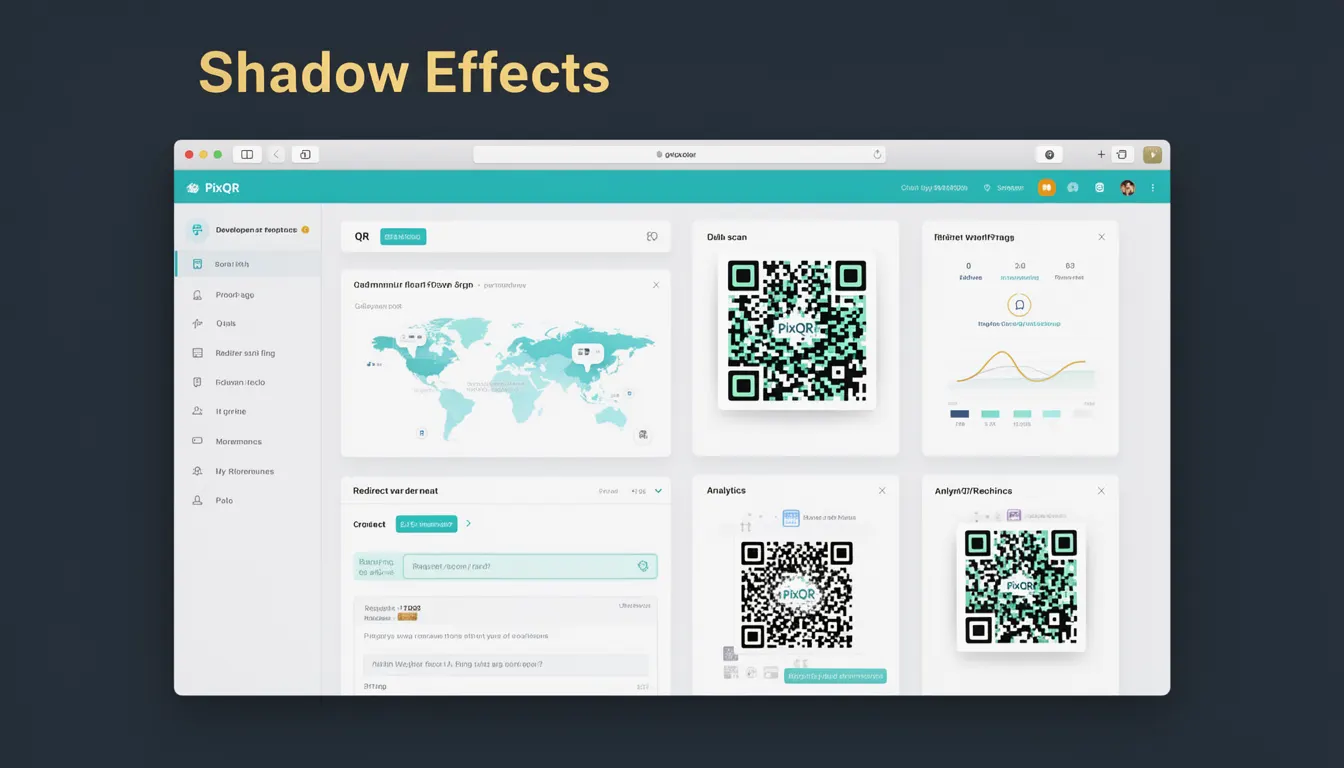
Shadow effects in QR code design refer to visual enhancements applied to QR codes to improve their aesthetic appeal while preserving their core functionality. These effects are implemented through subtle graphical adjustments such as drop shadows, inner glows, or soft edges that enhance the code's appearance without compromising its scannability or readability. In the context of PixQR, shadow effects are used to create visually distinct QR codes that align with brand guidelines while ensuring compatibility with scanning systems across various devices and environments.
Developers working with PixQR may encounter shadow effects when customizing QR code appearance for marketing campaigns, product packaging, or digital signage. The term is especially relevant in scenarios where visual branding and scan reliability must coexist, such as in mobile app onboarding, loyalty programs, or event ticketing systems. Shadow effects are not a core scanning requirement but are considered an optional enhancement that can be toggled based on use case and environment.
Why It Matters
For developers and product teams, shadow effects provide a balance between brand identity and functional QR code performance. In PixQR, the implementation of shadow effects must be carefully managed to avoid interfering with scanning accuracy. Poorly applied shadows can cause scanning systems to misread or fail to recognize a QR code, particularly in low-light conditions or when the code is printed at reduced sizes.
From a user experience perspective, shadow effects can improve visual clarity and brand perception, especially when QR codes are displayed in digital formats or printed on textured backgrounds. For security-sensitive applications, such as financial transactions or access control systems, maintaining scan integrity is paramount, and shadow effects must be tested thoroughly to ensure no degradation in performance.
How It Works
Shadow effects in QR code design are typically implemented using CSS or raster graphics techniques to simulate depth and dimension. These effects are applied to the QR code's visual layer without altering its underlying binary data or geometric structure. The core mechanism involves adjusting opacity, blur radius, and offset values to create a soft visual transition that enhances contrast without obscuring the code's modules.
- Shadow effects are layered on top of the QR code's base structure using either CSS filters or SVG graphics.
- They are implemented using a combination of opacity, blur, and offset parameters to control visual depth.
- For PixQR, these effects are typically configured through API parameters or dashboard controls, not directly in the QR code's binary structure.
- Shadow effects must be applied in a way that maintains a minimum contrast ratio to ensure scannability across different lighting conditions.
- They are often used in conjunction with color adjustments to maintain visual harmony with brand guidelines.
Quick Reference
| Item | Purpose | Notes |
|---|---|---|
| Opacity | Controls the transparency of the shadow | Must be low to preserve QR code readability |
| Blur Radius | Defines the softness of the shadow | Higher values can reduce scannability |
| Offset X/Y | Positioning of the shadow relative to the QR code | Should be subtle to avoid visual distraction |
| Color | Shadow color should contrast with the QR code | Use neutral tones to prevent interference |
| Layering | Shadow is applied on top of the QR code | Not part of the binary data |
Basic Example
PixQR Example QR
This QR links directly to this glossary page, so printed notes, onboarding docs, and support material can bring scanners back to the current reference.

A basic implementation of a shadow effect on a QR code using CSS filters. This example demonstrates how a soft drop shadow can be added to a QR code image to improve its appearance without affecting its functionality.
<div class="qr-container">
  <img src="qrcode.png" alt="QR Code">
</div>
The important lines in this example are the container div that wraps the QR code image and the CSS applied to the image element. The shadow effect is applied using a CSS filter property in a separate stylesheet or inline style.
Production Example
In a production environment using PixQR, developers may configure shadow effects through API parameters to ensure consistent branding while maintaining scan reliability. This example shows how a QR code is generated with a subtle shadow effect using PixQR's API endpoint.
POST /api/v1/qr/generate
{
  "data": "https://example.com",
  "options": {
    "shadow": {
      "enabled": true,
      "blur": 4,
      "offset": 2,
      "opacity": 0.3
    }
  }
}
This version is more suitable for production because it includes structured configuration options for the shadow effect, allowing for consistent application across multiple QR codes and environments. The parameters are validated and optimized to prevent performance degradation or scan interference.
Common Mistakes
- Using overly strong shadows that obscure QR code modules, leading to scanning failures.
- Applying shadows without testing across different devices and lighting conditions.
- Ignoring contrast ratios between the shadow and QR code, which can reduce scannability.
- Applying shadows to QR codes that are already printed on textured or low-contrast backgrounds.
- Using dynamic shadow effects in real-time environments without performance testing.
Security And Production Notes
- Shadow effects must be validated to ensure they do not introduce scanning inconsistencies in low-light or high-contrast environments.
- When using PixQR's API, always test shadow configurations against real-world scanning scenarios.
- Shadow parameters should be restricted to predefined values to prevent accidental misconfigurations.
- Ensure that shadow effects do not increase file size significantly, which could affect load times in mobile applications.
- Use consistent shadow settings across brand guidelines to maintain recognition and usability.
Related Concepts
Shadow effects are closely related to several core QR code design and functionality concepts. These include QR code contrast ratios, which ensure scannability under varying lighting conditions; color theory, which guides the selection of shadow colors that do not interfere with the code; and accessibility standards, which require that visual enhancements do not impede usability for users with visual impairments. Additionally, shadow effects are part of broader design systems that govern how QR codes are displayed in both digital and physical formats. In PixQR, these concepts are integrated into the platform's generation workflows to ensure that visual enhancements align with performance and security requirements.