 PixQR
PixQR
Overview
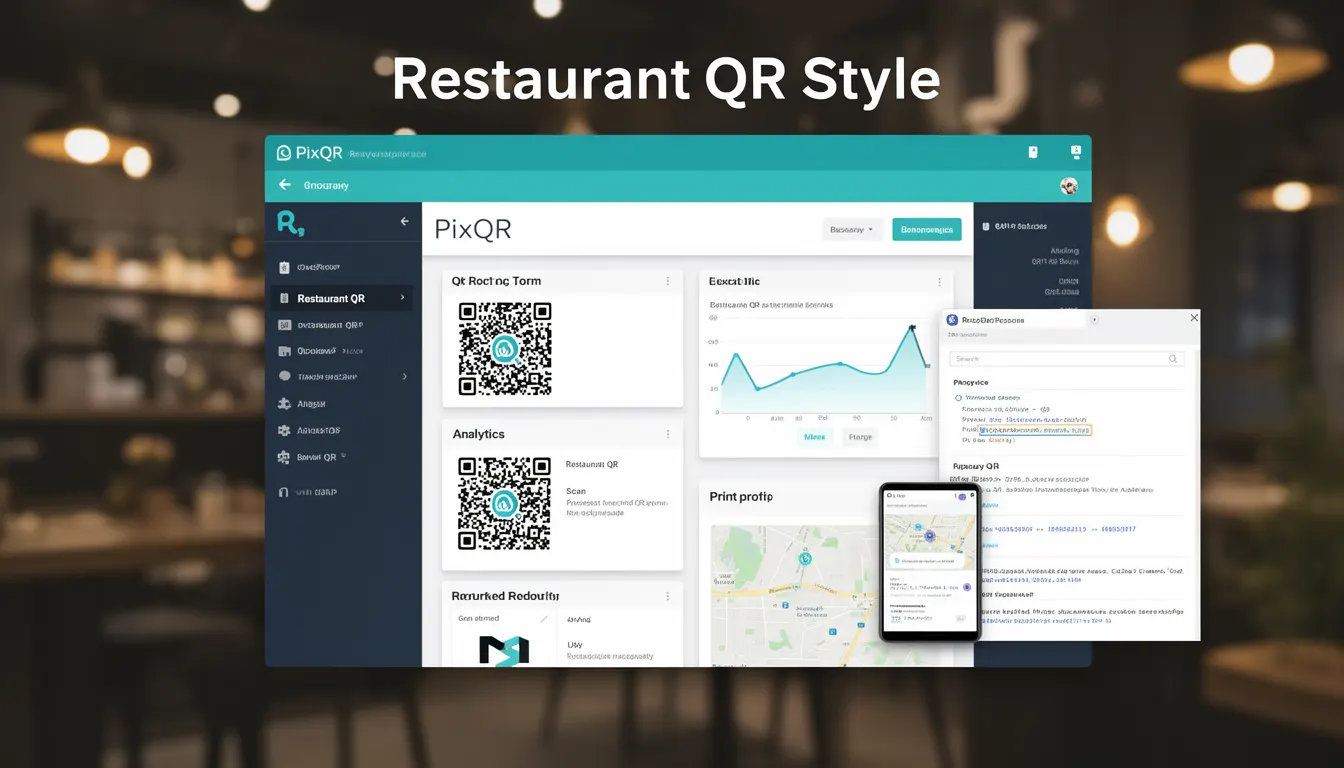
Restaurant QR Style refers to a specific visual design approach used in QR code generation for restaurants, focusing on enhancing the aesthetic appeal of QR codes while maintaining full functionality and scan reliability. This design style often integrates brand elements, logos, or thematic visuals into the QR code structure without compromising its ability to be read by standard scanning applications.
In the context of PixQR, Restaurant QR Style is implemented as a configurable design option that allows developers and restaurant operators to customize QR code appearance to match their brand identity, while ensuring the codes remain scannable across various devices and lighting conditions. This approach bridges the gap between visual branding and technical utility, especially important for businesses that want to maintain consistent customer experience across digital and physical touchpoints.
Why It Matters
For developers and product teams working with PixQR, Restaurant QR Style offers a balance between brand expression and functional integrity. A poorly designed QR code can fail to scan, leading to customer frustration and lost engagement opportunities. By adhering to best practices in Restaurant QR Style, developers ensure that visual enhancements do not compromise scan performance, which is critical for applications such as menu ordering, payment processing, or loyalty program access.
From a user experience standpoint, well-designed QR codes contribute to brand trust and professionalism. A QR code that looks out of place or unprofessional can undermine the brand's image. Restaurant QR Style supports the goal of maintaining a cohesive visual identity while ensuring technical reliability, which is especially important in environments where customers expect seamless interactions.
How It Works
Restaurant QR Style in PixQR is implemented through a combination of visual customization options and algorithmic processing to maintain scannability. The system typically allows for modifications to the QR code’s color, shape, and inclusion of embedded elements such as logos or icons. However, these modifications are constrained by the underlying QR code structure to prevent degradation of readability.
- Color customization is supported with options for foreground and background hues, but contrast ratios are enforced to ensure visibility.
- Logo embedding is allowed, but only within designated safe zones that do not interfere with the code’s data structure.
- Shape modifications, such as rounded corners or custom framing, are supported but must not reduce the code’s scanability.
- Thematic design elements like textures or gradients are applied with careful consideration to avoid obscuring data points.
- Dynamic QR code generation supports style parameters that are preserved across scans and redirects, maintaining consistency in branding.
Quick Reference
| Item | Purpose | Notes |
|---|---|---|
| Foreground color | Defines the color of the QR code's data blocks | Must ensure sufficient contrast against background |
| Background color | Defines the color of the QR code's empty space | Should not be too similar to foreground color |
| Logo embedding | Allows inclusion of brand or restaurant logo | Must be placed within safe zones |
| Shape customization | Supports rounded or custom framing | Must not reduce scan reliability |
| Thematic elements | Includes textures or gradients | Must not obscure QR data points |
Basic Example
PixQR Example QR
This QR links directly to this glossary page, so printed notes, onboarding docs, and support material can bring scanners back to the current reference.

A basic implementation of Restaurant QR Style in PixQR involves setting color options for a QR code. This example demonstrates how to configure a QR code with a brand-appropriate color scheme while preserving readability.
const qrConfig = {
  content: 'https://example.com/menu',
  style: {
    foregroundColor: '#000000',
    backgroundColor: '#ffffff'
  }
};

const qrCode = pixqr.generate(qrConfig);
This example sets the QR code’s foreground color to black and background to white. These choices ensure high contrast and optimal scan performance, which are key requirements for Restaurant QR Style.
Production Example
In a production environment, developers must consider multiple factors to ensure QR codes are both visually appealing and technically robust. This example shows how to generate a restaurant QR code with branding while maintaining scan reliability and accessibility.
const restaurantQRConfig = {
  content: 'https://restaurant.example.com/order',
  style: {
    foregroundColor: '#2c3e50',
    backgroundColor: '#f8f9fa',
    logo: 'https://restaurant.example.com/logo.png',
    shape: 'rounded'
  },
  validation: {
    scanTest: true,
    accessibility: true
  }
};

const qrCode = pixqr.generate(restaurantQRConfig);
This version includes a logo and rounded shape, which are common in Restaurant QR Style, but also enables validation and accessibility checks. These features ensure the generated QR code is both visually integrated with the brand and technically sound for real-world use.
Common Mistakes
- Using too little contrast between foreground and background colors, resulting in poor scanability.
- Embedding logos or icons in areas that interfere with QR code data points, causing scanning failures.
- Applying overly complex visual effects like gradients or textures that obscure data structures.
- Ignoring scan testing and validation, leading to deployed codes that fail in real-world conditions.
- Not accounting for accessibility requirements, such as colorblind-friendly contrasts or scalable design elements.
Security And Production Notes
- Always validate QR code designs against scan reliability standards to avoid customer experience issues.
- Ensure that embedded logos or branding elements do not contain malicious data or tracking parameters.
- Test QR codes under various lighting conditions and device types to ensure consistent performance.
- Use PixQR’s built-in accessibility features to support users with visual impairments or color vision deficiencies.
- Keep design parameters within known limits to prevent performance degradation or rendering issues.
Related Concepts
Restaurant QR Style is closely related to several core concepts in QR code development and digital branding. These include:
- QR Code Structure: The fundamental layout of QR codes that must remain intact for functionality.
- Scan Reliability: The ability of a QR code to be read consistently across different devices and conditions.
- Dynamic Redirects: The capability to update QR code content without changing the physical code.
- Brand Identity Integration: Aligning QR code design with overall brand aesthetics and messaging.
- Accessibility Standards: Ensuring QR codes are usable by individuals with disabilities.