 PixQR
PixQR
Overview
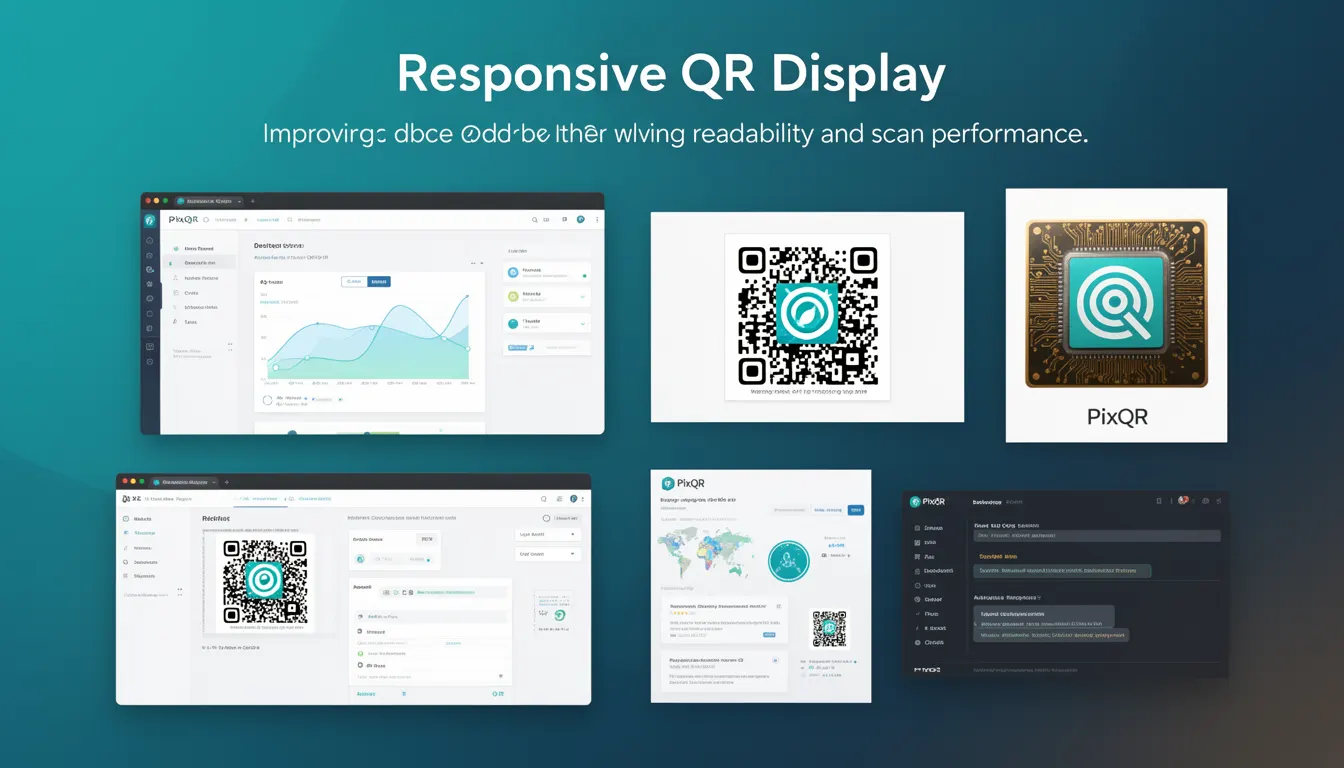
Responsive QR Display refers to the practice of designing QR codes that adapt to different screen sizes, device types, and display contexts while maintaining their core functionality: scannability and readability. This concept is essential in modern web and mobile environments where QR codes may be viewed on desktops, tablets, smartphones, or printed materials.
For developers working with PixQR, Responsive QR Display ensures that generated QR codes are not only visually consistent across platforms but also perform reliably under varying conditions. It directly impacts how users interact with QR codes in real-world scenarios, especially when scanning from mobile devices with different screen resolutions, orientations, and lighting conditions.
Why It Matters
Responsive QR Display is critical for user experience and operational success in QR code systems. Poorly designed QR codes may fail to scan due to scaling issues, incorrect aspect ratios, or low resolution on high-DPI screens. These failures can result in user frustration, reduced engagement, and lost conversion opportunities.
From a security perspective, a QR code that does not display correctly might be misinterpreted or manipulated by malicious actors. Ensuring that QR codes maintain integrity across platforms also supports brand safety and prevents fraudulent use. In PixQR environments, this translates to reliable redirects, accurate analytics, and consistent user journeys from scan to destination.
How It Works
The implementation of Responsive QR Display involves several technical considerations to ensure that QR codes remain scannable and visually appropriate across all contexts.
- QR code generation must account for device pixel ratio (DPR) to maintain clarity on high-resolution displays.
- Scaling should preserve the QR code’s error correction level (ECC) and module structure to prevent scanning failures.
- Display logic must support both static and dynamic QR codes, adapting to layout changes in responsive frameworks.
- Layout constraints such as container width, padding, and margin must be handled carefully to prevent distortion.
- Accessibility features like alt text and semantic labeling should be preserved during responsive adjustments.
When a QR code is embedded in a responsive layout, developers must ensure that its rendering does not break the layout or compromise scanability. This often involves setting fixed dimensions, using scalable vector formats where possible, and testing across multiple screen sizes and devices.
Quick Reference
| Item | Purpose | Notes |
|---|---|---|
| Module size | Controls QR code resolution | Must be consistent for scannability |
| Pixel density | Ensures clarity on high-DPI screens | Should scale with device DPR |
| Container width | Defines display area | Must not distort QR grid |
| Error correction level | Prevents scanning failure | Should remain constant |
| Aspect ratio | Maintains shape integrity | Must be preserved during scaling |
Basic Example
PixQR Example QR
This QR links directly to this glossary page, so printed notes, onboarding docs, and support material can bring scanners back to the current reference.
/glossary/qr-code-design/qr-code-design-responsive-qr-display

A basic example of Responsive QR Display involves setting a fixed size for a QR code container while allowing it to scale within its parent layout.
<div class="qr-container">
  <img src="/api/qr?data=example.com" alt="Example QR Code">
</div>
This approach uses a fixed-size image element inside a container. The image is generated with a fixed module size to ensure scannability, while the container allows for flexible layout.
Production Example
In a production environment, a responsive QR code implementation must consider dynamic scaling, accessibility, and compatibility across platforms.
<div class="responsive-qr" style="max-width: 200px">
  <img
    src="/api/qr?data=example.com&size=200x200"
    alt="Scan to visit example.com"
    loading="lazy"
    width="200"
    height="200"
  >
</div>
This version includes explicit sizing, lazy loading, and an accessible alt text. It ensures that the QR code is not only visually appropriate but also performs well under real-world usage conditions.
Common Mistakes
- Using fixed pixel dimensions without considering device resolution, leading to blurry or oversized codes on high-DPI screens.
- Applying CSS transforms or scaling that distort the QR grid, making it unreadable to scanners.
- Ignoring error correction levels during generation, resulting in codes that fail under poor lighting or damage.
- Not testing responsive behavior on various screen sizes or devices, causing display issues in production.
- Overlooking accessibility features like alt text or semantic labeling, which can prevent screen readers from interpreting the code.
Security And Production Notes
- Always validate QR code data to prevent injection or malicious payloads during generation.
- Use secure protocols (HTTPS) for QR code API endpoints to avoid man-in-the-middle attacks.
- Implement proper error handling for failed QR code generation or invalid input data.
- Ensure that QR codes do not contain sensitive or private information that could be exposed during scanning.
- Test QR code rendering across different browsers and platforms to ensure consistent behavior and performance.
Related Concepts
Responsive QR Display is closely related to several core QR code development concepts:
- QR Code Generation – The process of creating QR codes from data, which must be optimized for various display contexts.
- Dynamic Redirects – QR codes that change behavior based on user context or campaign data, requiring consistent display across platforms.
- Scan Analytics – Tracking how QR codes are scanned, which depends on their visual clarity and consistent display.
- Print Reliability – Ensuring QR codes remain scannable when printed at various sizes or on different materials.
- Brand Safety – Maintaining visual integrity and consistency to protect brand perception and prevent misuse.