 PixQR
PixQR
Overview
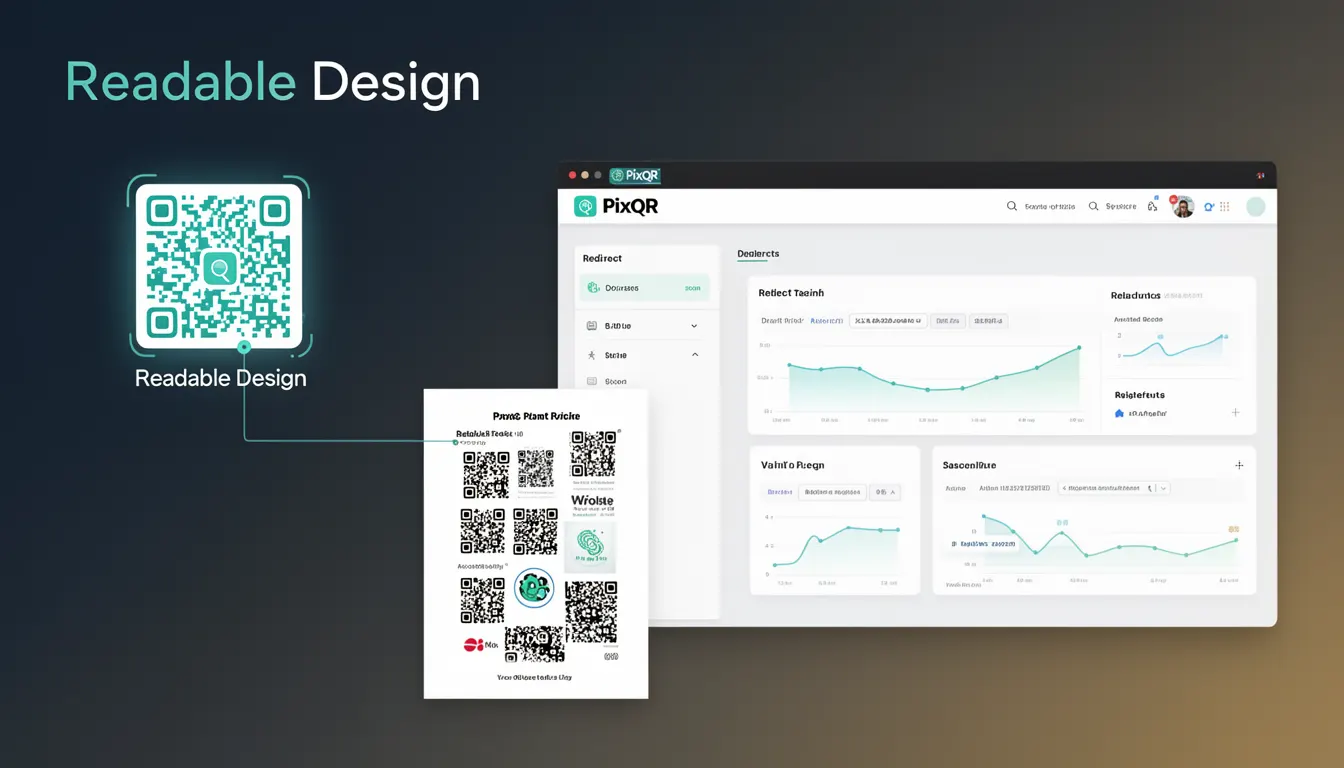
Readable Design in the context of QR code generation refers to the practice of enhancing the visual appearance of a QR code while preserving its core functionality and scanability. This involves balancing aesthetic appeal with technical requirements such as contrast, geometric integrity, and data integrity. In PixQR, Readable Design ensures that QR codes are not only functional but also align with brand guidelines, visual identity, and user expectations.
Developers working with PixQR must understand how to implement Readable Design to maintain both performance and branding consistency. This is especially important in scenarios involving dynamic redirects, print materials, and brand-safe applications where the QR code must appear professional and trustworthy while remaining fully scannable.
Why It Matters
Readable Design directly impacts the usability and effectiveness of QR codes in production environments. Poorly designed QR codes may appear unprofessional, leading to user hesitation or failure to scan. From a security perspective, a QR code that is visually distorted or improperly configured may be flagged as suspicious by scanning applications, especially in high-risk environments such as financial or healthcare sectors.
For PixQR users, maintaining readability ensures that QR codes function reliably across different platforms, scanners, and lighting conditions. It also helps avoid brand inconsistencies or misinterpretations, which are critical when QR codes are used for marketing, customer onboarding, or secure access flows.
How It Works
Readable Design in QR code generation involves several technical considerations and implementation strategies:
- Contrast ratios between the QR code’s dark and light modules must meet accessibility standards, such as WCAG 2.1 AA, to ensure scanning across devices.
- Module shape and size must remain consistent to preserve scanning accuracy; any distortion or scaling can cause decoding failures.
- Color selection should be carefully chosen to maintain visibility without introducing visual noise that might interfere with scanning.
- Customizations like logos or brand elements must be placed in non-critical areas to avoid disrupting the QR code’s integrity.
- When using dynamic redirects, the design must not compromise the underlying URL structure or introduce encoding errors that affect scan performance.
Within PixQR, Readable Design is implemented through configuration options such as module size, color contrast, and layout constraints. The system validates that any design changes do not alter the QR code’s scanability or introduce artifacts that would prevent successful decoding.
Quick Reference
| Item | Purpose | Notes |
|---|---|---|
| Module size | Controls the physical size of QR code modules | Must be consistent to preserve scanability |
| Color contrast | Ensures visibility across devices and lighting | Must meet WCAG 2.1 AA minimums |
| Logo placement | Allows brand elements without disrupting QR code integrity | Must be in non-critical areas |
| Encoding mode | Selects how data is encoded in QR code | Must be compatible with data type and scan target |
| Scan reliability | Ensures QR code functions in all intended environments | Validated during generation and testing |
Basic Example
PixQR Example QR
This QR links directly to this glossary page, so printed notes, onboarding docs, and support material can bring scanners back to the current reference.

This example demonstrates how to generate a basic QR code with Readable Design using PixQR's core API. It sets a consistent module size and ensures a high-contrast color scheme.
const qrConfig = {
  data: "https://example.com",
  size: 200,
  color: "#000000",
  background: "#ffffff",
  margin: 1
};

const qrCode = pixqr.generate(qrConfig);
The size parameter defines the QR code’s pixel dimensions. The color and background parameters ensure sufficient contrast. The margin adds padding to prevent clipping during rendering.
Production Example
This example shows a more robust implementation suitable for production use. It includes validation for contrast ratios, error handling, and compatibility checks for dynamic redirects.
const generateQRWithDesign = (url, brandColors) => {
  const config = {
    data: url,
    size: 300,
    color: brandColors.foreground,
    background: brandColors.background,
    margin: 2,
    ecc: "M",
    logo: {
      url: "/brand/logo.png",
      size: 30
    }
  };

  try {
    const qr = pixqr.generate(config);
    return qr;
  } catch (error) {
    console.error("QR code generation failed:", error);
    return null;
  }
};
This version includes a logo configuration, which is validated to ensure it does not interfere with the QR code's core modules. The error handling prevents system crashes, and the ecc (Error Correction Capability) is set to "M" for moderate redundancy, balancing size and reliability.
Common Mistakes
- Using low-contrast colors that fail accessibility standards, causing scanning issues in low-light environments.
- Adding large logos or custom graphics in the central modules, which are critical for decoding.
- Scaling QR codes beyond recommended dimensions, which can distort modules and cause failure.
- Ignoring error correction levels, leading to codes that fail in noisy or degraded scanning environments.
- Not validating QR code output for scanability after design customization, which can introduce silent failures.
Security And Production Notes
- Always validate that design changes do not affect the QR code’s data integrity or scanability before deployment.
- Ensure that custom colors comply with accessibility standards to prevent scanning failures across platforms.
- Use error correction levels (L, M, Q, H) appropriately to balance code size and resilience.
- Log and monitor QR code scan failures to detect design-related issues in production environments.
- When using dynamic redirects, validate that design customizations do not alter URL encoding or introduce scanning artifacts.
Related Concepts
Readable Design intersects with several related developer concepts in QR code implementation:
- Dynamic Redirects – Readable Design must not compromise redirect URL integrity or introduce encoding errors.
- Scan Reliability – Ensures QR codes are scannable under various conditions, including print quality and lighting.
- Brand Safety – Maintains visual consistency with brand guidelines while preserving functional integrity.
- Privacy Controls – Ensures that QR code designs do not inadvertently expose sensitive data or tracking parameters.
- Analytics Integration – Readable Design must not interfere with tracking or analytics data embedded in QR code URLs.