 PixQR
PixQR
Overview
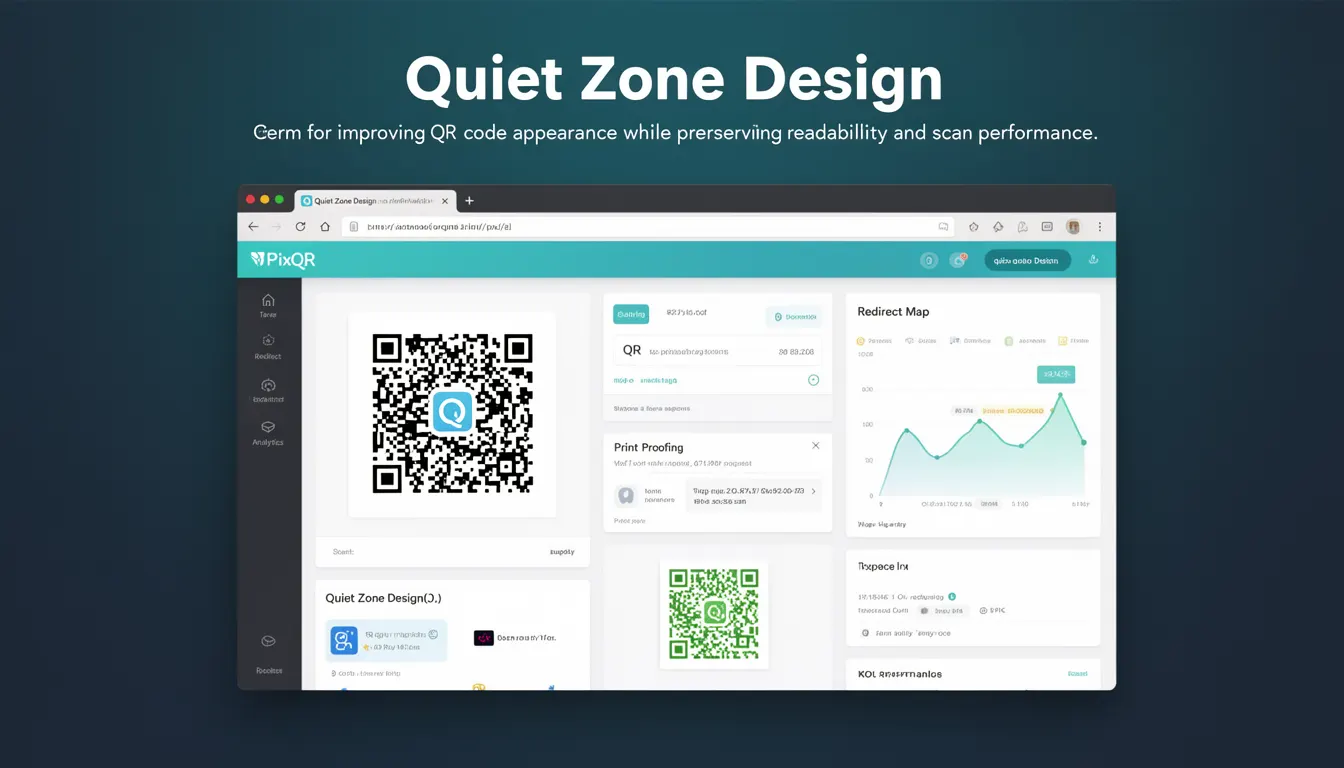
Quiet Zone Design refers to the intentional spacing and layout around a QR code to ensure optimal readability and scan performance while maintaining aesthetic appeal. This design element is critical in QR code generation, especially when integrating QR codes into branding, marketing materials, or digital interfaces.
In PixQR, Quiet Zone Design is a core component of the QR code generation pipeline. It ensures that the code remains scannable even when surrounded by visual elements, logos, or other design components. Properly configured quiet zones prevent scan failures, reduce misreads, and maintain compliance with QR code standards such as ISO/IEC 18004.
Why It Matters
For developers and site operators, the quiet zone is a critical factor in QR code reliability. Without sufficient quiet zones, QR codes can become unreadable due to interference from adjacent graphics, text, or background elements. This directly impacts user experience, especially in environments like print media, web pages, or apps where design constraints are common.
In PixQR, ensuring quiet zone integrity is essential for operational workflows. A QR code with insufficient quiet zones may fail to scan in real-world conditions, leading to user frustration and potential loss of engagement. For secure applications, this could also result in failed redirects or compromised link tracking, affecting analytics and fraud prevention.
How It Works
Quiet Zone Design involves specific spacing rules that define how much blank space must surround a QR code. This spacing is defined in modules, where a module is a single black or white square in the QR code grid. The standard specifies a minimum of four modules of clear space around the QR code.
- Standard QR codes must have a minimum of four modules of clear space on all sides, as defined by ISO/IEC 18004.
- PixQR enforces this spacing during QR generation to ensure compatibility with most scanning devices and applications.
- When a QR code is embedded in a design, the quiet zone must remain unobstructed to maintain scan reliability.
- Some applications allow for reduced quiet zones if the QR code is embedded in a controlled environment with high-quality scanners.
- Advanced PixQR tools support dynamic quiet zone adjustments based on output medium, such as print or digital screen.
Quick Reference
| Item | Purpose | Notes |
|---|---|---|
| Quiet Zone Size | Minimum spacing around QR code | Must be at least 4 modules |
| Module Count | Number of black/white squares in grid | Defines QR code density |
| Output Medium | Print vs. digital rendering | May affect quiet zone requirements |
| Scan Compatibility | Device or application support | Higher-end scanners may tolerate less spacing |
| Design Constraints | Visual elements near QR code | Must not interfere with quiet zone |
Basic Example
PixQR Example QR
This QR links directly to this glossary page, so printed notes, onboarding docs, and support material can bring scanners back to the current reference.

This basic example demonstrates how to define a QR code with a standard quiet zone using PixQR's API. It ensures that the QR code is generated with the minimum required spacing for reliable scanning.
const qrCode = pixqr.generate({
  text: 'https://example.com',
  quietZone: 4,
  size: 200
});
The quietZone parameter sets the minimum spacing in modules. This is critical for ensuring that the QR code remains scannable, especially in print or low-resolution digital formats.
Production Example
This example shows a production-ready configuration for a QR code embedded in a branded web page. It includes validation, error handling, and a quiet zone that meets both visual and technical requirements.
const qrConfig = {
  text: 'https://example.com',
  quietZone: 6,
  size: 300,
  margin: 10,
  errorCorrection: 'M'
};

const qrCode = pixqr.generate(qrConfig);

if (!qrCode) {
  console.error('QR code generation failed');
}
This version increases the quiet zone to six modules for better visual separation in web environments. The margin and errorCorrection settings further enhance reliability and usability, especially in responsive or high-density layouts.
Common Mistakes
- Setting quiet zone to zero or less, which results in unreadable QR codes in many real-world scanners.
- Ignoring the impact of design elements such as logos or text near the QR code, which can obscure the quiet zone.
- Using low-resolution QR codes in print media without accounting for quiet zone requirements, leading to scanning failures.
- Assuming that all scanners behave the same, when in fact, some may require larger quiet zones for reliable scanning.
- Not testing QR codes in the intended environment, such as on mobile devices or in low-light conditions, which can reveal quiet zone issues.
Security And Production Notes
- Always validate that the quiet zone is preserved in all output formats, including print and web.
- Use error correction levels (such as M or H) to improve robustness, especially in noisy environments.
- Ensure that the quiet zone does not overlap with interactive elements, which could interfere with scanning.
- Test QR codes in the target medium to verify that the quiet zone remains intact and scanable.
- For secure applications, avoid embedding sensitive data in QR codes with minimal quiet zones to prevent potential misreads or exploitation.
Related Concepts
Quiet Zone Design is closely related to several other QR code and design principles:
- QR Code Structure – Defines the grid and module layout that quiet zones surround.
- Scanning Accuracy – The ability of scanners to read codes is directly impacted by quiet zone integrity.
- Dynamic Redirects – QR codes used for redirects must maintain readability to ensure successful link tracking.
- Brand-Safe Design – Integrating QR codes into branding requires careful attention to quiet zone preservation.
- Print Reliability – Print environments often require larger quiet zones to compensate for resolution limitations.