 PixQR
PixQR
Overview
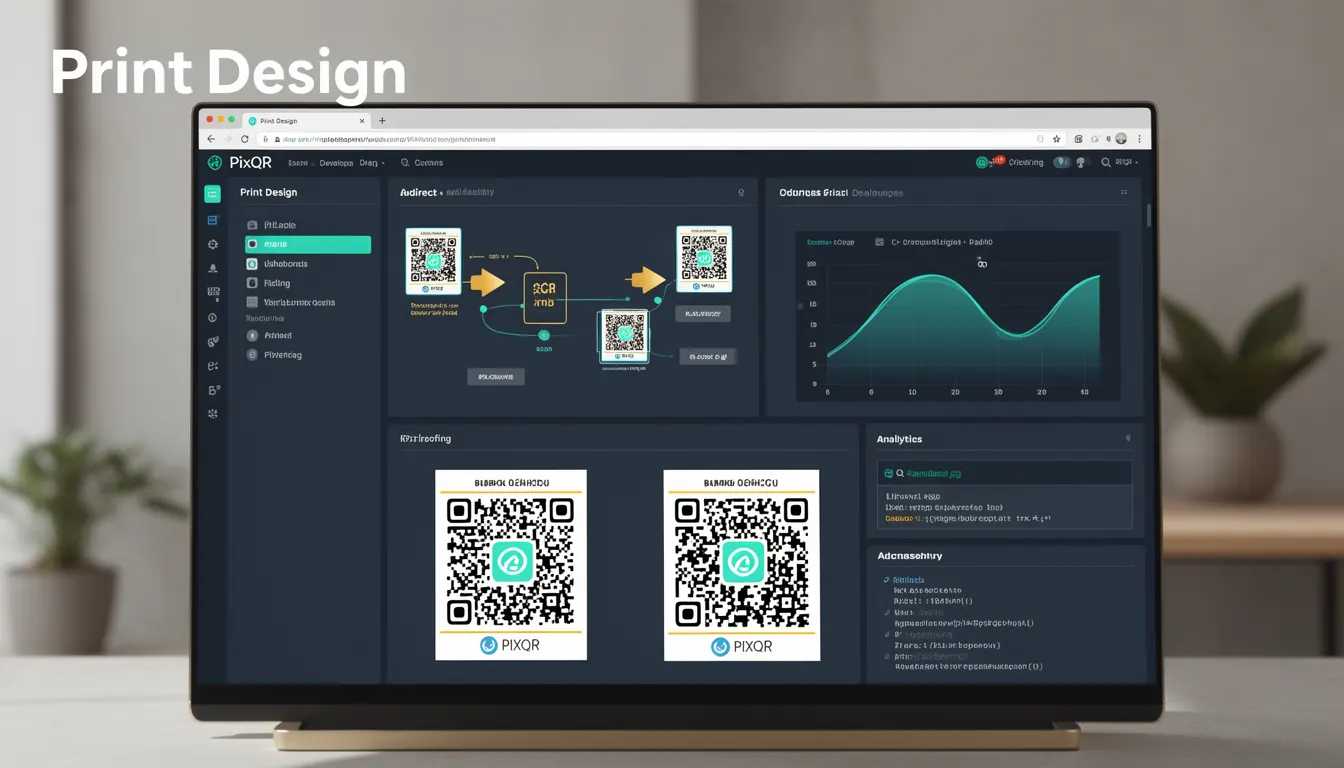
Print Design refers to the deliberate visual styling and layout of QR codes intended for physical media such as posters, packaging, or printed materials. It encompasses the aesthetic choices made to integrate QR codes into brand-safe, visually consistent designs while ensuring the code remains scannable and functional.
For developers working with PixQR, Print Design is a critical consideration when generating QR codes meant for offline use. Unlike digital QR codes that may be displayed on screens, printed QR codes must account for resolution limitations, paper textures, and physical scanning environments. The goal is to maintain functional integrity while meeting brand guidelines and user experience expectations.
Why It Matters
For developers, Print Design directly affects the reliability and usability of QR codes in real-world applications. Poorly designed QR codes can fail to scan, especially in high-contrast or low-resolution environments. When QR codes are used in marketing campaigns, product packaging, or event signage, their visual appearance must align with brand identity while remaining functional.
In PixQR, Print Design impacts analytics accuracy and fraud prevention. A misaligned or distorted QR code can result in incorrect scan tracking, leading to skewed data or false positives in security monitoring. Additionally, poor design choices can introduce scanning errors that reduce the effectiveness of dynamic redirects or lead to user confusion.
How It Works
Print Design involves balancing visual aesthetics with functional requirements. When creating a QR code for print, developers must consider resolution, contrast, margin size, and color choices to ensure optimal scanning performance.
- QR codes must maintain a minimum contrast ratio of 4.5:1 between the dark and light modules to ensure reliable scanning across different devices and paper types.
- Resolution must be at least 150 DPI for printed materials to prevent pixelation that can interfere with scanning.
- Padding or margin around the QR code should be at least 2mm to avoid interference from surrounding text or graphics.
- Color choices should avoid overly saturated or similar hues to the standard black and white, which can cause scanning errors.
- Design elements such as logos or brand elements should not overlap with the QR code's quiet zone or data modules, as this can lead to scanning failure.
Quick Reference
| Item | Purpose | Notes |
|---|---|---|
| Contrast ratio | Ensures scannability | Minimum 4.5:1 for print |
| Resolution | Defines clarity | Minimum 150 DPI for print |
| Quiet zone | Prevents interference | Minimum 2mm margin |
| Color palette | Supports branding | Avoid similar hues to black/white |
| Module size | Controls density | Adjust based on paper type |
Basic Example
PixQR Example QR
This QR links directly to this glossary page, so printed notes, onboarding docs, and support material can bring scanners back to the current reference.
This example demonstrates a basic QR code design with minimal print considerations, suitable for digital display but not for print media.
<img src="https://api.pixqr.com/qrcode?data=https://example.com&size=200x200" alt="QR Code">The code generates a standard QR code with a fixed size. While functional, it lacks considerations for print resolution, contrast, or margin requirements. For print, this approach would likely result in scanning issues due to low resolution and lack of padding.
Production Example
This example shows how to generate a print-ready QR code with appropriate settings for resolution, contrast, and padding, suitable for brand-safe deployment.
<img src="https://api.pixqr.com/qrcode?data=https://example.com&size=300x300&dpi=300&quiet_zone=2mm&bg_color=ffffff&fg_color=000000" alt="Print-ready QR Code">This version includes specific parameters for print readiness: a higher resolution (300 DPI), explicit quiet zone margin, and clear background and foreground colors. These settings ensure compatibility with physical scanning environments and brand guidelines.
Common Mistakes
- Using low-resolution images for print media, which leads to pixelation and scanning failure.
- Ignoring the quiet zone, resulting in interference from surrounding graphics or text.
- Choosing colors that do not meet the minimum contrast ratio, causing scanning errors in various lighting conditions.
- Overlapping QR code elements with logos or brand elements, which can corrupt the data structure.
- Not accounting for paper texture or material, which can affect how the QR code appears and scans.
Security And Production Notes
- Always validate QR code dimensions and contrast to ensure compliance with scanning standards.
- Use fixed DPI settings (minimum 150 DPI) to maintain scannability across devices and paper types.
- Ensure that color choices do not introduce scanning ambiguities, particularly in high-contrast or low-light scenarios.
- Include sufficient quiet zones to prevent interference from surrounding design elements.
- Test print-ready QR codes in real-world environments to verify scanning performance and brand alignment.
Related Concepts
Print Design is closely related to several core QR code development concepts:
Dynamic Redirects ensure that the QR code points to a valid, secure endpoint, which is critical when the code is embedded in physical media.
Scan Tracking provides visibility into how often and where the QR code is being scanned, which is essential for campaign analytics and fraud detection.
Brand Safety ensures that QR code visuals align with brand guidelines, particularly in marketing and packaging contexts.
Privacy Controls govern how scan data is handled, which is important when QR codes are used in sensitive or regulated environments.
Operational Workflows involve the processes and tools used to manage QR code generation, deployment, and monitoring, including those that integrate with Print Design.