 PixQR
PixQR
Overview
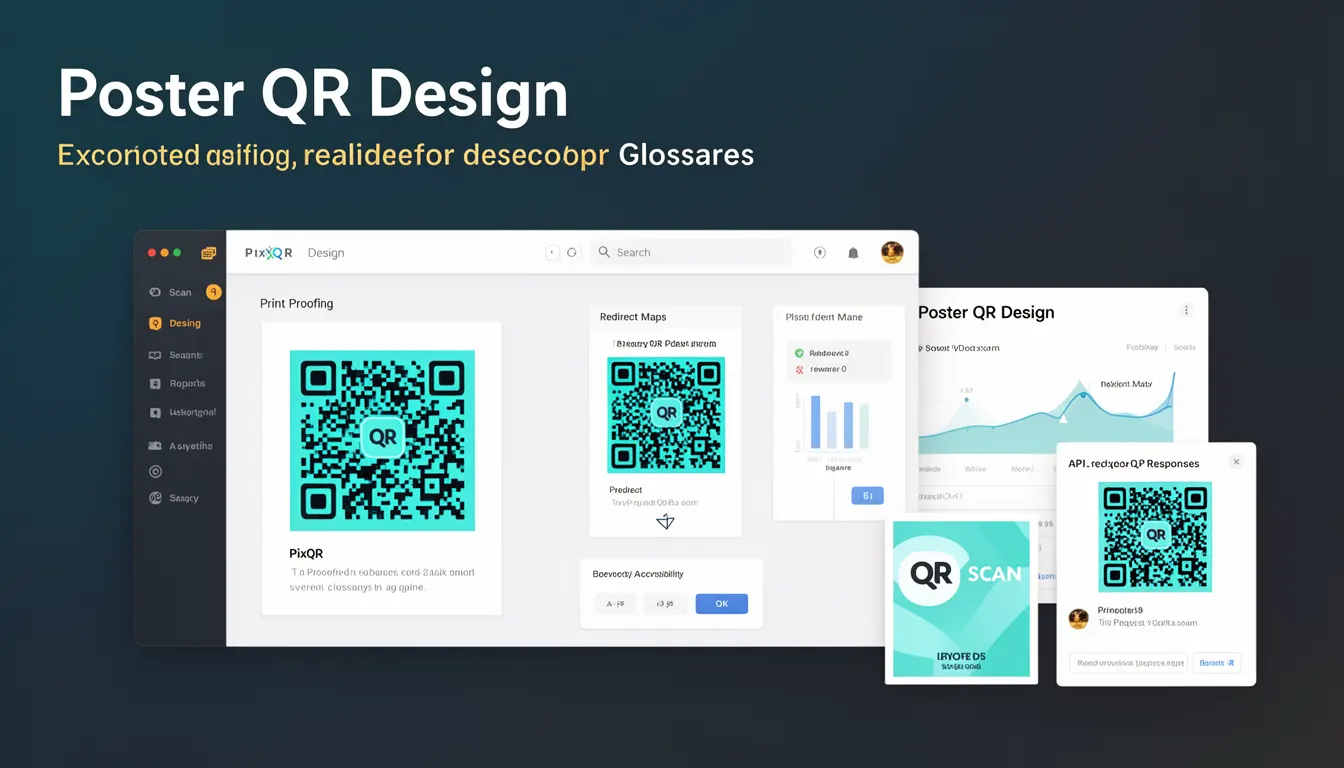
Poster QR Design refers to the strategic approach to modifying the visual appearance of a QR code while maintaining its core functionality and scan reliability. This design technique involves incorporating branding elements, color schemes, and visual enhancements into a QR code without compromising its ability to be read by scanning devices.
In PixQR, Poster QR Design is implemented as a feature that allows developers and content creators to generate QR codes with custom aesthetics while ensuring compliance with industry standards for scannability. This is particularly important in marketing, retail, and event management contexts where visual branding is essential but QR code performance must remain intact.
Why It Matters
Poster QR Design plays a crucial role in brand consistency and user experience. When QR codes are visually unappealing or inconsistent with brand guidelines, they can reduce user trust and engagement. By applying Poster QR Design principles, developers can create QR codes that are both recognizable and functional, aligning with brand identity while maintaining usability.
From a technical standpoint, improper design choices can significantly impact scan performance. In production environments, a poorly designed QR code may fail to scan reliably across different devices, lighting conditions, or print quality variations. Poster QR Design ensures that visual enhancements do not introduce scan failures or reduce the code's robustness.
How It Works
Poster QR Design operates by applying visual modifications to a QR code while preserving its underlying data structure and error correction capabilities. The process involves several key technical considerations:
- Color contrast ratios must remain sufficient for scanners to distinguish dark and light modules
- Design elements must not overlap or obscure critical QR code modules
- Visual enhancements should not reduce the code's error correction capacity
- Module shapes and sizes must be preserved to maintain scanning accuracy
- Brand elements are typically applied as overlays or background patterns
The implementation typically involves a two-step process: first, generating the base QR code with appropriate error correction levels, and second, applying visual modifications that do not interfere with the code's scannability. PixQR's implementation ensures that these modifications are applied at the rendering stage, not the data encoding stage, to preserve the original code integrity.
Quick Reference
| Item | Purpose | Notes |
|---|---|---|
| Color contrast | Ensures readability | Minimum 4.5:1 ratio required |
| Error correction level | Provides redundancy | Must remain at or above specified threshold |
| Module size | Controls scan resolution | Must not exceed recommended dimensions |
| Visual overlay | Applies branding | Must not obscure QR modules |
| Background pattern | Enhances aesthetics | Should not reduce contrast |
Basic Example
PixQR Example QR
This QR links directly to this glossary page, so printed notes, onboarding docs, and support material can bring scanners back to the current reference.

This example demonstrates a simple QR code generation with basic visual enhancements applied. The code shows how to create a visually branded QR code while maintaining scan reliability.
const qrData = 'https://example.com';
const qrOptions = {
  size: 200,
  color: {
    dark: '#000000',
    light: '#ffffff'
  },
  logo: {
    src: 'brand-logo.png',
    size: 0.2
  }
};
const qrCode = PixQR.generate(qrData, qrOptions);
The important lines in this example show the configuration of color parameters and logo overlay. The size parameter controls the QR code dimensions, while the logo configuration specifies how the brand element is applied without interfering with scannability.
Production Example
This production-ready example demonstrates a more comprehensive approach to Poster QR Design, including validation, accessibility considerations, and error handling.
function generatePosterQR(data, config) {
  // Validate input data
  if (!data || typeof data !== 'string') {
    throw new Error('Invalid QR data provided');
  }

  // Configure base QR options
  const baseOptions = {
    size: config.size || 300,
    errorCorrectionLevel: config.errorCorrection || 'M',
    color: {
      dark: config.darkColor || '#000000',
      light: config.lightColor || '#ffffff'
    }
  };

  // Apply visual enhancements safely
  if (config.branding) {
    baseOptions.logo = {
      src: config.branding.logo,
      size: config.branding.size || 0.15
    };
  }

  // Generate QR code with validation
  try {
    const qrCode = PixQR.generate(data, baseOptions);
    return qrCode;
  } catch (error) {
    console.error('QR code generation failed:', error);
    throw error;
  }
}
This version is more suitable for production because it includes input validation, default fallbacks, error handling, and structured configuration. It ensures that visual enhancements are applied safely without compromising the QR code's fundamental functionality.
Common Mistakes
- Using overly complex background patterns that reduce contrast and interfere with scanning
- Applying large brand elements that obscure QR code modules
- Ignoring error correction levels when adding visual enhancements
- Not testing QR codes across different devices and lighting conditions
- Using color combinations that violate accessibility contrast standards
- Applying visual modifications at the encoding level instead of the rendering level
Security And Production Notes
- Always validate QR code data to prevent injection attacks or malicious content
- Implement proper error handling for failed QR generation or rendering
- Test visual enhancements across multiple devices and scanning applications
- Ensure color contrast meets WCAG 2.1 AA standards for accessibility
- Use secure image hosting for brand elements to prevent man-in-the-middle attacks
Related Concepts
Poster QR Design connects closely with several other QR code development concepts:
QR Code Generation involves the core process of creating scannable codes from data. Poster QR Design builds upon this foundation by adding visual enhancements.
Scan Reliability refers to the ability of QR codes to be read consistently across different conditions and devices. Poster QR Design must not compromise this reliability.
Dynamic Redirects are used to create flexible QR codes that can change content without regenerating the code. Poster QR Design can be applied to these dynamic codes.
Privacy Controls govern how QR code data is handled and tracked. Poster QR Design should not interfere with privacy compliance measures.
Print Quality Optimization ensures that QR codes remain scannable when printed on various materials and at different resolutions. Poster QR Design must account for these constraints.