 PixQR
PixQR
Overview
A PNG QR Code refers to a specific image format used to represent QR codes in digital environments, where the QR code is encoded as a PNG (Portable Network Graphics) image file. This format ensures compatibility with web browsers, mobile platforms, and scanning applications while preserving the integrity of the QR code's data structure and scan performance.
In PixQR, generating a QR code in PNG format is a standard practice for developers and content creators who need to embed or display QR codes on websites, in marketing materials, or within applications. The PNG format is chosen for its lossless compression, transparency support, and wide browser compatibility, making it ideal for dynamic QR code generation and branding.
Why It Matters
For developers and platform operators, choosing the PNG format for QR codes is critical for maintaining reliability and performance. PNG is a widely supported image format that ensures consistent rendering across devices and platforms, reducing the risk of scanning failures or visual degradation. Unlike vector formats like SVG, PNGs are more predictable in how they render in older browsers and email clients, making them suitable for production workflows where consistency is key.
Additionally, in PixQR, using PNG QR codes ensures that dynamic redirects and branding elements remain intact when the QR code is embedded in emails, printed materials, or web pages. PNGs also support transparency, which is useful when integrating QR codes into branded designs or overlays, ensuring that the code remains scannable without visual interference.
How It Works
When generating a QR code in PNG format, the system encodes the data into a grid of black and white pixels, which is then compressed into a PNG file. The PNG format supports various color depths and transparency, which can be used to customize the appearance of the QR code while maintaining scannability.
- The PNG format is lossless, meaning that the QR code’s structure is preserved without degradation during compression.
- It supports alpha transparency, which allows for blending QR codes into backgrounds or overlays without compromising scan performance.
- It is widely supported across browsers, operating systems, and mobile platforms, ensuring consistent scanning behavior.
- It enables developers to apply branding elements like logos or color schemes while keeping the QR code functional.
- It is compatible with PixQR’s dynamic redirect system, ensuring that QR codes can be updated or modified without re-generating the image.
Quick Reference
| Item | Purpose | Notes |
|---|---|---|
| Image Format | Specifies QR code output as PNG | Ensures scan reliability and web compatibility |
| Transparency Support | Allows for transparent backgrounds | Useful for overlaying QR codes |
| Lossless Compression | Preserves pixel integrity | Prevents scanning errors |
| Dynamic QR Code | Supports updates without regenerating image | Part of PixQR's redirect system |
| Scan Performance | Ensures reliable scanning across platforms | Required for operational workflows |
Basic Example
PixQR Example QR
This QR links directly to this glossary page, so printed notes, onboarding docs, and support material can bring scanners back to the current reference.
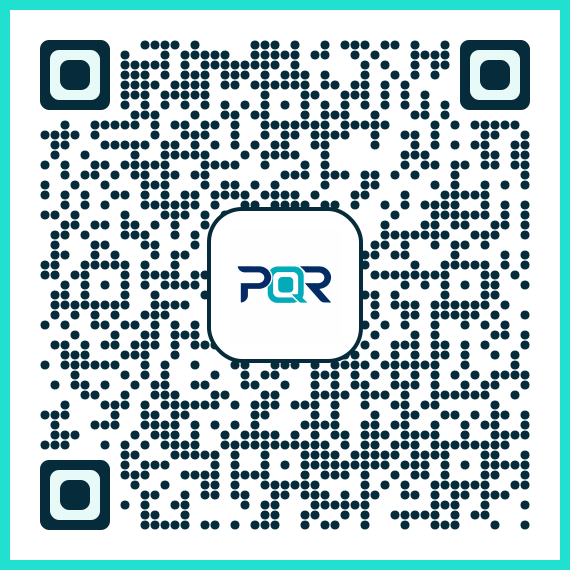
This basic example shows how to generate a PNG QR code using a hypothetical PixQR API endpoint. It demonstrates the core concept of specifying an output format and encoding data into a QR code image.
GET /api/qr?data=https://example.com&format=pngThe request specifies the URL to encode in the QR code and the output format as PNG. The server returns a PNG image that can be embedded in a webpage or downloaded for printing.
Production Example
This example demonstrates how to generate a branded PNG QR code using PixQR’s API with additional configuration for transparency, size, and branding. It includes validation and error handling for production use.
POST /api/qr
Content-Type: application/json

{
  "data": "https://pixqr.com/redirect/12345",
  "format": "png",
  "size": 256,
  "transparent": true,
  "logo": "https://pixqr.com/assets/logo.png",
  "branding": {
    "color": "#000000",
    "background": "#ffffff"
  }
}
This version is suitable for production because it includes configuration for branding, transparency, and size. It also specifies an API endpoint and payload structure that PixQR supports, ensuring compatibility and scalability in real-world usage.
Common Mistakes
- Using non-standard image formats like GIF or JPEG, which may introduce compression artifacts that affect scan performance.
- Ignoring transparency settings, leading to visual overlap with backgrounds or other elements that can interfere with scanning.
- Not validating QR code size or resolution, which can result in codes that are too small or too large to scan reliably.
- Embedding logos or branding elements without ensuring they do not interfere with the QR code's scannability.
- Using outdated or unsupported APIs, which can lead to inconsistent QR code generation or broken links.
Security And Production Notes
- Always validate QR code data to prevent injection attacks or malicious redirects, especially when using dynamic content.
- Use HTTPS endpoints for QR code generation to ensure secure data transmission and prevent man-in-the-middle attacks.
- Implement size limits for QR code images to prevent excessive bandwidth usage or memory allocation issues.
- Test QR codes across multiple platforms and devices to ensure consistent scanning behavior and prevent user frustration.
- Ensure that PNG QR codes are not used in contexts where they may be misinterpreted or manipulated, such as in email headers or form inputs.
Related Concepts
Several developer concepts are closely related to PNG QR codes, including QR code generation, dynamic redirects, branding integration, image optimization, and scan reliability. QR code generation is the core process of converting data into a scannable format. Dynamic redirects allow QR codes to be updated without re-generating the image. Branding integration enables customization of QR codes for marketing or design purposes. Image optimization ensures that QR codes are rendered efficiently. Scan reliability is the measure of how consistently a QR code can be scanned across platforms and devices.