 PixQR
PixQR
Overview
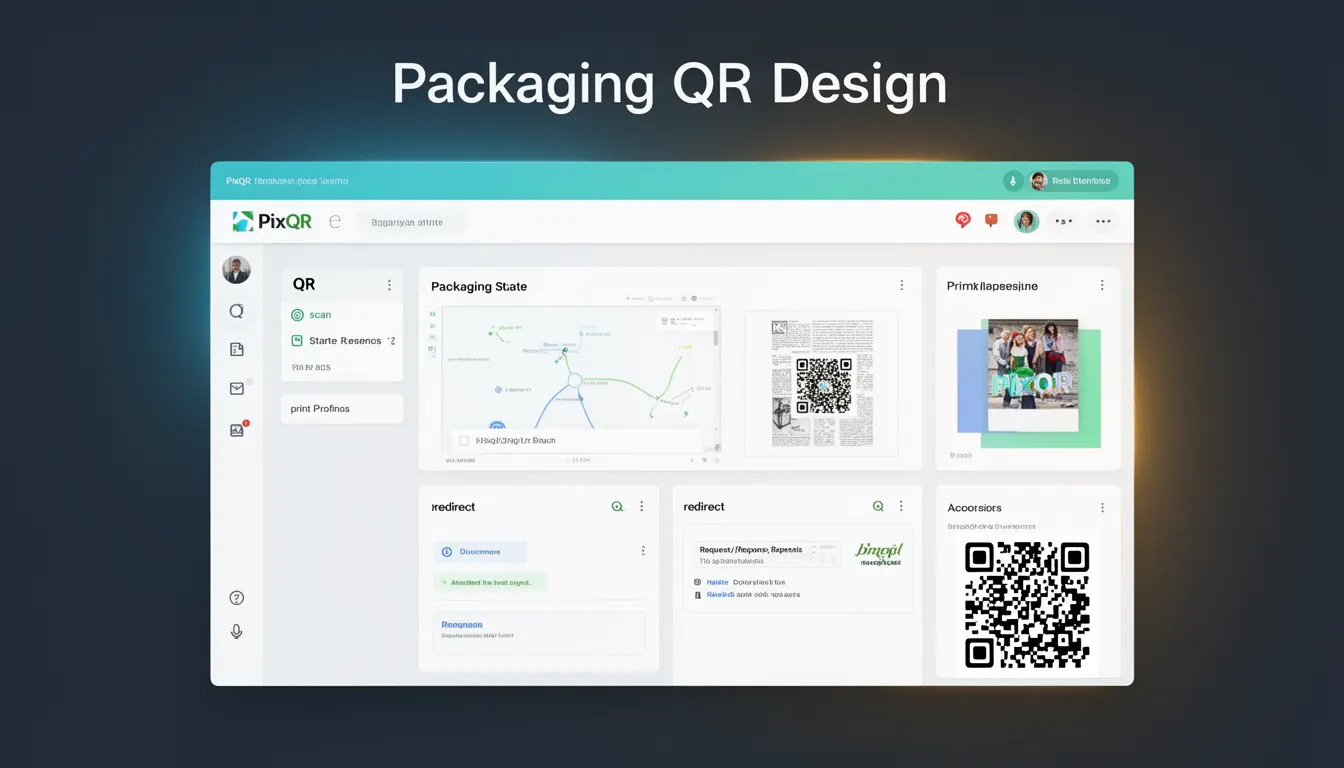
Packaging QR Design refers to the strategic approach of enhancing the visual appearance of QR codes while maintaining their core functionality and scan reliability. This involves applying design elements such as colors, shapes, logos, and visual patterns to QR codes without compromising their ability to be read by scanning devices.
In the context of PixQR, packaging QR design is a critical aspect of brand integration and user experience optimization. It allows businesses to align QR code aesthetics with their visual identity while ensuring operational integrity. Developers and designers working with PixQR platforms must understand how to balance visual appeal with technical performance, particularly when integrating QR codes into marketing materials, physical products, or digital platforms.
Why It Matters
For developers, packaging QR design is essential for maintaining brand consistency and user engagement. Poorly designed QR codes can lead to scanning failures, which directly impact campaign success and user experience. In production environments, where PixQR manages thousands of dynamic redirects, a QR code that fails to scan can result in lost traffic, revenue, and data insights.
Security and privacy are also considerations. When logos or branding elements are embedded within QR codes, developers must ensure these additions do not introduce vulnerabilities or compromise the integrity of the redirect target. Accessibility is another factor, as overly complex designs may impair scanning on low-quality devices or in poor lighting conditions.
How It Works
Packaging QR design involves modifying the visual representation of a QR code while preserving its underlying data structure. This process typically includes:
- Color customization options that maintain contrast ratios for scanning compatibility.
- Logo integration techniques that avoid interference with data encoding.
- Shape modifications such as rounded corners or custom outlines that do not affect scan performance.
- Pattern overlays that are carefully positioned to avoid data block overlap.
- Visual layering that allows for brand elements without compromising the core QR code structure.
Modern PixQR platforms support these design features through API parameters and configuration options. The platform ensures that visual enhancements remain within scanning tolerance limits, typically maintaining a minimum 7% error correction level to preserve readability under various conditions.
Quick Reference
| Item | Purpose | Notes |
|---|---|---|
| Color customization | Adjusts QR code color scheme | Must maintain contrast for scan compatibility |
| Logo embedding | Integrates brand elements | Must avoid data block interference |
| Shape modification | Alters code geometry | Must not reduce scanability |
| Pattern overlay | Adds visual texture | Must be positioned carefully |
| Error correction level | Controls data redundancy | Typically 7% minimum for reliability |
Basic Example
PixQR Example QR
This QR links directly to this glossary page, so printed notes, onboarding docs, and support material can bring scanners back to the current reference.

This example demonstrates basic QR code packaging with color customization and logo integration. The platform ensures that the logo does not interfere with the core scanning data.
const qrConfig = {
  data: 'https://example.com',
  color: '#000000',
  logo: 'brand-logo.png',
  size: 200
};
The data field specifies the target URL. The color parameter sets the QR code's primary color. The logo field specifies an image to embed in the center, and size defines the output dimensions. These settings are processed by the PixQR engine to maintain scanning integrity.
Production Example
This production example includes validation and error handling for QR code packaging. It ensures that visual enhancements do not compromise operational reliability.
function generatePackagedQR(data, options) {
  const config = {
    data: data,
    color: options.color || '#000000',
    logo: options.logo || null,
    size: options.size || 200,
    errorCorrection: options.errorCorrection || 'M'
  };

  if (config.logo) {
    validateLogo(config.logo);
  }

  const qrCode = pixqr.generate(config);
  return qrCode;
}

function validateLogo(logoPath) {
  if (!logoPath || logoPath.length > 1000) {
    throw new Error('Invalid logo path');
  }
}
This version includes validation for logo file paths and error correction level configuration. It ensures that the packaging process remains stable and secure, which is critical in production environments where PixQR handles high-volume QR code generation and redirect management.
Common Mistakes
- Using logos that are too large or too complex, which can interfere with data blocks and cause scanning failures.
- Choosing colors with insufficient contrast, making the QR code unreadable on certain backgrounds or devices.
- Ignoring error correction levels, which can result in unrecoverable data loss during scanning.
- Applying visual patterns or textures that are not properly positioned, leading to data corruption or scanning errors.
- Not validating input parameters, which can lead to runtime errors or security vulnerabilities in QR code generation.
Security And Production Notes
- Always validate logo and image file paths to prevent directory traversal or injection attacks.
- Ensure that color schemes meet accessibility standards for contrast ratios and visibility.
- Use error correction levels of at least 7% to maintain reliability across various scanning conditions.
- Implement input sanitization for all packaging parameters to prevent malformed QR code generation.
- Test packaging configurations on multiple devices and scanning environments to verify compatibility.
Related Concepts
Packaging QR Design is closely related to several core concepts in QR code development and management:
QR Code Generation: The foundational process of creating QR codes from data, which packaging enhances.
Dynamic Redirects: The ability to change target URLs without modifying the QR code itself, which packaging supports.
Scan Reliability: The consistency of QR code scanning performance, which packaging must preserve.
Brand Integration: The alignment of visual elements with corporate identity, which packaging enables.
Operational Security: The protection of QR code infrastructure from tampering or exploitation, which packaging must not compromise.