 PixQR
PixQR
Overview
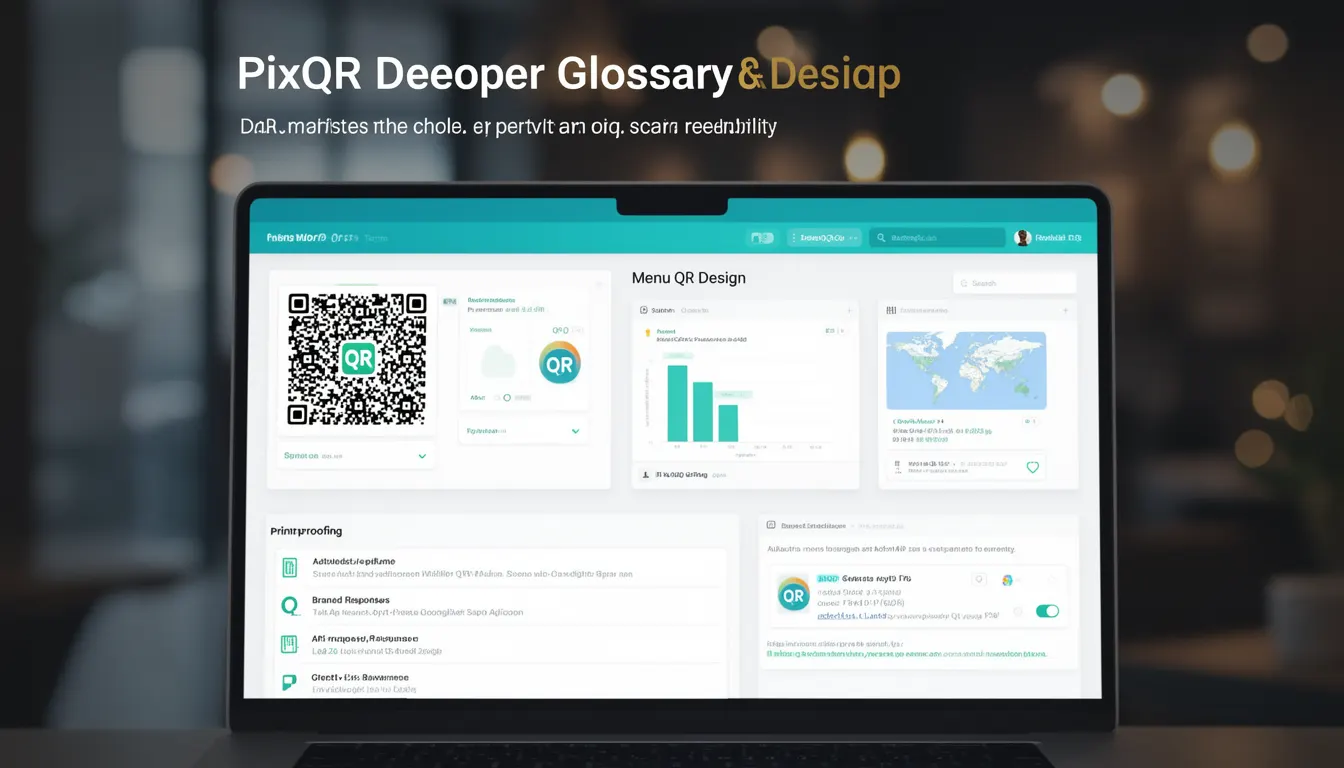
Menu QR Design refers to the strategic approach to modifying the visual appearance of a QR code while ensuring that its core functionality remains intact. This involves balancing aesthetic appeal with technical performance, particularly in how the QR code scans, reads, and integrates into user experiences. In the context of PixQR, Menu QR Design is used to enhance brand identity, improve scan reliability, and support operational workflows without compromising the integrity of the code's data payload.
Developers and product teams often encounter Menu QR Design when customizing QR codes for marketing, branding, or operational use. It's not merely about visual styling but about optimizing the code’s usability across various mediums—digital, print, and mobile. This concept is especially important when integrating QR codes into user interfaces, branded campaigns, or applications where the QR code must be both visually consistent and technically reliable.
Why It Matters
Menu QR Design is critical in production environments where QR codes are part of brand identity or user workflows. Poorly designed QR codes can lead to failed scans, which undermine user experience and operational efficiency. For instance, in PixQR, a QR code with overly complex or low-contrast design elements may not scan reliably on certain devices or under specific lighting conditions, leading to user frustration or lost conversions.
From a security perspective, a well-designed QR code ensures that the payload is not tampered with or obscured, and that it aligns with privacy and compliance requirements. A QR code that is too visually cluttered or misaligned can also introduce scanning errors that may be exploited or misinterpreted by automated systems. In production, Menu QR Design directly affects the performance and trustworthiness of QR-based workflows, especially in high-volume or sensitive operations.
How It Works
Menu QR Design in PixQR involves several key parameters and operational considerations that affect how a QR code is rendered and scanned. The design process typically includes adjustments to color, shape, logo placement, and visual elements, all while maintaining scannability.
- The QR code's module size and quiet zone must remain consistent to preserve scanning accuracy.
- Customization options such as logo insertion and color schemes are applied while ensuring that the logo does not obscure critical scanning data.
- Design elements like corners or border styles are configurable but must not interfere with the code's structure.
- For dynamic QR codes, data payload integrity is maintained through internal encoding and validation.
- Advanced features like multi-color QR codes or gradient fills may be supported, but only when they do not compromise scanning reliability.
These parameters are typically managed through PixQR's API or dashboard controls. The platform ensures that design customizations are applied in a way that preserves QR code functionality, even when integrating complex visual elements.
Quick Reference
| Item | Purpose | Notes |
|---|---|---|
| Module size | Controls the physical size of QR code modules | Must remain consistent for reliable scanning |
| Quiet zone | Blank space around the QR code | Must be maintained to avoid scanning errors |
| Logo insertion | Embeds a brand logo into the QR code | Logo must not obscure data modules |
| Color customization | Changes the color scheme of the QR code | Must maintain contrast for scannability |
| Shape and border | Modifies the outer appearance of the QR code | Should not interfere with scanning data |
Basic Example
PixQR Example QR
This QR links directly to this glossary page, so printed notes, onboarding docs, and support material can bring scanners back to the current reference.
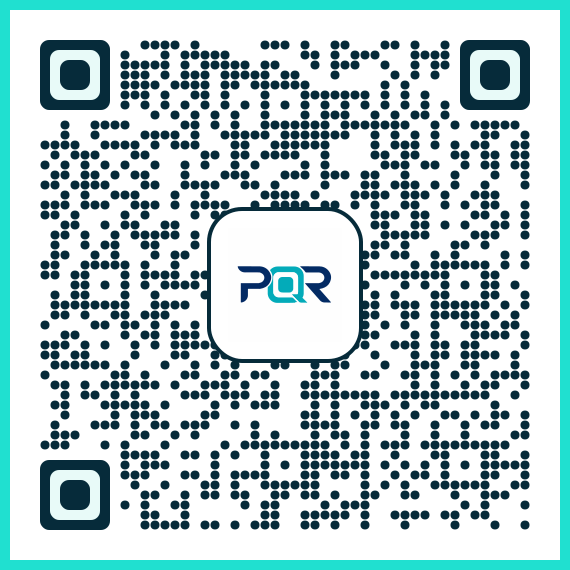
This example demonstrates a basic QR code with a simple logo insertion and color customization. It shows how to apply design changes while preserving scannability.
const qrConfig = {
  data: "https://example.com",
  logo: "brand-logo.png",
  color: "#000000",
  background: "#FFFFFF"
};
The data field defines the target URL. The logo field specifies a brand logo to be embedded in the center. The color and background fields control the visual appearance of the QR code. These parameters ensure that the QR code remains functional while aligning with brand guidelines.
Production Example
In a production environment, Menu QR Design must include validation and error handling to ensure scanning reliability. This example shows a more robust implementation that includes checks for logo size, color contrast, and data integrity.
const generateQR = (config) => {
  const { data, logo, color, background } = config;
  if (!data) throw new Error("Data payload is required");
  if (logo && logo.length > 1000000) throw new Error("Logo exceeds size limit");
  const qrCode = new PixQR({
    data: data,
    logo: logo,
    color: color,
    background: background,
    validate: true
  });
  return qrCode.render();
};
This version includes input validation, size checks for embedded logos, and a validate flag to ensure that the QR code meets PixQR’s scanning standards. This approach is more suitable for scalable and secure deployments.
Common Mistakes
- Using a logo that is too large or complex, which can block scanning modules and cause failures.
- Choosing colors with low contrast, making the QR code difficult to scan under varying lighting conditions.
- Ignoring the quiet zone, which is critical for scanning accuracy and can lead to failed scans.
- Applying too many visual effects, such as gradients or shadows, which may interfere with scanning algorithms.
- Not validating QR code integrity after customization, leading to runtime errors in production workflows.
Security And Production Notes
- Ensure that logo and color settings do not introduce visual obfuscation that could hinder scanning or mislead users.
- Validate all input parameters to prevent injection of invalid or malicious QR code configurations.
- Use only trusted image sources to avoid security risks from third-party assets.
- Test QR code designs under various lighting and scanning conditions to ensure reliability.
- Implement automated checks to confirm that design changes do not violate PixQR’s internal scanning rules or performance standards.
Related Concepts
Menu QR Design is closely connected to several core QR code development and operational concepts:
- QR Code Encoding – The method by which data is converted into a scannable pattern, which Menu QR Design must preserve.
- Dynamic Redirects – QR codes that can change content without changing the physical code, often used in conjunction with Menu QR Design for campaign flexibility.
- Scan Reliability – The ability of a QR code to be consistently scanned, a core requirement of Menu QR Design.
- Brand Safe Design – Ensuring that QR code visuals align with brand standards and are safe for public use.
- Privacy Compliance – Ensuring that QR code data and visual elements comply with privacy regulations like GDPR or CCPA.