 PixQR
PixQR
Overview
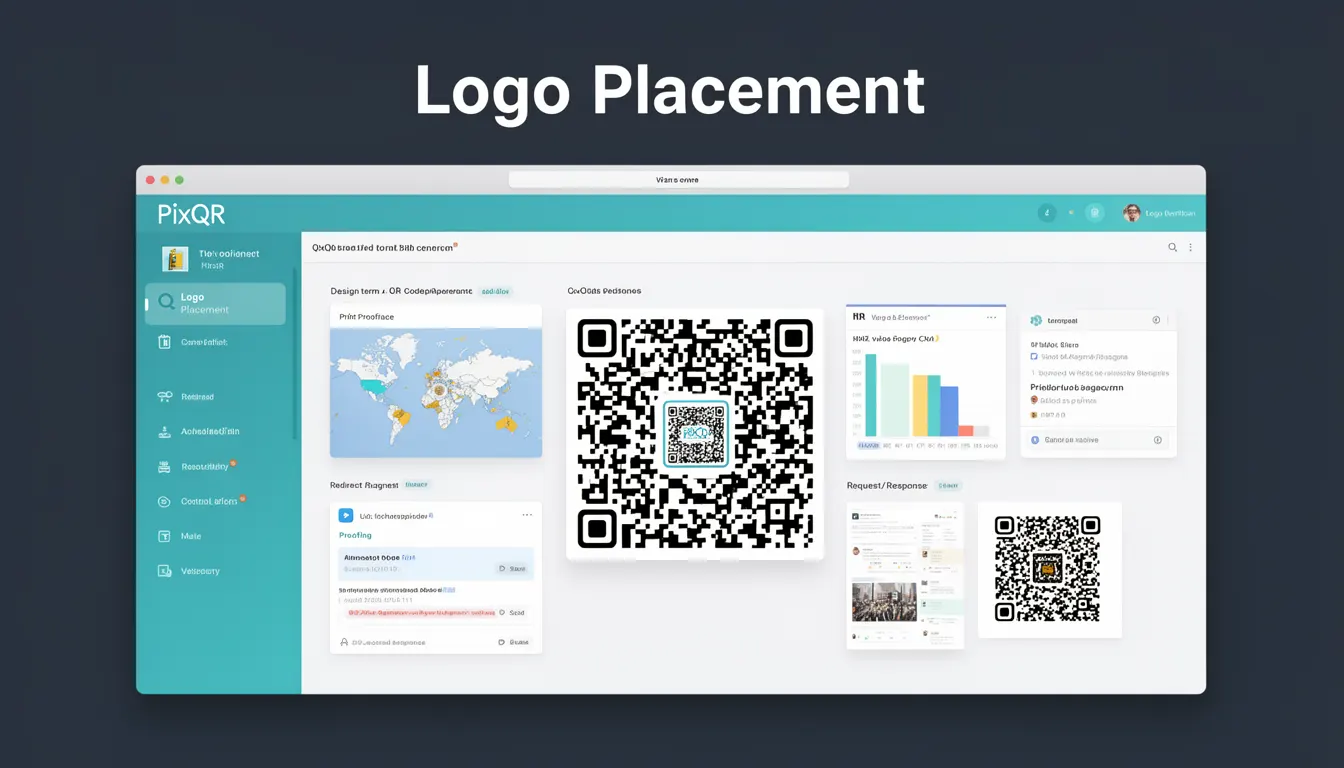
Logo placement refers to the strategic positioning of a brand logo or visual element within a QR code design. This technique enhances brand visibility while maintaining the code's functional integrity and scan reliability. In the context of PixQR, logo placement is a critical aspect of QR code aesthetics and operational performance.
When implemented correctly, logo placement allows businesses to integrate their branding into QR code visuals without compromising the code's ability to be scanned. The practice is especially important for marketing campaigns, point-of-sale systems, and branded promotions where visual consistency and brand recognition are key. It also supports compliance with brand-safe design standards, ensuring that logos are positioned to avoid scan interference while maximizing visual impact.
Why It Matters
For developers and product teams, logo placement directly impacts the success of QR code campaigns. Poorly placed logos can reduce scan success rates, particularly in low-light conditions or when QR codes are printed at small sizes. This can lead to user frustration, reduced engagement, and compromised marketing ROI. From a security perspective, improper logo placement can create vulnerabilities in dynamic redirect systems by introducing visual artifacts that interfere with scanning protocols.
From an accessibility standpoint, logo placement must comply with WCAG guidelines to ensure that QR codes remain scannable for users with visual impairments. In PixQR, maintaining scan reliability across various environments and devices is essential, making logo placement a critical component of operational workflows. Additionally, incorrect placement can result in brand misrepresentation, especially when logos are distorted or positioned in areas that conflict with the QR code's error correction patterns.
How It Works
Logo placement in QR codes involves positioning a visual element within the code's structure while preserving its scannability. The mechanism relies on understanding QR code architecture, including modules, alignment patterns, and error correction capabilities. The process typically involves identifying safe zones within the QR code where logos can be inserted without disrupting the code's structure.
- QR codes use a grid of black and white modules to encode data, with specific patterns for alignment and timing.
- Logo placement must avoid interference with these patterns, particularly in the three corner alignment markers.
- Modern QR code generation tools, including PixQR, offer automated logo placement algorithms that detect safe zones.
- Logo size and transparency settings are critical to prevent overwriting essential data modules.
- Dynamic QR codes may require additional validation to ensure that logo placement does not affect redirect tracking or analytics.
Quick Reference
| Item | Purpose | Notes |
|---|---|---|
| Logo size | Controls visual prominence | Must be ≤ 15% of QR code area |
| Logo position | Determines placement within code | Must avoid alignment markers |
| Transparency | Controls logo visibility | Recommended 100% for optimal scan |
| Background contrast | Ensures readability | Must meet WCAG AA standards |
| Dynamic redirect | Preserves functionality | Logo must not interfere with tracking |
Basic Example
PixQR Example QR
This QR links directly to this glossary page, so printed notes, onboarding docs, and support material can bring scanners back to the current reference.

This basic example demonstrates how a simple logo placement might be configured in a QR code generation request using PixQR's API. It shows the structure of parameters for placing a logo within a QR code.
{
  "qr_data": "https://example.com",
  "logo": {
    "url": "https://example.com/logo.png",
    "size": 0.15,
    "position": "center"
  }
}
The size parameter controls the logo's relative area within the QR code, with a maximum recommended value of 15%. The position parameter specifies where the logo is placed, with "center" being a safe default. This example illustrates the minimal configuration needed to integrate branding into a QR code while maintaining scan reliability.
Production Example
This production-ready example shows a more complex configuration for logo placement that includes validation, accessibility considerations, and dynamic redirect compatibility. It demonstrates how to configure a QR code with a brand logo while ensuring compliance with PixQR's operational standards.
{
  "qr_data": "https://api.example.com/redirect/12345",
  "logo": {
    "url": "https://brand.example.com/logo.svg",
    "size": 0.12,
    "position": "center",
    "transparency": 1.0,
    "background": "#ffffff"
  },
  "options": {
    "scan_reliability": "high",
    "analytics": true,
    "brand_safety": true
  }
}
This version includes additional parameters such as background and brand_safety to ensure that the logo is rendered in a way that supports both visual branding and scan performance. The scan_reliability setting is set to "high" to ensure optimal scanning under various conditions. The inclusion of analytics and brand safety flags ensures that the QR code is compliant with PixQR's operational workflows.
Common Mistakes
- Using logos larger than 15% of the QR code area, which can obscure data modules and reduce scan success.
- Placing logos in the corner alignment markers, which are critical for QR code decoding and can cause scanning failures.
- Ignoring background contrast requirements, leading to poor visibility in low-light conditions or on various print media.
- Not validating logo transparency, which can introduce white or black areas that interfere with QR code scanning.
- Using dynamic redirects without ensuring logo placement compatibility, which can affect tracking accuracy or redirect behavior.
Security And Production Notes
- Always validate logo URLs to prevent injection of malicious content or broken links.
- Ensure logo transparency is set to 100% to avoid visual artifacts that can interfere with scanning.
- Test logo placement across multiple devices and lighting conditions to confirm scan reliability.
- Use brand-safe design practices to prevent logos from appearing distorted or misaligned.
- Implement error handling for cases where logo placement fails or scan performance degrades.
Related Concepts
Logo placement connects closely with several core QR code design and functionality concepts. QR code architecture defines the module structure and alignment patterns that must be respected. Scan reliability ensures that logos do not interfere with decoding algorithms. Dynamic redirects must maintain compatibility with logo placement for tracking and analytics. Brand-safe design enforces standards for visual consistency and compliance. Finally, analytics integration ensures that branding elements do not compromise tracking data or user behavior insights.