 PixQR
PixQR
Overview
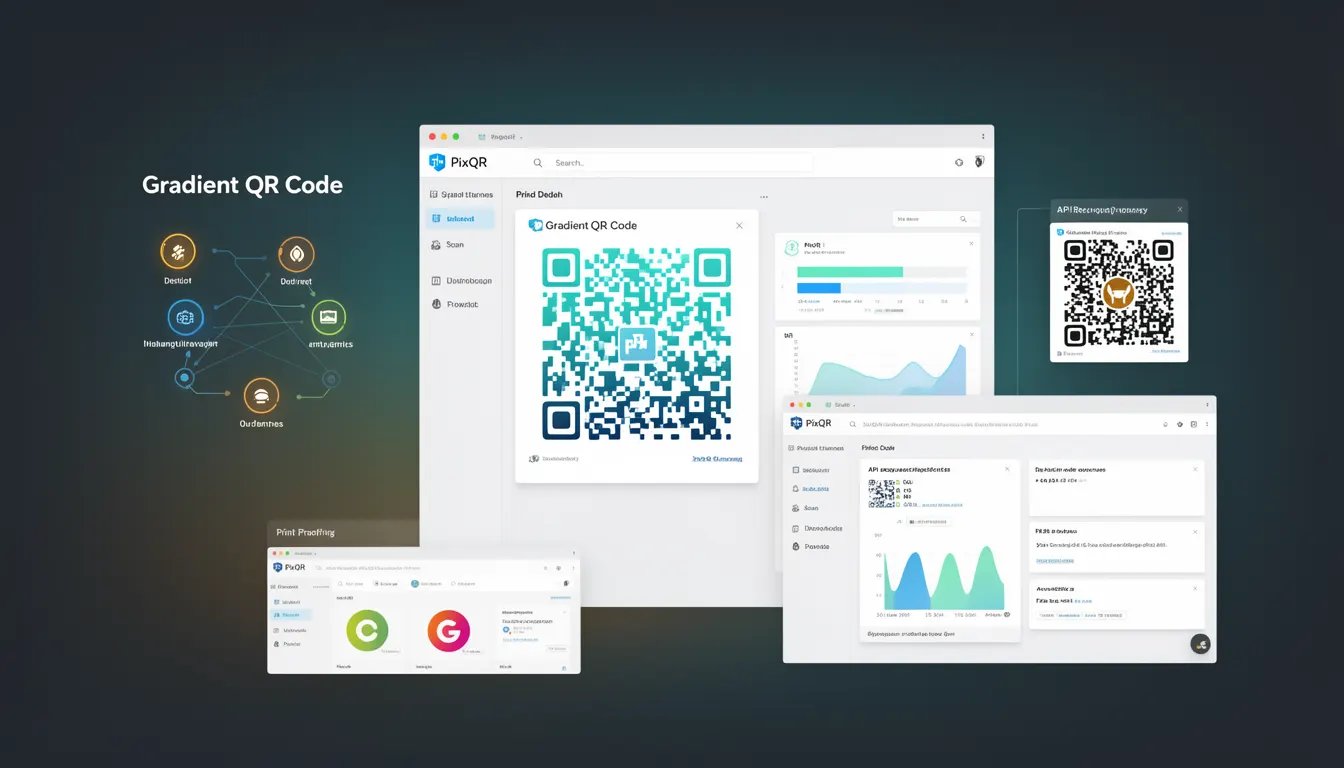
A Gradient QR Code is a visual enhancement technique that applies a color gradient to a standard QR code while maintaining its functional integrity. This approach improves the aesthetic appeal of QR codes without compromising their scanability or data capacity. The gradient effect is typically applied to the black and white modules of the QR code, allowing for brand-aligned color schemes while preserving the machine-readable structure.
Gradient QR codes are commonly used in marketing materials, product packaging, and branded communications where visual consistency is important. In the PixQR platform, developers can generate gradient QR codes through API parameters or dashboard configuration, ensuring that the final output meets both branding requirements and technical scanning standards.
Why It Matters
From a developer perspective, gradient QR codes address the balance between visual branding and functional reliability. While traditional black-and-white QR codes meet technical requirements, they often lack visual appeal in marketing contexts. Implementing gradient effects allows for better brand integration, increased engagement, and improved aesthetics without sacrificing the core functionality that QR codes are built upon.
Security implications are minimal when gradients are applied correctly, as long as the color contrast remains sufficient for scanning. However, improper implementation can lead to degraded scan performance, especially in low-light conditions or with suboptimal printing. In PixQR environments, this is mitigated by automated contrast validation and performance testing during generation.
Performance considerations include rendering time and file size. Gradient effects, while visually appealing, may slightly increase processing time compared to standard QR codes. For large-scale deployments, developers should consider caching strategies or pre-generation to maintain responsive user experiences.
How It Works
Gradient QR codes are generated by applying color interpolation to the binary modules of a QR code, typically preserving the black and white structure but allowing for color transitions. The process involves mapping the standard QR code's module grid to a color space that supports gradient transitions while maintaining readability.
- Gradient application is performed on the QR code's module grid, not the overall image, ensuring that scan algorithms can still read the encoded data.
- Color contrast ratios are validated during generation to ensure that the gradient does not compromise the minimum contrast required for reliable scanning.
- Pixel density and resolution are maintained to prevent aliasing artifacts that could interfere with scanning.
- Standard QR code error correction levels (L, M, Q, H) are preserved during gradient processing to maintain data integrity.
- Color formats such as RGB or CMYK can be specified, with conversion to grayscale for optimal scanning compatibility.
Quick Reference
| Item | Purpose | Notes |
|---|---|---|
| Gradient direction | Defines orientation of color transition | Can be linear or radial |
| Color stops | Specified color points in the gradient | At least two required for a valid gradient |
| Contrast validation | Ensures readability post-gradient | Automatically enforced in PixQR |
| Error correction level | Preserves data integrity | Standard levels supported |
| Module size | Controls resolution of the QR code | Must be sufficient for scanning |
Basic Example
PixQR Example QR
This QR links directly to this glossary page, so printed notes, onboarding docs, and support material can bring scanners back to the current reference.
This example demonstrates how a basic gradient QR code might be generated using a PixQR API call with gradient parameters. It illustrates the core concept of applying a color transition to the QR code modules.
POST /api/v1/qr-codes
{
  "data": "https://example.com",
  "gradient": {
    "type": "linear",
    "direction": "to right",
    "colors": ["#000000", "#ff0000"]
  },
  "size": "200x200"
}
The example shows a linear gradient applied from black to red, which is a simple but effective way to introduce color while maintaining scan performance. The size parameter ensures that the QR code remains scannable at a fixed resolution.
Production Example
In production environments, developers must ensure that gradient QR codes meet accessibility and performance standards. This example includes validation, error handling, and configuration for a scalable solution.
POST /api/v1/qr-codes
{
  "data": "https://example.com",
  "gradient": {
    "type": "linear",
    "direction": "to bottom",
    "colors": ["#007bff", "#0056b3"]
  },
  "size": "300x300",
  "error_correction": "H",
  "validate_contrast": true,
  "accessibility": {
    "alt_text": "Scan to visit example.com"
  }
}
This version is more robust, including higher error correction levels, contrast validation, and accessibility attributes. It is suitable for production deployment where reliability and user experience are critical factors.
Common Mistakes
- Using overly bright or saturated gradients that reduce contrast, leading to scanning failures in low-light environments.
- Applying gradients without validating color contrast ratios, which can cause scanning issues on devices with varying display technologies.
- Ignoring error correction levels during gradient processing, potentially resulting in data corruption or unreadable codes.
- Using gradient effects on small QR codes, which can amplify aliasing and scanning artifacts.
- Not accounting for print quality variations when generating gradient QR codes, leading to inconsistent performance across different output media.
Security And Production Notes
- Gradient QR codes must maintain sufficient contrast to prevent security vulnerabilities such as QR code injection attacks.
- Automated validation of color contrast ensures that gradients do not compromise scan reliability.
- Pixel resolution must be high enough to prevent aliasing, which could be exploited to manipulate QR code content.
- When using gradients, ensure that the color space is compatible with the target platform's rendering capabilities.
- Cache gradient QR codes in production to reduce latency and prevent redundant processing during high-volume operations.
Related Concepts
Gradient QR codes are closely related to several core QR code development concepts. QR Code Generation involves the foundational process of creating scannable codes, while Color Space Conversion ensures that gradients are rendered correctly across different devices. Accessibility Standards require that visual enhancements do not impair usability, particularly for users with visual impairments. Error Correction Levels are preserved during gradient processing to maintain data integrity. Finally, Print Reliability considers how gradient effects behave when translated from digital to physical media, a critical factor in marketing and product applications.