 PixQR
PixQR
Overview
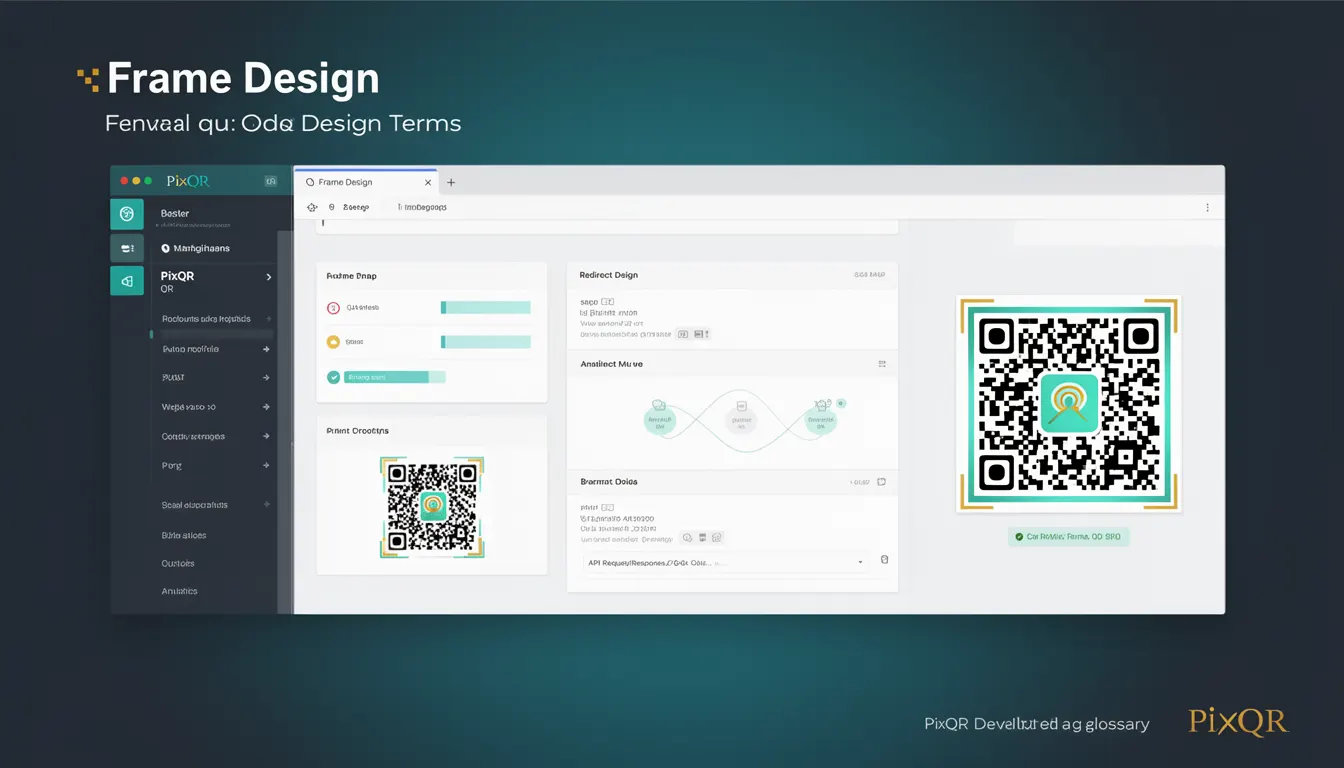
Frame Design in the context of PixQR refers to the strategic arrangement and visual styling of a QR code's outer structure, including its geometric patterns, color schemes, and decorative elements, while ensuring that the core scannable data remains intact and functional.
This design approach is critical in QR code development because it balances aesthetic appeal with technical integrity, allowing businesses to maintain brand identity while ensuring reliable scanning performance. Frame Design is particularly important in applications where QR codes are displayed on marketing materials, printed media, or digital interfaces, where visual consistency and brand recognition are key.
Why It Matters
For developers working with PixQR, Frame Design directly impacts user experience, brand perception, and operational efficiency. A well-executed frame design can increase user trust and engagement, particularly when QR codes are embedded in branded materials or digital interfaces. Poorly designed frames can lead to scanning failures, which in turn can compromise user experience and reduce conversion rates.
From a security perspective, Frame Design also plays a role in preventing QR code fraud. A QR code that appears visually untrustworthy or inconsistent with brand guidelines may raise red flags for users, potentially deterring them from scanning. In production environments, maintaining consistent Frame Design across various platforms and media ensures reliable performance and reduces support requests related to scanning issues.
How It Works
Frame Design in PixQR involves several key mechanisms that ensure both visual appeal and technical functionality. These include:
- Color palette configuration that aligns with brand guidelines while maintaining sufficient contrast for scannability.
- Geometric pattern integration that does not interfere with the QR code's data matrix or timing patterns.
- Decorative element placement that avoids overlapping critical scanning zones.
- Modular structure support that allows for dynamic updates without affecting core QR code integrity.
- Accessibility compliance that ensures frame elements do not impair screen reader or assistive technology compatibility.
Frame Design in PixQR operates through a set of configuration options that control the visual elements of the QR code while preserving its scannability. The system typically allows developers to specify color schemes, border styles, and optional decorative elements such as logos or patterns. These parameters are processed through an algorithm that ensures no visual modifications compromise the underlying data structure.
Key attributes include the ability to define border thickness, background transparency, and pattern complexity. Default settings are optimized for maximum compatibility and scan performance, but can be customized within strict limits to maintain integrity. The system also enforces constraints to prevent over-complexity that could interfere with scanning reliability.
Quick Reference
| Item | Purpose | Notes |
|---|---|---|
| borderThickness | Controls the width of the QR code frame | Must be within 1-5 units for optimal scan performance |
| backgroundColor | Sets the color of the QR code background | Should contrast with the data color for readability |
| patternStyle | Defines the geometric pattern within the frame | Must not overlap data matrix or timing patterns |
| logoPlacement | Controls where a logo or brand element is positioned | Must avoid critical scanning zones |
| transparency | Adjusts the opacity of frame elements | Excessive transparency may reduce scan reliability |
Basic Example
PixQR Example QR
This QR links directly to this glossary page, so printed notes, onboarding docs, and support material can bring scanners back to the current reference.

This basic example demonstrates how to configure a simple Frame Design in PixQR with a custom border and background color.
const qrConfig = {
  frameDesign: {
    borderThickness: 2,
    backgroundColor: '#ffffff',
    patternStyle: 'none'
  }
};
The important lines in this example set the border thickness to two units, define a white background color, and specify no additional pattern styling. These parameters ensure that the QR code remains scannable while providing basic visual customization.
Production Example
This production-ready example shows how to configure a Frame Design that includes brand elements while maintaining scan reliability and accessibility compliance.
const qrConfig = {
  frameDesign: {
    borderThickness: 3,
    backgroundColor: '#f0f0f0',
    patternStyle: 'grid',
    logoPlacement: 'center',
    transparency: 0.8,
    accessibility: {
      contrastRatio: 4.5,
      altText: 'Scan this code to access our product page'
    }
  }
};
This version is more suitable for production because it includes accessibility configurations, ensures appropriate contrast ratios, and uses a grid pattern that enhances brand identity without compromising scanning performance. The transparency setting allows for visual depth while maintaining scan integrity.
Common Mistakes
- Using overly complex patterns that interfere with QR code data matrix readability, leading to scanning failures.
- Applying high transparency levels that make the QR code difficult to scan, particularly in low-light conditions.
- Placing logos or brand elements in critical scanning zones, which can cause errors or prevent successful scans.
- Choosing color schemes with insufficient contrast, making the QR code hard to distinguish from backgrounds.
- Ignoring accessibility requirements, such as alt text or contrast ratios, which can impact user experience for individuals with disabilities.
Security And Production Notes
- Frame Design must not include any elements that could be used to inject malicious content or alter QR code behavior.
- All customizations must be validated to ensure they do not affect the integrity of the underlying QR code data.
- Production systems should enforce strict limits on pattern complexity and transparency to prevent scan reliability issues.
- Accessibility compliance is mandatory for public-facing QR codes, especially in regulated industries like finance or healthcare.
- Regular testing of frame designs across various devices and lighting conditions is recommended to maintain consistent performance.
Related Concepts
Frame Design connects closely with several other QR code development concepts:
QR Code Structure defines the core data matrix and timing patterns that Frame Design must not interfere with. Proper understanding of structure ensures that frame elements are positioned correctly.
Scan Reliability is directly impacted by Frame Design choices, particularly in terms of contrast, transparency, and element placement. A well-designed frame enhances rather than hinders scanning performance.
Brand Identity is often the driving force behind Frame Design decisions. Developers must balance visual appeal with technical requirements to maintain brand consistency.
Accessibility Standards require that Frame Design elements do not impede screen readers or other assistive technologies, particularly in public or enterprise applications.
Dynamic Redirects can be influenced by Frame Design when QR codes are used in campaigns, as visual consistency affects user trust and engagement rates.