 PixQR
PixQR
Overview
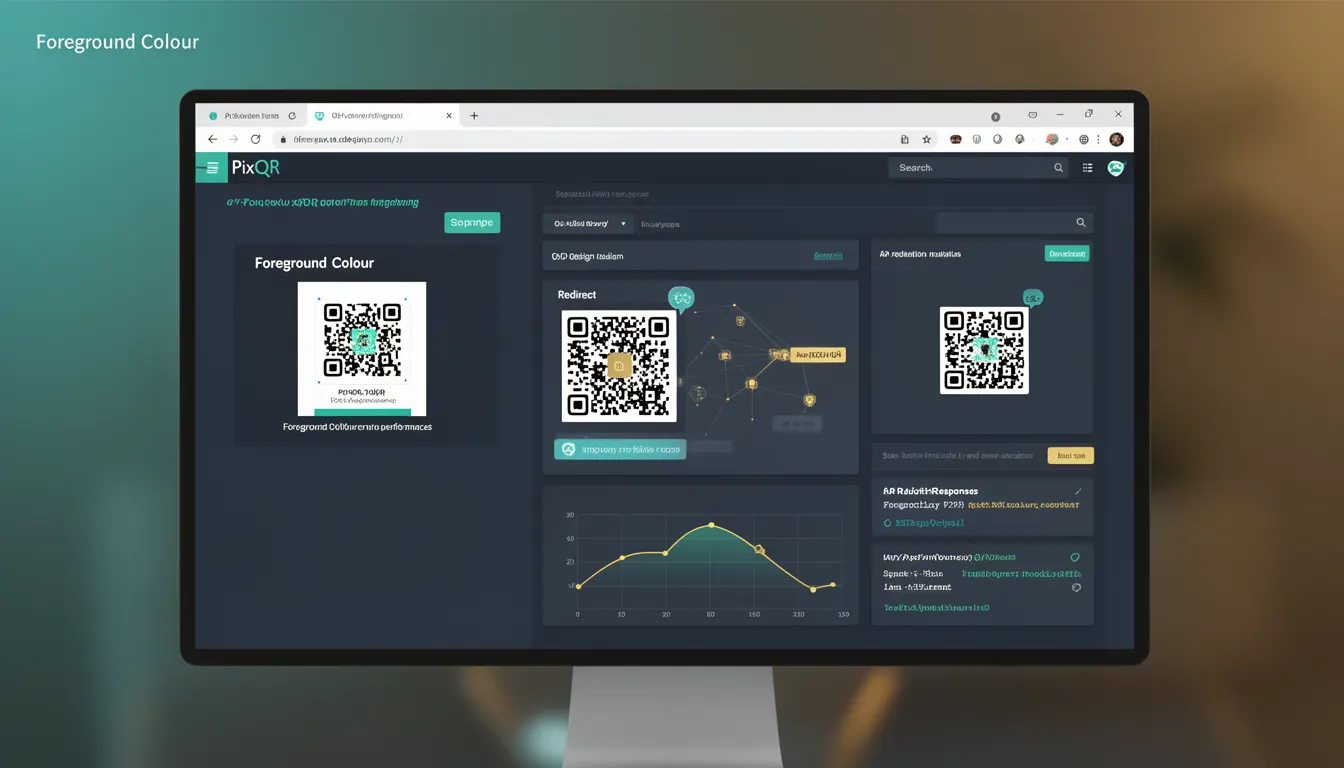
Foreground colour in QR code design refers to the colour used for the dark modules (the black or dark parts) of a QR code, as opposed to the background colour which defines the light modules. This term is central to the visual presentation and branding of QR codes, particularly in PixQR's platform where aesthetic control and scan reliability must coexist.
Developers working with QR code generation or integration will encounter foreground colour when customizing QR code appearance for branding, accessibility, or visual consistency. In PixQR, foreground colour settings are applied through API parameters or UI controls and are used to override default black-on-white designs to suit brand guidelines or accessibility needs.
Why It Matters
Foreground colour directly impacts both the visual branding of a QR code and its scan performance. A well-chosen foreground colour ensures that the QR code remains scannable while aligning with brand identity or accessibility requirements. Poorly chosen foreground colours can reduce scan reliability, particularly in low-contrast environments or with certain scanning devices.
In PixQR, foreground colour settings are especially important when integrating QR codes into marketing materials or user interfaces where visual consistency is key. For instance, a white QR code on a light background may be hard to scan in certain lighting conditions, while a dark foreground on a light background typically provides better performance. Additionally, foreground colour can be adjusted for accessibility compliance, such as ensuring sufficient contrast for users with visual impairments.
How It Works
The foreground colour in a QR code is implemented through a colour value (typically in hex, RGB, or HSL format) that is mapped to the dark modules of the code. The colour is applied during QR code generation and must be compatible with the QR code’s structure to preserve scannability.
- Foreground colour is typically specified as a hexadecimal value, e.g.,
#000000for black or#FF0000for red. - It is distinct from background colour, which defines the light modules of the code.
- QR code algorithms maintain scannability by ensuring that foreground and background colours provide sufficient contrast.
- When using PixQR, foreground colour is often passed as a parameter in API calls or via UI configuration.
- Some platforms allow for dynamic foreground colour changes based on branding or user preferences.
Quick Reference
| Item | Purpose | Notes |
|---|---|---|
| Foreground colour | Defines the dark modules of a QR code | Must provide sufficient contrast for scanability |
| Background colour | Defines the light modules of a QR code | Often set to white or transparent |
| Hex value | Standard representation of foreground colour | Examples: #000000, #FF0000 |
| API parameter | Used in PixQR API to set QR code colour | Commonly named foreground_color |
| Scan reliability | Depends on contrast between foreground and background | Low contrast may reduce scan success |
Basic Example
PixQR Example QR
This QR links directly to this glossary page, so printed notes, onboarding docs, and support material can bring scanners back to the current reference.

This example demonstrates how to set a foreground colour in a PixQR API request. The foreground colour is specified as a hex value to override the default black-on-white design.
{
  "data": "https://example.com",
  "foreground_color": "#FF0000",
  "background_color": "#FFFFFF"
}
In this example, the QR code will render with red foreground modules and a white background. The foreground_color parameter defines the colour of the dark modules, while background_color sets the light modules.
Production Example
This example shows a more robust implementation of foreground colour in a PixQR-based system, including validation and accessibility considerations.
{
  "data": "https://example.com",
  "foreground_color": "#000000",
  "background_color": "#FFFFFF",
  "size": 300,
  "margin": 1,
  "error_correction": "M"
}
This configuration ensures that the QR code is generated with a black foreground and white background, a size of 300 pixels, and a margin of 1 module. It also includes error correction to maintain reliability. The foreground and background colours are validated to ensure sufficient contrast and compliance with accessibility standards.
Common Mistakes
- Using a foreground colour that is too similar to the background, reducing contrast and scan reliability.
- Choosing a foreground colour that is too light or too dark, which may cause scanning issues in certain lighting.
- Ignoring accessibility guidelines, such as WCAG contrast ratios, when selecting foreground and background colours.
- Applying foreground colour without testing scan performance in real-world conditions.
- Not validating colour inputs to prevent invalid or unsupported formats from being applied.
Security And Production Notes
- Always validate foreground colour inputs to ensure they are valid hex codes or supported colour formats.
- Ensure sufficient contrast between foreground and background to maintain QR code scannability across devices.
- Consider accessibility standards, such as WCAG 2.1, when selecting foreground and background colours.
- Test QR codes with different foreground colours under various lighting and scanning conditions.
- Do not allow arbitrary colour inputs without sanitization, as malformed inputs may cause rendering errors or API failures.
Related Concepts
Foreground colour is closely related to several other QR code design and implementation concepts:
- Background colour: The complementary colour used for the light modules of a QR code.
- Scan reliability: The ability of a QR code to be accurately scanned, affected by foreground and background contrast.
- QR code size: The physical dimensions of a QR code, which can influence how foreground and background colours appear.
- Accessibility: Ensuring that QR code colours meet accessibility standards for visual impairments.
- Dynamic QR codes: QR codes that change content or appearance, where foreground colour may be part of the dynamic configuration.