 PixQR
PixQR
Overview
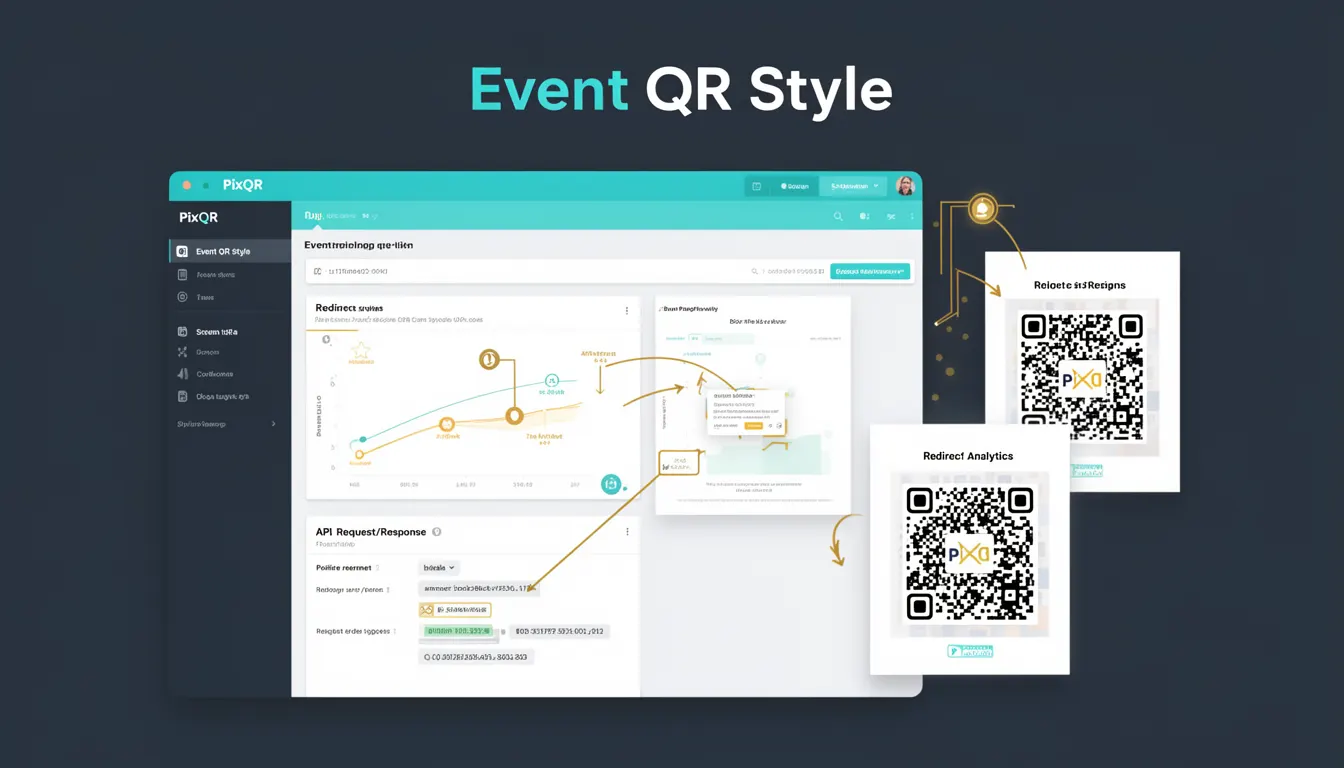
Event QR Style refers to a specific design approach for QR codes that balances visual aesthetics with functional requirements. In the context of PixQR, this term describes how QR code elements are styled to align with event branding while maintaining scan reliability and performance.
When creating QR codes for events, developers and designers often need to integrate brand colors, logos, or event-specific visual elements into the QR code structure. Event QR Style provides a framework for doing so without compromising the code's ability to be scanned reliably by standard QR readers. This approach is particularly relevant in marketing campaigns, ticketing systems, and promotional materials where visual identity is as important as functionality.
Why It Matters
Event QR Style is critical for maintaining both user experience and operational reliability. Poorly styled QR codes may fail to scan, leading to lost engagement, frustrated users, or missed conversions. From a brand perspective, QR codes that don't align with event aesthetics can appear unprofessional or disconnected from the overall campaign.
For developers working with PixQR, understanding Event QR Style ensures that customizations don't introduce scan failures or compliance issues. This is especially important in high-volume environments like concerts, conferences, or trade shows, where QR code reliability directly impacts operational efficiency. A well-designed event QR code also supports analytics by ensuring consistent scan tracking and data collection.
How It Works
Event QR Style operates by applying design constraints that preserve the QR code's structural integrity while allowing for visual enhancements. The core mechanism involves balancing foreground and background elements, maintaining contrast, and ensuring that visual modifications don't interfere with the code's scanning algorithm.
- Foreground and background colors must maintain sufficient contrast to ensure scannability, typically requiring at least 3:1 contrast ratios.
- Logo or brand elements should be placed in the quiet zone or non-critical areas of the QR code to avoid interference.
- Modifications to the QR code's geometric structure, such as rounded corners or custom shapes, must not exceed 10% of the total area.
- Color saturation and brightness adjustments should be made carefully to prevent loss of data encoding integrity.
- Dynamic QR code features, such as redirects or analytics tracking, must remain functional even with visual modifications.
Quick Reference
| Item | Purpose | Notes |
|---|---|---|
| Quiet Zone | Unscanned area around QR code | Must be at least 4 modules wide |
| Foreground Color | Primary QR code color | Must contrast with background |
| Background Color | Base QR code background | Should be neutral for readability |
| Logo Placement | Branding within QR code | Must not overlap data zones |
| Module Size | Individual QR code pixel | Must remain consistent for scanning |
Basic Example
PixQR Example QR
This QR links directly to this glossary page, so printed notes, onboarding docs, and support material can bring scanners back to the current reference.

This basic example demonstrates how to apply a simple color scheme to a QR code while maintaining scannability.
const qrCodeConfig = {
  text: 'https://event.example.com/ticket',
  color: {
    foreground: '#000000',
    background: '#ffffff'
  },
  style: 'event',
  logo: {
    url: '/assets/logo.png',
    size: 0.2
  }
};
The example shows how to configure a QR code with a black foreground and white background, a custom event style, and a logo positioned within the QR code. The style property is set to 'event' to indicate that design modifications are allowed within PixQR's guidelines.
Production Example
This production example includes validation, accessibility considerations, and error handling for QR code styling in an event context.
const generateEventQR = (eventData) => {
  const { url, brandColor, logoUrl, eventId } = eventData;
  if (!url || !brandColor) {
    throw new Error('Missing required event data');
  }

  const qrConfig = {
    text: url,
    color: {
      foreground: brandColor,
      background: '#ffffff'
    },
    style: 'event',
    logo: {
      url: logoUrl,
      size: 0.15
    },
    errorCorrection: 'M',
    margin: 1
  };

  return PixQR.generate(qrConfig);
};
This version is more robust for production because it validates input parameters, sets an appropriate error correction level, and ensures the logo size is within recommended limits. The margin and errorCorrection parameters help maintain scan reliability even with visual enhancements.
Common Mistakes
- Using too much color saturation or overly bright foreground colors that reduce contrast with the background, leading to scanning failures.
- Placing logos or images in areas that overlap critical data zones, which can cause scanning errors or data corruption.
- Applying custom shapes or rounded corners that exceed 10% of the total QR code area, which may break scanning algorithms.
- Ignoring quiet zone requirements, resulting in QR codes that cannot be reliably scanned by standard readers.
- Not validating QR code appearance after design modifications, causing last-minute scan failures in production environments.
Security And Production Notes
- Always validate QR code appearance after applying visual modifications to ensure compliance with scanning standards.
- Use contrast ratios of at least 3:1 between foreground and background to maintain scannability.
- Limit logo or image placement to the quiet zone or non-critical areas of the QR code to prevent data corruption.
- Test QR codes across multiple devices and scanners to verify compatibility with different scanning applications.
- Ensure that dynamic QR code features (like redirects or analytics) remain functional even when visual styling is applied.
Related Concepts
Event QR Style is closely connected to several core QR code development concepts:
QR Code Structure defines the underlying data layout and scanning requirements that must be preserved during visual modifications.
Error Correction Levels determine how much damage a QR code can sustain while remaining scannable, which is critical when applying visual styles.
Quiet Zones are essential for ensuring that visual modifications don't interfere with scanning algorithms.
Scan Reliability is the measure of how consistently a QR code can be read, directly impacted by design choices.
Dynamic Redirects are often used with event QR codes to provide personalized content or analytics tracking.