 PixQR
PixQR
Overview
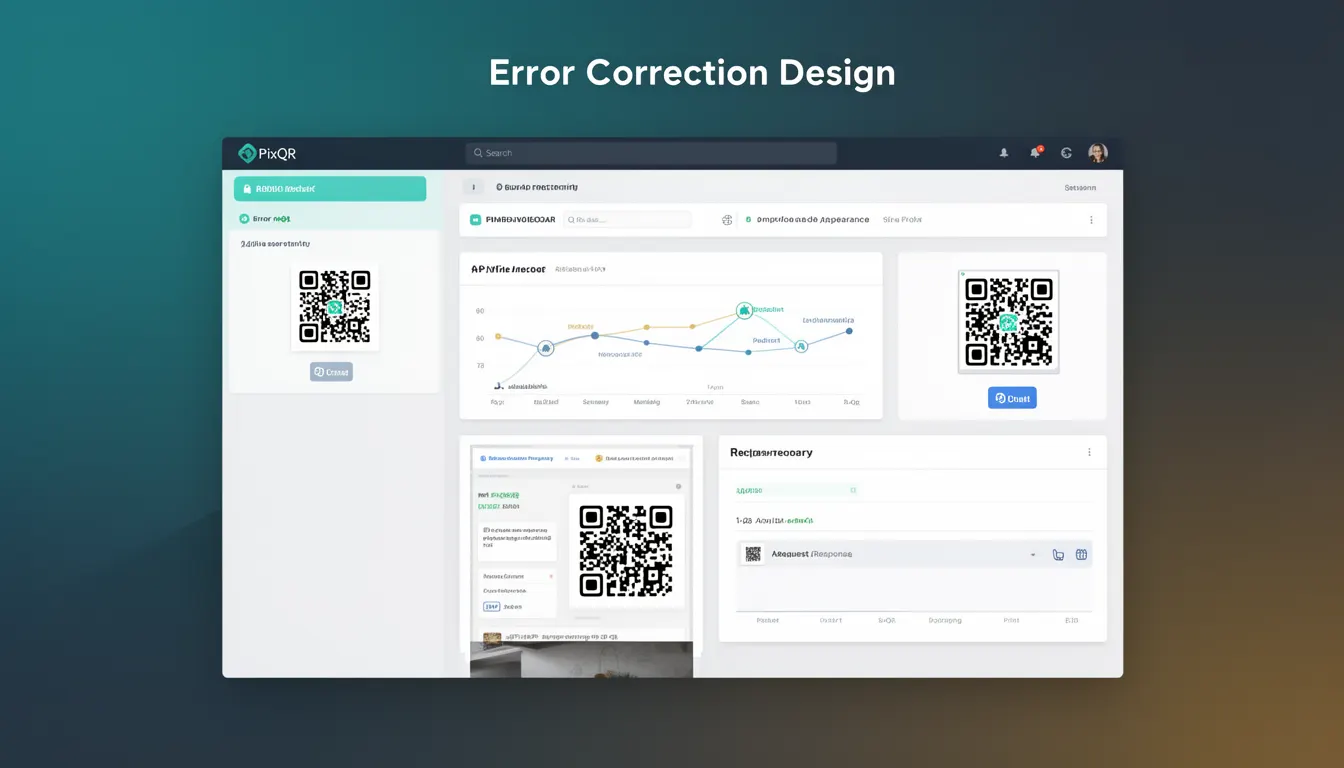
Error Correction Design (ECD) refers to the systematic approach of incorporating error correction mechanisms into QR code generation to ensure reliable scanning and data integrity, even when the code is damaged, degraded, or partially obscured. In the context of PixQR, ECD is a core component of the platform's QR code creation workflow, balancing visual aesthetics with functional robustness.
Developers using PixQR must understand ECD to configure QR codes for specific use cases such as mobile marketing, inventory tracking, or secure authentication. ECD ensures that a QR code remains scannable even under adverse conditions like poor print quality, dirt, or partial occlusion. It is not a feature that can be ignored in production environments where reliability is critical.
Why It Matters
For developers, error correction is a critical balance between data capacity and reliability. PixQR's platform allows developers to select different error correction levels to meet specific requirements. Higher levels of error correction increase redundancy, which improves scan success rates but reduces the amount of data that can be encoded. This trade-off directly impacts performance, storage, and user experience.
From a security perspective, robust error correction helps prevent fraud by ensuring that QR codes cannot be easily altered without detection. In environments like retail or logistics, where QR codes are scanned repeatedly under varying conditions, ECD ensures consistent data integrity and reduces the risk of misreads that could lead to operational errors or security breaches.
How It Works
Error Correction Design in QR codes is implemented using Reed-Solomon error correction algorithms. The process involves encoding data with redundant information, which allows the scanner to reconstruct the original data even if parts of the QR code are unreadable.
- QR codes support four error correction levels: L (Low), M (Medium), Q (Quartile), and H (High). Each level offers increasing redundancy and resilience.
- Level L provides 7% error correction, suitable for applications where data integrity is less critical.
- Level M offers 15% correction, balancing data capacity and reliability for most consumer applications.
- Level Q provides 25% correction, ideal for industrial or high-security use cases.
- Level H delivers 30% correction, offering maximum resilience for critical systems or outdoor applications.
- The error correction mechanism is applied during the QR code generation phase, and is not adjustable post-generation.
Quick Reference
| Item | Purpose | Notes |
|---|---|---|
| Error Correction Level | Selects redundancy for data recovery | Must be set at generation time |
| Reed-Solomon Encoding | Implements error correction algorithm | Standardized in ISO/IEC 18004 |
| Data Capacity | Amount of data that can be encoded | Decreases with higher correction levels |
| Scan Reliability | Probability of successful scan | Improves with higher correction levels |
| QR Code Version | Defines size and capacity | Must be compatible with correction level |
Basic Example
PixQR Example QR
This QR links directly to this glossary page, so printed notes, onboarding docs, and support material can bring scanners back to the current reference.
/glossary/qr-code-design/qr-code-design-error-correction-design

This example demonstrates how to configure error correction when generating a QR code using PixQR's API. It sets the correction level to Medium (M) for a balance of data capacity and reliability.
const qrConfig = {
  data: "https://example.com",
  errorCorrection: "M",
  size: 200
};

const qrCode = pixqr.generate(qrConfig);
The errorCorrection parameter sets the level to Medium, which provides 15% redundancy. The size parameter defines the output dimensions in pixels. The data field specifies the URL to encode.
Production Example
In a production environment, developers must consider validation, error handling, and scalability when configuring error correction. This example shows how to dynamically select error correction levels based on use case and validate inputs before QR generation.
function generateQRCode(data, useCase) {
  const correctionLevels = {
    "retail": "Q",
    "marketing": "M",
    "secure": "H"
  };

  if (!correctionLevels[useCase]) {
    throw new Error("Invalid use case");
  }

  const qrConfig = {
    data: data,
    errorCorrection: correctionLevels[useCase],
    size: 300,
    margin: 1
  };

  return pixqr.generate(qrConfig);
}
This version is production-ready because it validates the use case, dynamically selects correction levels, and ensures consistent output. It also includes a margin to improve scanability in real-world conditions.
Common Mistakes
- Using Level L for applications where data integrity is important, leading to frequent misreads or failed scans.
- Ignoring the relationship between error correction level and QR code size, resulting in oversized or undersized codes.
- Setting error correction levels too high without considering data capacity constraints, which can cause generation failures or excessive redundancy.
- Not testing QR codes under real-world conditions, such as partial occlusion or low resolution, leading to poor performance in the field.
- Hardcoding correction levels instead of adapting them to use cases, which reduces flexibility and scalability.
Security And Production Notes
- Higher error correction levels increase the code's visual complexity, which can make it harder to detect tampering or unauthorized modifications.
- Always validate input data before generating QR codes to prevent injection or malformed QR code creation.
- Ensure that QR codes are tested under conditions similar to their intended use to confirm scan reliability.
- Use PixQR's analytics to monitor scan success rates and adjust error correction levels accordingly for different environments.
- For high-security applications, consider combining ECD with other measures like digital signatures or time-based tokens to further protect QR code integrity.
Related Concepts
Several developer concepts are closely tied to Error Correction Design in QR code systems. QR Code Version defines the size and data capacity of a code. Data Encoding determines how information is translated into binary format. Scan Tracking monitors how often and where QR codes are scanned. Dynamic Redirects allow for changes in destination without regenerating the code. Privacy Controls ensure that data within QR codes does not expose sensitive user information.