 PixQR
PixQR
Overview
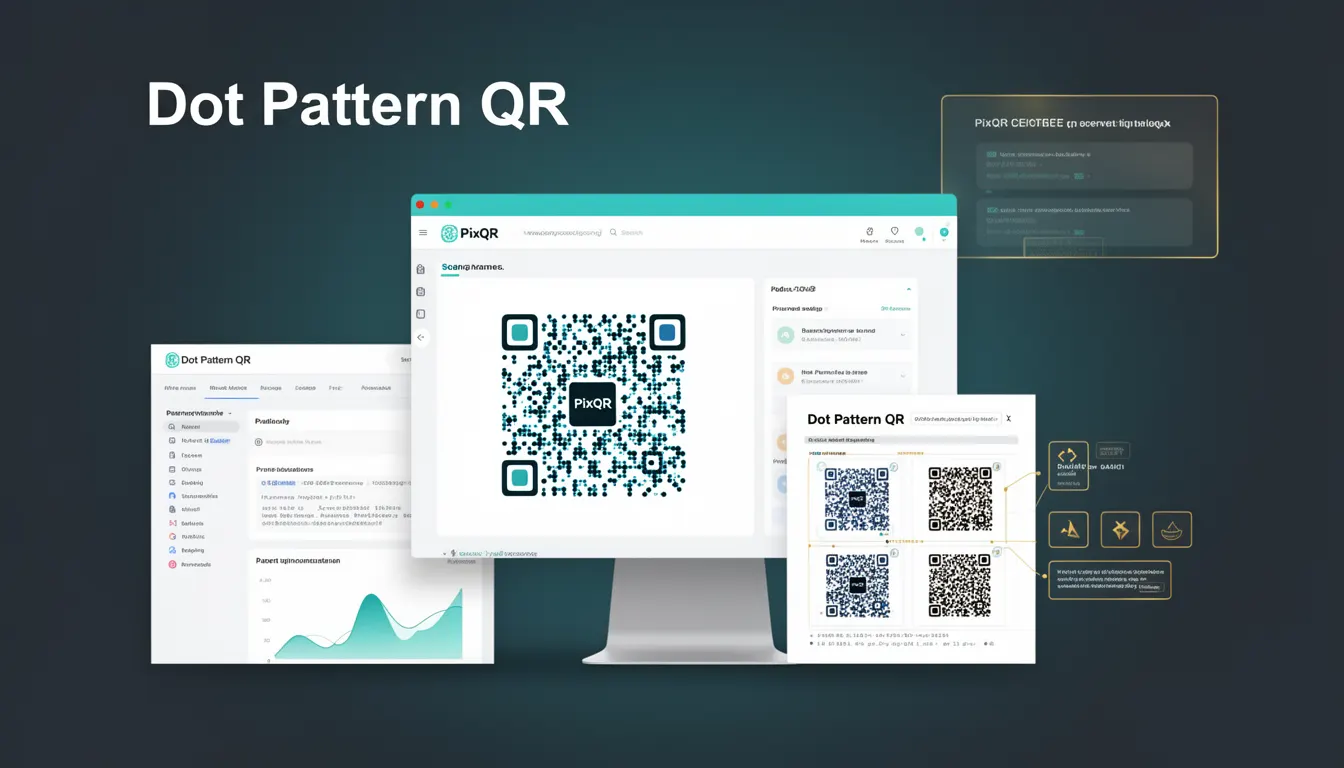
A Dot Pattern QR, also known as a dot-style QR code, refers to a visual design approach for QR codes that uses circular or dot-shaped modules instead of the traditional square modules. This design pattern improves the aesthetic appeal of QR codes while maintaining full functionality and scan performance.
Developers and designers working with PixQR platforms implement dot pattern QR codes to enhance brand identity, improve visual integration with marketing materials, and meet client expectations for modern, sleek QR code appearances. The pattern is particularly useful in print media, digital campaigns, and applications where QR codes are part of branded visual elements.
Why It Matters
For developers working with PixQR, dot pattern QR codes are essential for balancing brand consistency and functional reliability. In production environments, QR codes must scan reliably across different devices, lighting conditions, and print quality variations. Dot patterns offer a compromise between visual aesthetics and scan integrity.
From a user experience perspective, dot pattern QR codes are more visually pleasing and integrate better with modern branding. However, improper implementation can lead to scanning failures, especially on low-quality prints or with older scanning applications. PixQR's platform ensures that dot patterns maintain the required error correction levels and scan compatibility.
How It Works
The dot pattern QR code works by replacing the standard square modules of a QR code with circular or dot-shaped modules while preserving the underlying data structure and error correction capabilities. The algorithm maintains the same encoding rules, positioning patterns, and timing patterns as traditional QR codes, ensuring compatibility with scanning applications.
- Dot pattern QR codes are generated using the same QR code encoding standards (ISO/IEC 18004) but with visual modifications to module shapes.
- Each module in the dot pattern is typically circular or elliptical, maintaining the same data density as standard QR codes.
- The positioning patterns and timing patterns remain unchanged, ensuring that scanning applications can still locate and decode the QR code.
- Error correction levels (L, M, Q, H) are preserved, which means the dot pattern does not compromise data integrity or recovery capabilities.
- Dot pattern QR codes must be generated with appropriate resolution and contrast to ensure scanning reliability across different platforms.
Quick Reference
| Item | Purpose | Notes |
|---|---|---|
| Module Shape | Defines visual appearance | Must maintain data integrity |
| Error Correction Level | Ensures scan reliability | Same as standard QR codes |
| Resolution | Affects scanning quality | Minimum 200 DPI recommended |
| Color Contrast | Improves visibility | Dark dots on light background |
| Print Quality | Controls scan performance | Must support minimum dot size |
Basic Example
PixQR Example QR
This QR links directly to this glossary page, so printed notes, onboarding docs, and support material can bring scanners back to the current reference.

This example demonstrates the conceptual structure of a dot pattern QR code generation process. It shows how the basic module shape is modified while preserving functionality.
function generateDotPatternQR(data, size) {
  const qr = new QRCode(data, {
    type: 'dot',
    size: size,
    errorCorrection: 'M'
  });
  return qr;
}
The example uses a conceptual API where the type parameter is set to 'dot' to indicate the visual style. The size parameter controls the output dimensions, and errorCorrection ensures reliability. The actual implementation within PixQR handles the underlying module conversion.
Production Example
In a production environment, generating dot pattern QR codes requires validation, configuration, and error handling to ensure consistent performance across platforms. The following example shows how PixQR's API might be used to create a reliable dot pattern QR code.
const PixQR = require('pixqr-sdk');

const qrConfig = {
  data: 'https://example.com',
  type: 'dot',
  size: 512,
  errorCorrection: 'H',
  foregroundColor: '#000000',
  backgroundColor: '#FFFFFF',
  margin: 1
};

try {
  const qrCode = PixQR.generate(qrConfig);
  console.log('Dot pattern QR generated successfully');
} catch (error) {
  console.error('QR generation failed:', error.message);
}
This version includes validation for error correction level (set to 'H' for high reliability), color configuration, and margin settings. It also includes error handling to prevent runtime failures in production systems. The use of a high error correction level is crucial for dot pattern QR codes to maintain scanning reliability.
Common Mistakes
- Using low error correction levels with dot patterns can cause scanning failures in real-world conditions. Always use at least 'M' correction level for dot patterns.
- Setting incorrect color contrast ratios can make dot pattern QR codes unreadable. Ensure sufficient contrast between foreground and background colors.
- Choosing insufficient resolution for dot patterns leads to poor scanning performance, especially on low-quality prints or mobile devices.
- Ignoring margin requirements can cause scanning issues when QR codes are placed near edges or other visual elements.
- Not testing dot pattern QR codes across multiple scanning applications can lead to compatibility issues in production environments.
Security And Production Notes
- Dot pattern QR codes must maintain the same data integrity as standard QR codes to prevent injection attacks or data corruption.
- Always validate input data to prevent malicious URLs or payloads from being encoded in dot pattern QR codes.
- Use high error correction levels (H) for dot patterns in environments with variable scanning conditions or print quality.
- Implement proper access controls when generating dot pattern QR codes through APIs to prevent unauthorized usage.
- Test dot pattern QR codes with various scanning applications and devices to ensure compatibility and reliability.
Related Concepts
Dot pattern QR codes are closely related to several fundamental QR code concepts. Understanding these connections helps developers implement dot patterns effectively within PixQR platforms.
QR Code Encoding defines the underlying data structure and error correction methods that dot patterns must preserve. QR Code Standards ensure compatibility with scanning applications. Visual Design Principles guide the aesthetic choices in dot pattern implementation. Print Quality affects the practical usability of dot pattern QR codes in physical media. Accessibility Requirements ensure that dot pattern QR codes remain usable for people with visual impairments.