 PixQR
PixQR
Overview
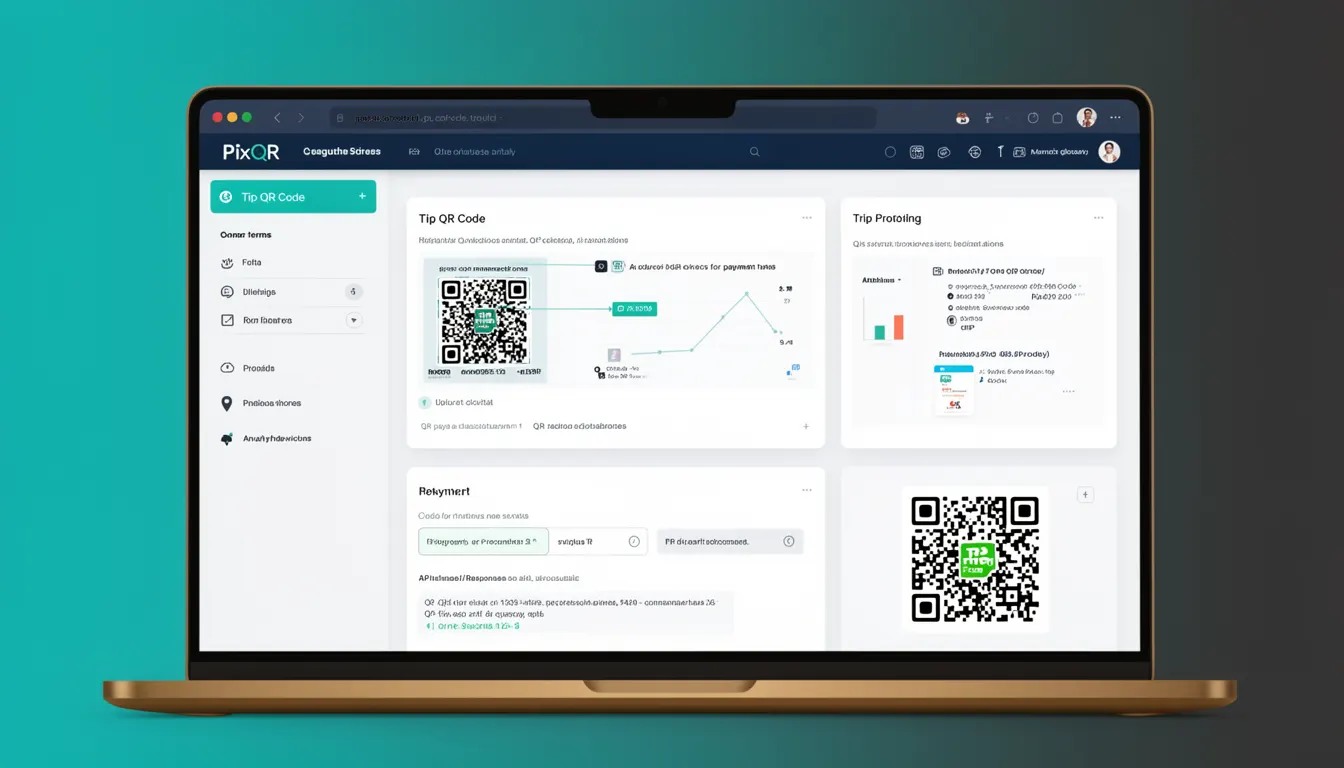
A Tip QR Code is a specific type of QR code designed to facilitate payment transactions, typically for small amounts such as tips or donations. In the context of PixQR, Tip QR Codes are generated to support dynamic payment flows that allow users to scan a QR code and complete a transaction without needing to manually enter payment details.
These codes are used in environments where quick, secure, and user-friendly payment processing is required, such as restaurants, events, retail, or service-based businesses. They are part of the broader category of payment-related QR codes and are often used as part of a larger payment infrastructure that includes redirects, analytics, and fraud prevention.
Why It Matters
For developers working with PixQR, Tip QR Codes are critical for enabling seamless payment experiences. They reduce friction in transactions by allowing users to pay with a single scan, improving both conversion rates and user satisfaction. From a security standpoint, Tip QR Codes must be designed to prevent unauthorized use or fraudulent transactions, which is why PixQR ensures that each code is tied to a secure backend payment system and can be monitored for suspicious activity.
Additionally, Tip QR Codes are often used in environments where offline or low-bandwidth connectivity is common, making them an ideal choice for mobile and kiosk-based payment systems. They support analytics and tracking, which allows businesses to understand user behavior and optimize their payment flows.
How It Works
Tip QR Codes function by encoding payment instructions, such as a payment gateway URL or payment identifier, into a QR code structure. When scanned, the QR code directs the user’s device to a payment endpoint that may include additional steps such as payment confirmation or redirecting to a payment service provider.
- Tip QR Codes are typically generated with a dynamic URL that includes parameters for amount, currency, and merchant ID.
- The QR code can be configured to support multiple payment methods, such as credit card, digital wallet, or bank transfer.
- Each Tip QR Code is associated with a unique identifier to enable tracking, analytics, and fraud prevention.
- PixQR allows developers to configure the behavior of the QR code, such as redirect timeout, scan tracking, and analytics integration.
- Tip QR Codes are designed to be brand-safe, meaning they support custom branding elements like logos and color schemes to maintain brand consistency.
Quick Reference
| Item | Purpose | Notes |
|---|---|---|
| Amount | Defines the payment amount | Must be numeric and in the correct currency format |
| Currency | Specifies the currency for the payment | Standard ISO 4217 codes are recommended |
| Redirect URL | Destination after payment completion | Must be HTTPS and properly validated |
| Merchant ID | Unique identifier for the merchant | Used for tracking and analytics |
| Scan Tracking | Logs scan activity for analytics | Enabled by default in PixQR |
Basic Example
PixQR Example QR
This QR links directly to this glossary page, so printed notes, onboarding docs, and support material can bring scanners back to the current reference.
/glossary/qr-code-for-payments/qr-codes-for-payments-tip-qr-code

This example shows how a basic Tip QR Code might be generated using PixQR's API, focusing on setting up a payment amount and currency.
{
  "type": "tip",
  "amount": 10.00,
  "currency": "USD",
  "redirect_url": "https://example.com/payment-complete",
  "merchant_id": "12345"
}
This configuration defines a Tip QR Code that prompts a user to pay $10.00 in USD. After payment, the user is redirected to a success page. The merchant ID allows for tracking and analytics.
Production Example
In a production environment, Tip QR Codes are often part of a larger payment workflow that includes validation, security checks, and analytics integration. This example shows how a developer might configure a Tip QR Code with additional security and tracking parameters.
{
  "type": "tip",
  "amount": 5.00,
  "currency": "EUR",
  "redirect_url": "https://secure.example.com/success",
  "merchant_id": "M123456789",
  "scan_tracking": true,
  "analytics": {
    "source": "pos-terminal",
    "campaign": "tip-2024"
  },
  "security": {
    "timeout": 300,
    "ip_whitelist": ["192.168.1.1", "10.0.0.1"]
  }
}
This version includes scan tracking, campaign analytics, and IP-based security, which are essential for production-grade payment systems. It also enforces a timeout to prevent stale transactions and restricts access to specific IP addresses.
Common Mistakes
- Not validating payment amounts, which can lead to incorrect charges or fraud.
- Using insecure redirect URLs, which may expose users to phishing or malicious redirections.
- Ignoring scan tracking or analytics, reducing the ability to monitor transaction success or user behavior.
- Not setting timeouts or IP restrictions, increasing the risk of unauthorized access or transaction replay.
- Hardcoding merchant IDs or sensitive data in client-side code, which can lead to exposure of backend systems.
Security And Production Notes
- Always validate payment amounts and currencies to avoid incorrect or fraudulent transactions.
- Use HTTPS for all redirect URLs to ensure secure communication between the user and payment provider.
- Implement scan tracking to monitor QR code usage and detect anomalies.
- Set timeouts for QR code sessions to prevent stale or unused transactions.
- Ensure that merchant IDs and other sensitive identifiers are not exposed in client-side code or logs.
Related Concepts
Tip QR Codes are closely related to several other payment and QR code concepts. Dynamic QR codes are used to generate unique, time-limited codes for transactions. Redirect safety ensures that scanned QR codes lead to trusted endpoints. Scan tracking and analytics provide insights into how QR codes are used in real-world environments. Brand-safe design ensures that QR codes align with brand identity and are not misused. Finally, fraud prevention measures such as IP whitelisting and transaction timeouts are essential for maintaining the integrity of payment flows.