 PixQR
PixQR
Overview
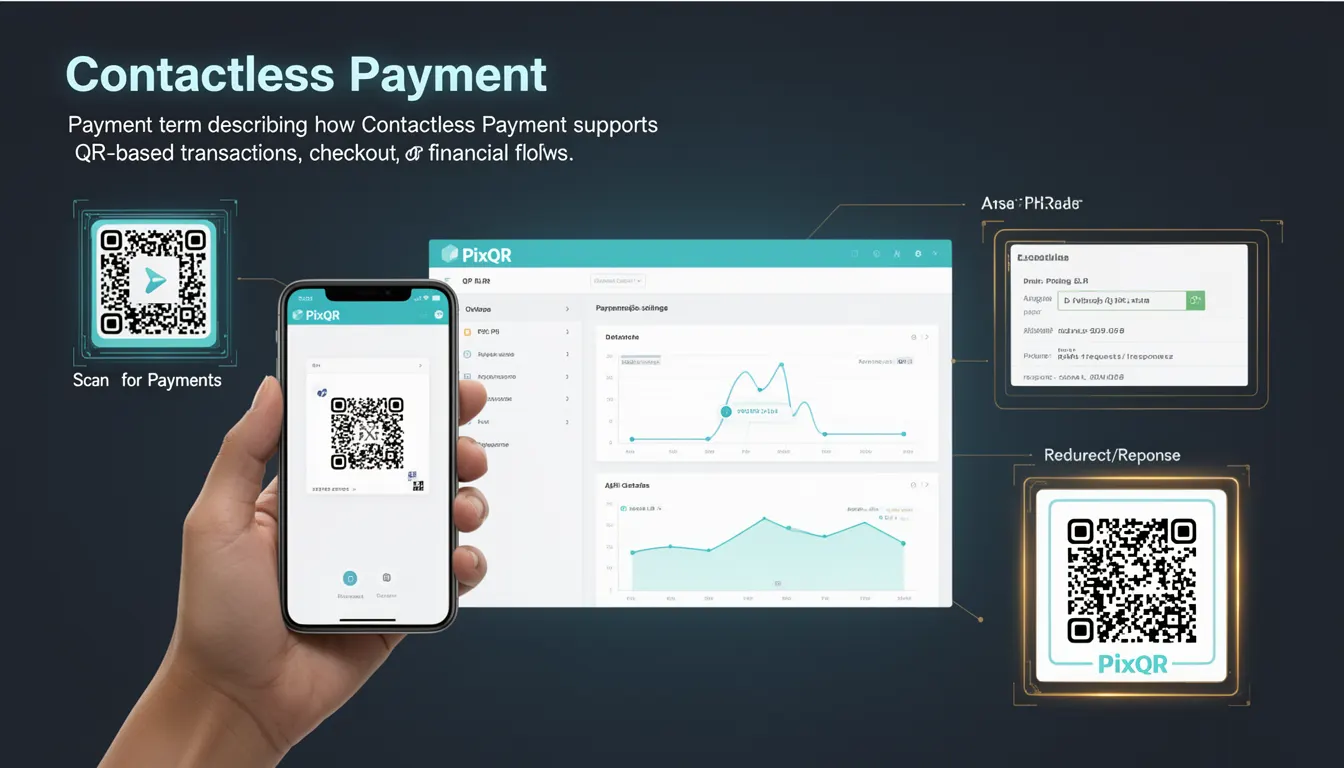
Contactless Payment is a payment method that enables transactions to occur without physical contact between the payment device and the point-of-sale terminal. In the context of QR code-based systems like PixQR, contactless payment is supported through QR codes that represent payment instructions or financial flows. These QR codes are generated dynamically and can be scanned by mobile devices or payment terminals to initiate transactions.
For developers using PixQR, contactless payment is implemented through QR codes that carry encoded transaction data. These codes are designed to be scanned reliably, with features like error correction, dynamic linking, and secure handling of financial data. The system supports both static and dynamic QR codes, with dynamic QR codes being particularly useful for transactions that require real-time validation or updates.
Why It Matters
For developers and system maintainers, contactless payment via QR codes is critical for enabling fast, secure, and scalable payment processing. It reduces the need for physical card readers or NFC devices, allowing for broader device compatibility and lower hardware costs. From a security perspective, PixQR ensures that QR codes are generated with appropriate encryption, access controls, and tracking capabilities, which are essential for preventing fraud and ensuring transaction integrity.
For user experience, contactless payment through QR codes provides a seamless and intuitive transaction flow. Users simply scan a QR code with their mobile device, and the system handles the rest. This is especially important for businesses that want to reduce checkout friction, support mobile-first workflows, or operate in environments where traditional payment terminals are impractical.
How It Works
Contactless payment via QR codes in PixQR involves a series of steps that ensure transaction integrity, reliability, and security. The QR code itself is generated with a payload that includes transaction data such as amount, merchant ID, and cryptographic tokens. When scanned, the QR code triggers a redirect or API call to a payment handler, which validates the transaction and processes the payment.
- QR code generation includes encoding of transaction parameters such as amount, currency, and merchant details.
- Dynamic QR codes can be updated in real time, allowing for changes to transaction values or expiration times.
- Scan tracking and analytics are enabled through PixQR’s backend, providing insights into transaction volume, success rates, and device usage.
- Payment handlers are configured to validate QR code payloads and ensure that only authorized transactions are processed.
- Security features include encrypted payloads, secure redirect URLs, and optional authentication tokens to prevent unauthorized use.
Quick Reference
| Item | Purpose | Notes |
|---|---|---|
| QR Code Payload | Encodes transaction details | Must include amount, currency, and merchant ID |
| Dynamic Redirect | Routes to payment handler | Supports real-time updates |
| Scan Tracking | Logs scan events | Provides analytics on usage |
| Encryption | Secures payload data | Prevents tampering |
| Expiration | Time-bound transactions | Optional, for security |
Basic Example
PixQR Example QR
This QR links directly to this glossary page, so printed notes, onboarding docs, and support material can bring scanners back to the current reference.
/glossary/qr-code-for-payments/qr-codes-for-payments-contactless-payment

This basic example shows how a simple QR code payload might be structured for a contactless payment transaction. The payload includes essential transaction details encoded in a format suitable for QR generation.
const paymentPayload = {
  amount: "10.00",
  currency: "USD",
  merchantId: "M123456789",
  transactionId: "TXN000123456"
};
The payload is encoded into a QR code using PixQR’s API. The amount and currency fields define the payment value, while merchantId and transactionId help track the transaction in the system.
Production Example
This production example demonstrates how a contactless payment QR code is generated and configured with security and tracking features. It includes dynamic updates, encryption, and analytics support.
const qrConfig = {
  payload: {
    amount: "25.00",
    currency: "EUR",
    merchantId: "M987654321",
    transactionId: "TXN987654321",
    timestamp: Date.now(),
    signature: "abc123def456"
  },
  redirectUrl: "https://secure.example.com/pay",
  expiration: 3600,
  analytics: true
};
This version is suitable for production because it includes a timestamp, cryptographic signature, and analytics tracking. It also defines an expiration time to ensure transactions are processed within a defined window.
Common Mistakes
- Using static QR codes for transactions that require real-time updates, leading to outdated or invalid payment data.
- Not validating the QR code payload on the payment handler side, which can result in fraud or unauthorized transactions.
- Ignoring expiration times, causing transactions to remain valid longer than intended, increasing security risks.
- Reusing QR codes for multiple transactions, which can lead to replay attacks or incorrect tracking.
- Not implementing secure redirect URLs, which can expose sensitive transaction data to interception or manipulation.
Security And Production Notes
- Always use encrypted payloads for sensitive transaction data to prevent tampering or interception.
- Implement strong validation on the payment handler side to ensure that QR code payloads are legitimate and not forged.
- Set expiration times for QR codes to reduce the window of opportunity for fraud or replay attacks.
- Use dynamic QR codes where possible to allow for real-time updates or cancellation of transactions.
- Log scan events and transaction data for audit trails and fraud detection, but ensure logs do not contain sensitive information.
Related Concepts
Several concepts are closely related to contactless payment in the context of QR code systems:
- Dynamic QR Codes: These QR codes can be updated after creation, allowing for real-time changes to transaction data.
- Payment Redirects: The mechanism by which a scanned QR code directs users to a payment processing page or API endpoint.
- Scan Analytics: Data collected on QR code scans to monitor usage, success rates, and user behavior.
- Transaction Validation: The process of verifying that a QR code payload is valid and authorized before processing a payment.
- Secure Payload Encoding: Techniques used to encode transaction data in a way that prevents tampering or unauthorized access.