 PixQR
PixQR
Overview
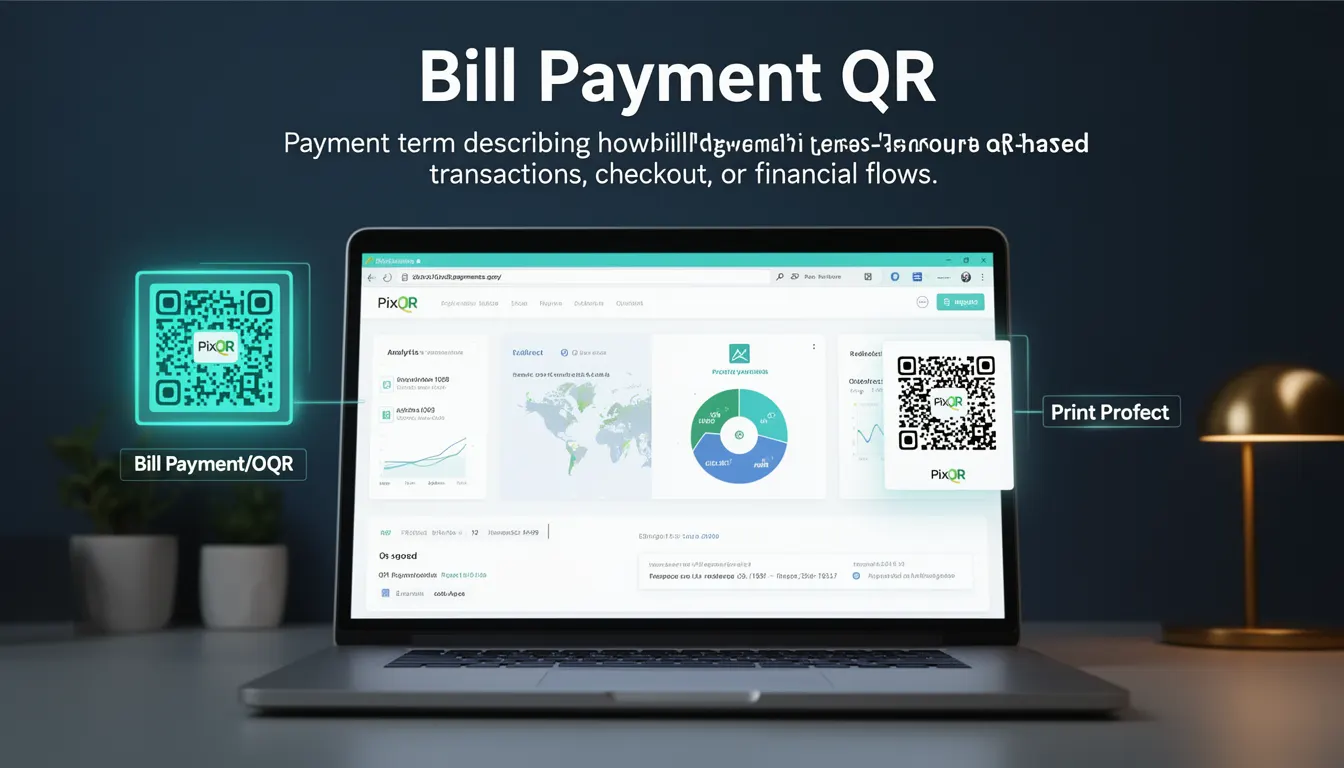
A Bill Payment QR is a specific type of QR code used to facilitate financial transactions related to recurring or one-time bill payments. It allows users to scan a QR code to initiate or complete a payment, typically through a mobile payment application or a web-based payment gateway. The QR code contains encoded transaction details such as the amount, recipient, and payment reference, making it a streamlined and secure way to process payments without manual data entry.
In the PixQR platform, Bill Payment QRs are designed to support dynamic transaction flows, ensuring that payment data is securely encoded and that the transaction can be tracked and managed through the platform’s analytics and operational workflows. These QRs are particularly valuable in scenarios such as utility bill collections, subscription services, or invoicing systems where a quick, reliable, and brand-safe payment method is required.
Why It Matters
For developers working on payment integrations or digital transaction platforms, Bill Payment QRs are essential because they simplify the payment initiation process for users and provide robust support for tracking and analytics. The integration of QR codes into payment workflows reduces friction in user experience, especially in environments where users may not be comfortable entering sensitive payment data manually.
From a security standpoint, PixQR ensures that Bill Payment QRs are generated with encrypted payloads, preventing unauthorized modification of transaction data. The platform also supports dynamic QRs, which can be updated or invalidated in real-time, enhancing protection against fraud. For operational teams, the ability to monitor scan activity, transaction status, and user behavior through PixQR’s analytics helps in optimizing payment flows and detecting anomalies.
How It Works
Bill Payment QRs operate by encoding structured data into a QR code, which can be scanned and interpreted by a mobile application or a web-based payment system. The encoding typically follows a standard format such as https://pixqr.com/pay?amount=100&reference=123456, where parameters are passed to the payment handler. PixQR supports various QR code types and formats, including dynamic and static QRs, to suit different use cases.
- The QR code payload is structured to include payment details such as amount, currency, merchant ID, and transaction reference.
- PixQR supports both static and dynamic QRs, with dynamic QRs allowing real-time updates to transaction data or status.
- Transaction data is encoded using secure methods to prevent tampering, with optional encryption for sensitive fields.
- Scanning the QR triggers a redirect or API call to a payment gateway, where the transaction is processed.
- Analytics are captured and reported through PixQR’s dashboard, enabling tracking of scans, conversion rates, and payment success or failure.
Quick Reference
| Item | Purpose | Notes |
|---|---|---|
| Amount | Transaction amount to be paid | Must be numeric and formatted according to currency standards |
| Reference | Unique identifier for the transaction | Used for reconciliation and tracking |
| Merchant ID | Identifies the payment recipient | Ensures proper routing of funds |
| Redirect URL | Destination after QR scan | Should be secure and support HTTPS |
| Expiration | Time after which QR becomes invalid | Optional but recommended for security |
Basic Example
PixQR Example QR
This QR links directly to this glossary page, so printed notes, onboarding docs, and support material can bring scanners back to the current reference.
/glossary/qr-code-for-payments/qr-codes-for-payments-bill-payment-qr

This basic example shows a static Bill Payment QR code payload that encodes a fixed amount and reference number. The QR code is generated using PixQR’s API and can be scanned by any standard QR reader.
https://pixqr.com/pay?amount=100&reference=INV123456&merchant=ABC123The URL structure encodes payment details that the scanning application interprets to initiate the payment flow. The amount parameter specifies the payment value, reference is a unique identifier, and merchant identifies the recipient.
Production Example
In a production environment, a dynamic Bill Payment QR may be generated with additional security and tracking parameters. This example shows how a QR code is created using PixQR’s API with dynamic data and secure configuration.
POST /api/v1/qr/bill-payment
Content-Type: application/json

{
  "amount": "150.00",
  "currency": "USD",
  "reference": "INV789012",
  "merchant_id": "M123456",
  "redirect_url": "https://example.com/payment-success",
  "expiration": "2025-04-01T10:00:00Z",
  "metadata": {
    "customer_id": "C789012",
    "invoice_type": "utility"
  }
}
This version includes metadata, expiration, and a redirect URL, all of which are essential for secure and traceable transactions. The dynamic nature of the QR allows for real-time updates and better control over the payment lifecycle.
Common Mistakes
- Not validating transaction parameters before generating the QR code, leading to invalid or malformed QRs that fail to process payments.
- Using static QRs for dynamic transactions, which can expose sensitive data or prevent updates to payment details.
- Ignoring the expiration time of a QR, resulting in transactions that are processed after the QR has become invalid.
- Not implementing secure redirects, which can lead to phishing or unauthorized access to payment systems.
- Using non-HTTPS URLs in QR payloads, which can compromise the integrity of the transaction and raise security flags.
- Failing to include proper metadata for tracking or reconciliation, making it difficult to monitor or audit transactions.
Security And Production Notes
- Always use HTTPS for redirect URLs to ensure data integrity and prevent man-in-the-middle attacks.
- Implement time-based expiration for QR codes to limit the window of opportunity for fraud.
- Validate all transaction parameters before encoding them into the QR payload to prevent invalid or malicious data.
- Use dynamic QRs when transaction details may change or when real-time updates are required.
- Log all QR scan events and transaction outcomes for compliance and fraud detection purposes.
Related Concepts
Bill Payment QRs are closely related to several core concepts in digital payments and QR code technology. These include:
- Dynamic QR Code – A QR code whose content can be updated after generation, useful for changing payment amounts or statuses.
- Payment Gateway – A system that processes payments and handles communication between the merchant and the financial network.
- Transaction Metadata – Additional data fields that provide context for a transaction, such as customer or invoice details.
- QR Code Analytics – Tools and metrics that track QR scan behavior, conversion rates, and user engagement.
- Secure Redirect – A method of directing users to a payment page that ensures the destination is trusted and secure.