 PixQR
PixQR
Overview
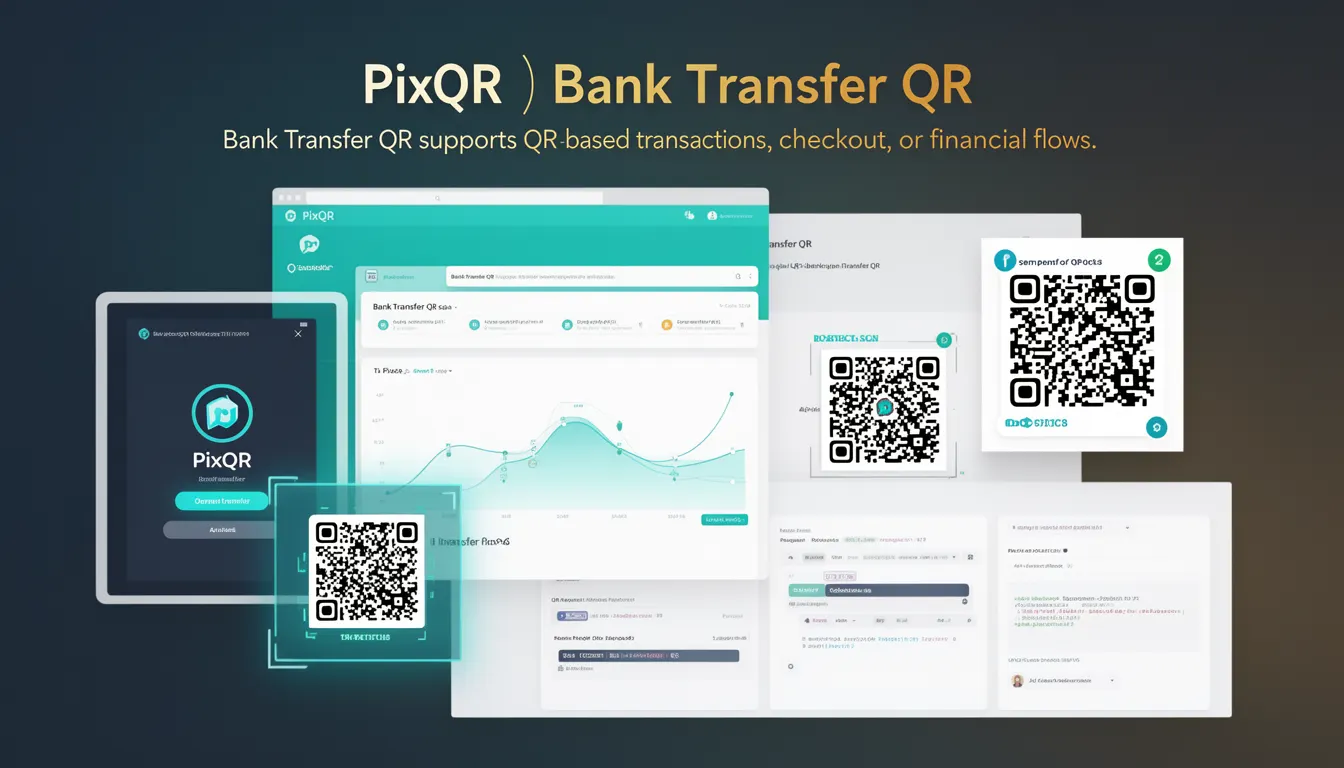
A Bank Transfer QR is a specific type of QR code used to facilitate financial transactions via bank transfers. It is a structured data format embedded in a QR code that, when scanned, directs users to a payment interface or bank transfer flow. Unlike static QR codes for URLs or text, a Bank Transfer QR is designed to carry payment-specific instructions and metadata required by financial institutions and payment processors.
In the context of PixQR, a Bank Transfer QR is generated to support secure, dynamic, and trackable payment workflows. These QR codes are not just visual representations but are tied to backend payment systems and can be configured to support specific transaction parameters, such as amount, recipient, and transaction ID. They are particularly valuable in e-commerce, subscription services, and point-of-sale systems where users need a quick and reliable way to initiate bank-based payments.
Why It Matters
For developers and platform operators, Bank Transfer QR codes provide a bridge between user experience and payment infrastructure. They simplify payment initiation by reducing friction—users scan a QR code and are instantly directed to a payment page or flow without manual input. This is especially important in regions where mobile banking is prevalent and QR-based payments are the preferred method.
From a security standpoint, PixQR ensures that Bank Transfer QR codes are generated with privacy controls and are tied to secure payment gateways. They support features like dynamic URLs, expiration times, and analytics tracking to help prevent fraud and provide insight into user behavior. For platform maintainers, these QR codes reduce the risk of human error in payment entry and can integrate with fraud detection systems to flag suspicious transactions.
How It Works
Bank Transfer QR codes function as a dynamic, structured data carrier that encapsulates payment instructions. When a user scans a QR code, the scanner decodes the embedded data and initiates a transaction flow based on the parameters defined in the code. PixQR supports Bank Transfer QR generation through an API that allows developers to configure transaction details before QR generation.
- Bank Transfer QRs are encoded using a specific data format, typically a URL or a structured JSON payload, which is then rendered as a QR code.
- The QR code can include metadata such as transaction amount, currency, recipient account details, and a unique transaction ID.
- Upon scanning, the QR reader directs the user to a payment gateway or an internal payment page, where the transaction is processed.
- PixQR supports dynamic QRs, meaning the QR code can be updated or invalidated after creation, providing enhanced security and control.
- Each QR code can be associated with analytics, allowing developers to track scan rates, transaction success, and user behavior.
Quick Reference
| Item | Purpose | Notes |
|---|---|---|
| Transaction ID | Unique identifier for a payment | Used for reconciliation and tracking |
| Amount | Transaction amount in specified currency | Must be numeric and valid |
| Recipient Account | Target bank account or payment method | Encoded in QR data structure |
| QR Expiry | Time after which QR is invalid | Default is 24 hours |
| Analytics Tracking | Scan and transaction data collection | Enabled by default in PixQR |
Basic Example
PixQR Example QR
This QR links directly to this glossary page, so printed notes, onboarding docs, and support material can bring scanners back to the current reference.
/glossary/qr-code-for-payments/qr-codes-for-payments-bank-transfer-qr

This example shows a minimal Bank Transfer QR code payload. It includes the necessary parameters to initiate a transaction.
{
  "type": "bank_transfer",
  "amount": "100.00",
  "currency": "USD",
  "recipient": "account_123456789",
  "transaction_id": "txn_abc123",
  "expiry": "2025-04-01T12:00:00Z"
}
This payload defines a payment of 100 USD to a specific account. The transaction ID ensures uniqueness, and the expiry time prevents the QR from being used after a set date. When encoded into a QR code, this structure is scanned and interpreted by the payment system.
Production Example
This example shows how a Bank Transfer QR might be generated in a production environment, including validation and secure handling of parameters.
const pixqr = require('pixqr-sdk');

const payload = {
  type: 'bank_transfer',
  amount: '250.00',
  currency: 'EUR',
  recipient: 'account_xyz987',
  transaction_id: 'txn_' + Date.now(),
  expiry: new Date(Date.now() + 24 * 60 * 60 * 1000).toISOString()
};

const qrCode = pixqr.generate(payload);

console.log(qrCode.url); // URL to the generated QR code
This version includes dynamic transaction IDs and automatic expiry calculation. It is production-ready because it avoids hardcoded values, uses secure date handling, and integrates with a PixQR SDK for safe generation and validation.
Common Mistakes
- Hardcoding transaction IDs or recipient accounts in QR payloads, which can lead to duplicate transactions or payment errors.
- Not setting expiry times, leaving QR codes vulnerable to misuse or delayed payments.
- Using unvalidated currency codes or amounts, which may cause payment system failures or invalid transactions.
- Generating QR codes without proper analytics or tracking enabled, making it difficult to monitor usage or detect fraud.
- Not ensuring that the QR code is rendered with appropriate error correction levels, which can lead to scanning failures.
Security And Production Notes
- Always validate transaction amounts and recipient details before generating the QR code to prevent invalid or fraudulent payments.
- Set a reasonable expiry time for Bank Transfer QR codes to minimize the risk of unauthorized use.
- Use secure, encrypted communication channels when transmitting QR data or payment payloads.
- Ensure that analytics and tracking are enabled to monitor scan behavior and detect anomalies.
- Implement error handling and logging to track failed QR generations or payment attempts.
Related Concepts
Bank Transfer QR codes are part of a broader ecosystem of payment QR technologies. Related concepts include:
- Dynamic QR Codes – QR codes that can be updated or invalidated after creation, offering enhanced control and security.
- Payment Gateway Integration – The system that processes payments initiated through QR codes, often involving APIs and authentication.
- Transaction Tracking – The ability to monitor and log QR code scans and payment outcomes for analytics and fraud detection.
- QR Code Error Correction – The level of redundancy built into QR codes to ensure they can be scanned even when damaged or partially obscured.
- Secure Payment Flows – The overall architecture of payment processing, including encryption, user authentication, and compliance with financial standards.