 PixQR
PixQR
Overview
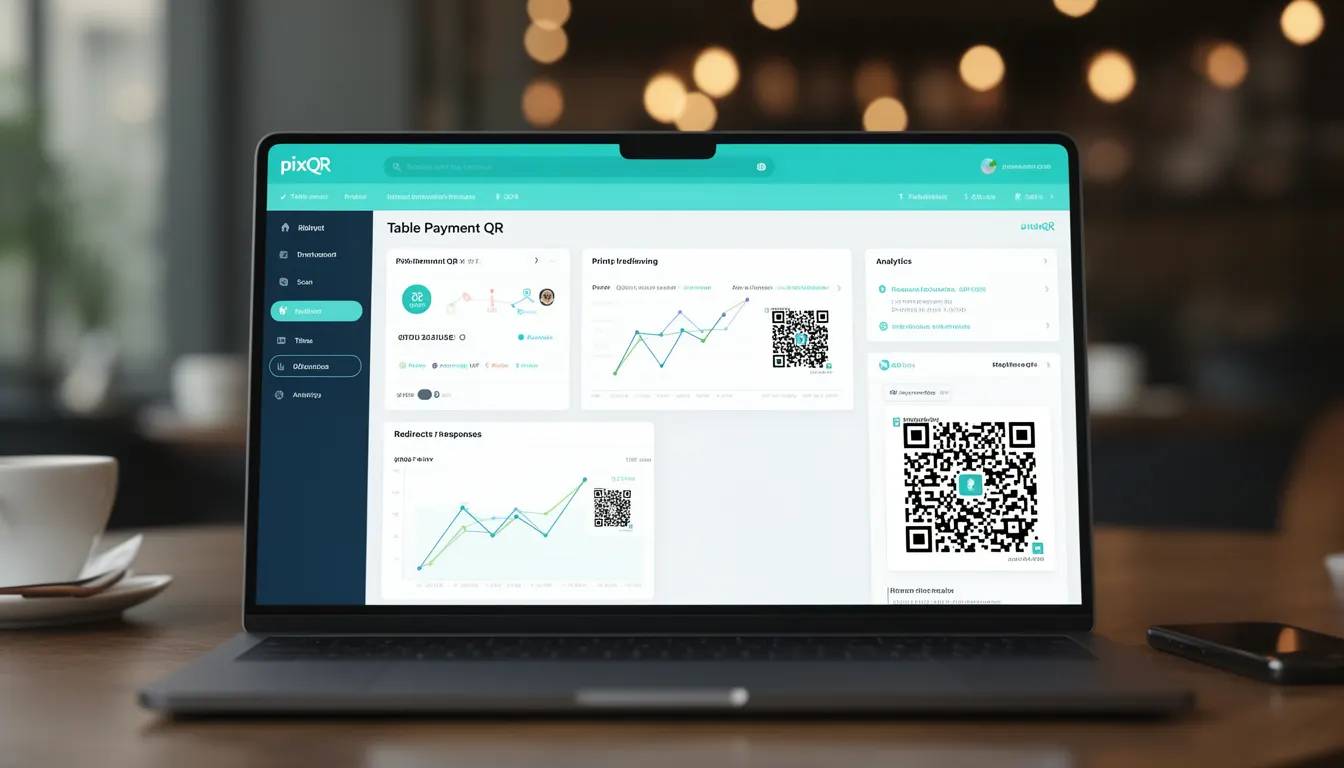
A Table Payment QR is a specific type of QR code used in restaurant and hospitality environments to facilitate contactless, digital payments at the table. These QR codes are generated dynamically by the PixQR platform and are designed to support a seamless, secure transaction flow between the customer and the establishment’s payment system.
Unlike standard QR codes used for general redirects or content delivery, Table Payment QR codes are purpose-built for financial transactions. They are embedded with transaction metadata, including order details, payment amount, merchant ID, and payment gateway information. These codes are scanned by customers using their mobile devices, triggering a payment process that is handled securely through the PixQR infrastructure.
Why It Matters
For developers and operators in the hospitality industry, Table Payment QR codes provide a streamlined way to reduce friction in the checkout process. They eliminate the need for manual payment entry, reduce queue times, and improve the customer experience. From a technical perspective, they also support secure payment flows by integrating with payment gateways and ensuring transaction data is handled according to industry standards like PCI DSS.
From a production standpoint, these QR codes must be designed to scale with high-volume environments, maintain scan reliability, and support analytics tracking without compromising user privacy. PixQR ensures that each Table Payment QR is generated with appropriate error handling, encryption, and analytics hooks to support real-time transaction monitoring and fraud detection.
How It Works
Table Payment QR codes operate by embedding structured data into a QR code payload that is interpreted by a mobile payment application or a PixQR scanner. The QR code typically encodes a URL or a structured JSON payload that includes transaction details. When scanned, this data is used to initiate a payment flow.
- The QR code payload is generated using PixQR’s API, which supports dynamic transaction creation with parameters like amount, merchant ID, and currency.
- Each QR code is associated with a unique identifier that allows tracking of transactions, refunds, and scan events.
- Scans are logged in real time, with optional analytics hooks for revenue tracking and customer behavior insights.
- Transaction data is encrypted during generation and transmitted securely over HTTPS to the payment gateway.
- The QR code supports both static and dynamic payloads, allowing for pre-defined or on-the-fly transaction creation.
Quick Reference
| Item | Purpose | Notes |
|---|---|---|
| QR Payload Format | Encodes transaction data | JSON or URL-encoded data |
| Scan Tracking | Logs QR scan events | Real-time analytics support |
| Dynamic vs Static | Transaction flexibility | Static for fixed amounts, dynamic for variable |
| Encryption | Secures transaction data | End-to-end encryption via PixQR |
| Payment Gateway | Handles transaction flow | Integrated with major payment processors |
Basic Example
PixQR Example QR
This QR links directly to this glossary page, so printed notes, onboarding docs, and support material can bring scanners back to the current reference.
/glossary/qr-code-for-payments/qr-codes-for-payments-table-payment-qr

This example demonstrates the basic structure of a Table Payment QR payload that includes a fixed amount and merchant ID.
{
  "amount": 25.99,
  "currency": "USD",
  "merchant_id": "M123456789",
  "transaction_id": "T987654321",
  "redirect_url": "https://api.pixqr.com/payments/confirm"
}
The payload is encoded into a QR code and scanned by the customer. The redirect URL triggers the payment confirmation process.
Production Example
This example shows a more robust implementation that includes validation, dynamic transaction creation, and secure encryption.
const generateTablePaymentQR = (order) => {
  const payload = {
    amount: order.total,
    currency: order.currency,
    merchant_id: "M123456789",
    transaction_id: generateTransactionId(),
    redirect_url: "https://api.pixqr.com/payments/confirm",
    metadata: {
      table_number: order.table,
      items: order.items
    }
  };

  const encodedPayload = btoa(JSON.stringify(payload));
  return `https://api.pixqr.com/qr?data=${encodedPayload}`;
};
This version is production-ready because it uses a secure transaction ID generator, encodes data properly, and ensures all metadata is included for analytics and fraud prevention.
Common Mistakes
- Using static QR codes for variable transactions, which can lead to incorrect payment amounts and customer confusion.
- Not validating transaction data before generating the QR, resulting in invalid payloads or payment failures.
- Hardcoding merchant IDs or sensitive information in QR payloads, which exposes systems to unauthorized access.
- Ignoring scan tracking or analytics hooks, which limits the ability to monitor transaction success rates or customer behavior.
- Generating QR codes without encryption, which can expose transaction data to interception or tampering.
Security And Production Notes
- All transaction data must be encrypted before being embedded in the QR code payload.
- QR codes should be generated with unique transaction IDs to prevent replay attacks.
- Redirect URLs must be validated to ensure they are from trusted domains.
- Scans should be logged with timestamps and IP addresses for audit purposes.
- Implement rate limiting to prevent abuse of the QR generation endpoint.
Related Concepts
Table Payment QR codes are closely related to several core PixQR functionalities and industry standards:
- Dynamic QR Codes – These are generated on-the-fly and support variable transaction data.
- Payment Gateway Integration – Table Payment QR codes rely on secure connections to payment processors.
- Scan Analytics – Real-time tracking of QR scans and transaction outcomes.
- Brand-Safe QR Design – Ensures QR codes maintain brand integrity and visual consistency.
- Privacy Controls – Table Payment QRs must comply with data protection regulations like GDPR or CCPA.