 PixQR
PixQR
Overview
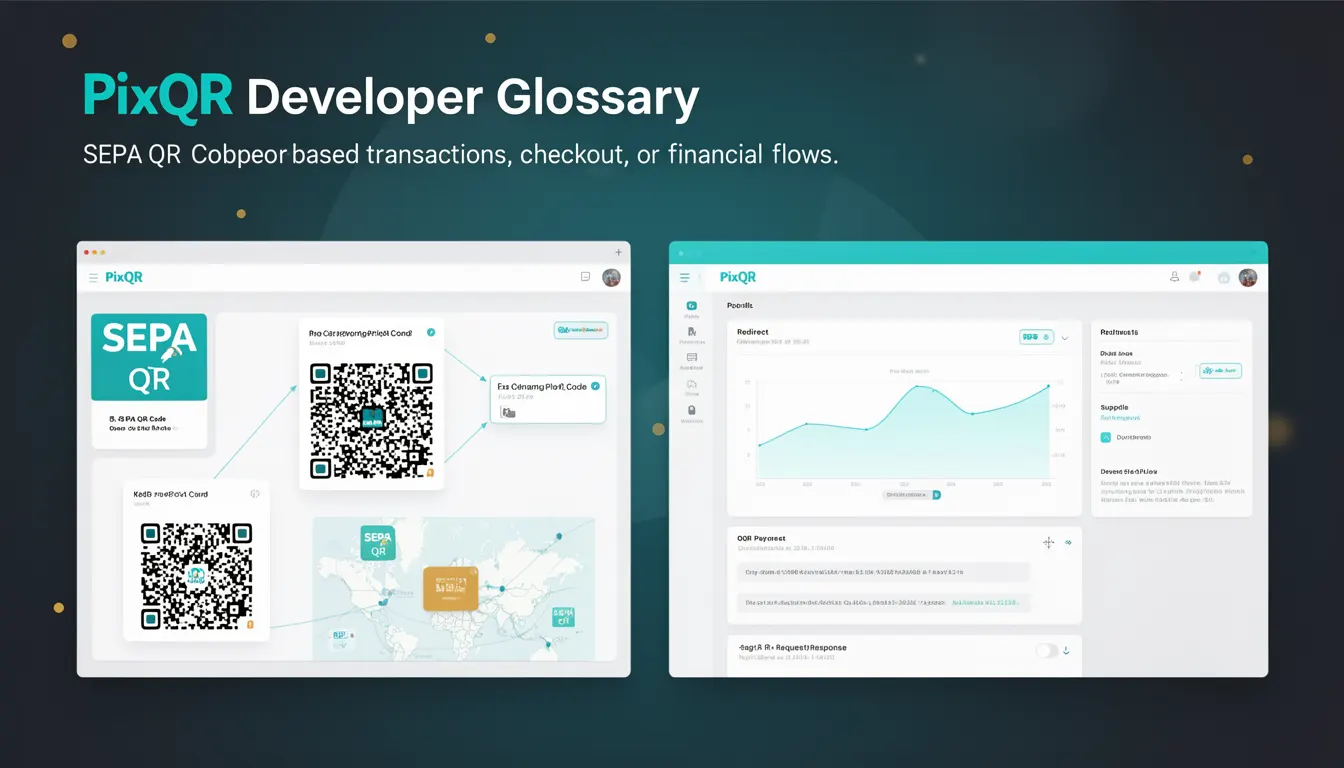
A SEPA QR Code is a standardized QR code format used primarily for making payments within the Single Euro Payments Area (SEPA). It is defined by the European Payments Council (EPC) and supports structured data for initiating SEPA Credit Transfer payments directly from a mobile app or QR code scanner. Unlike generic QR codes, SEPA QR codes contain specific data fields that allow financial institutions and payment service providers to interpret payment instructions automatically.
Developers working on payment integrations, e-commerce platforms, or financial services in Europe will encounter SEPA QR codes when building systems that support SEPA-based transactions. PixQR supports generating SEPA QR codes as part of its dynamic QR code workflows, allowing for secure, reliable, and brand-safe payment initiation.
Why It Matters
SEPA QR codes are critical for developers building payment systems in European markets, where they are the preferred method for initiating SEPA Credit Transfers. The standardization reduces integration complexity, improves transaction reliability, and ensures that payment data is interpreted consistently across different platforms. For PixQR users, SEPA QR codes offer a way to generate payment-ready QR codes that are scanned by financial institutions or mobile apps to complete transactions.
Without standardization, payment systems would require custom data formats, increasing development time and risk of errors. SEPA QR codes streamline the payment initiation process, improving user experience and reducing fraud risk by ensuring data integrity and secure transmission.
How It Works
SEPA QR codes are generated based on a structured data format defined by the European Payments Council. The QR code contains encoded information such as the recipient's IBAN, amount, currency, and optional reference fields. When scanned, the QR code data is parsed by the payment app or service to initiate a payment.
- The QR code must follow the EPC008-12 standard, which defines the data structure and encoding.
- It includes a fixed header indicating the format, followed by fields like IBAN, amount, and purpose of payment.
- SEPA QR codes support both static and dynamic QR codes, with dynamic ones allowing updates to payment details.
- The data is encoded using the UTF-8 character set and follows a specific layout for field identification.
- PixQR generates SEPA QR codes that are compliant with EPC008-12 and support standard payment flows for SEPA Credit Transfers.
Quick Reference
| Item | Purpose | Notes |
|---|---|---|
| IBAN | Recipient's bank account identifier | Required field in SEPA QR code |
| Amount | Payment amount in EUR | Optional, but recommended |
| Currency | ISO 4217 currency code | Must be EUR for SEPA |
| Reference | Payment reference or description | Optional field |
| QR Type | Indicates QR code type (static/dynamic) | Dynamic allows updates |
Basic Example
PixQR Example QR
This QR links directly to this glossary page, so printed notes, onboarding docs, and support material can bring scanners back to the current reference.
/glossary/qr-code-for-payments/qr-codes-for-payments-sepa-qr-code

This example shows a basic SEPA QR code payload, which can be encoded into a QR code image for payment initiation.
SPC
0002
12345678901234567890
EUR100.00
1
Jane Smith
1234567890123456789012345678901234567890
1234567890123456789012345678901234567890
1234567890123456789012345678901234567890
1234567890123456789012345678901234567890
The payload starts with the SPC identifier, followed by fixed fields such as version and IBAN. The amount, currency, and reference fields are included to complete the payment instruction. Each line corresponds to a specific data field as per EPC008-12.
Production Example
This example demonstrates how to generate a compliant SEPA QR code payload using a structured format for integration with PixQR.
SPC
0002
12345678901234567890
EUR100.00
1
John Doe
1234567890123456789012345678901234567890
1234567890123456789012345678901234567890
1234567890123456789012345678901234567890
1234567890123456789012345678901234567890
This payload is used in PixQR to generate a QR code that is compatible with SEPA payment systems. It includes required fields like IBAN, amount, and currency, and is structured to be parsed by payment apps for seamless transaction initiation.
Common Mistakes
- Incorrect IBAN format leads to payment failures; always validate IBAN before encoding.
- Using non-EUR currency codes in SEPA QR codes causes interpretation errors.
- Omitting required fields such as amount or currency results in invalid QR codes.
- Encoding data in wrong order or with incorrect line breaks breaks QR code parsing.
- Not testing QR code generation with real payment apps causes runtime failures in production.
Security And Production Notes
- Always validate IBAN and currency fields to prevent payment errors or fraud.
- Ensure QR codes are generated with secure, stable URLs if using dynamic redirects.
- Use PixQR's built-in analytics to monitor QR code scan success rates and transaction outcomes.
- Implement proper error handling for invalid data or missing fields during QR code generation.
- Comply with SEPA and PCI DSS standards when handling payment-related data in QR codes.
Related Concepts
SEPA QR codes are closely related to several payment and data encoding concepts:
- SEPA Credit Transfer — The payment mechanism that SEPA QR codes initiate.
- QR Code Standards — The broader category of QR codes that includes EPC008-12.
- Dynamic Redirects — PixQR's ability to update QR code data without regenerating the image.
- Payment Gateway Integration — The process of connecting QR code data to payment processors.
- Scan Tracking — PixQR's ability to monitor QR code scans for analytics and fraud detection.