 PixQR
PixQR
Overview
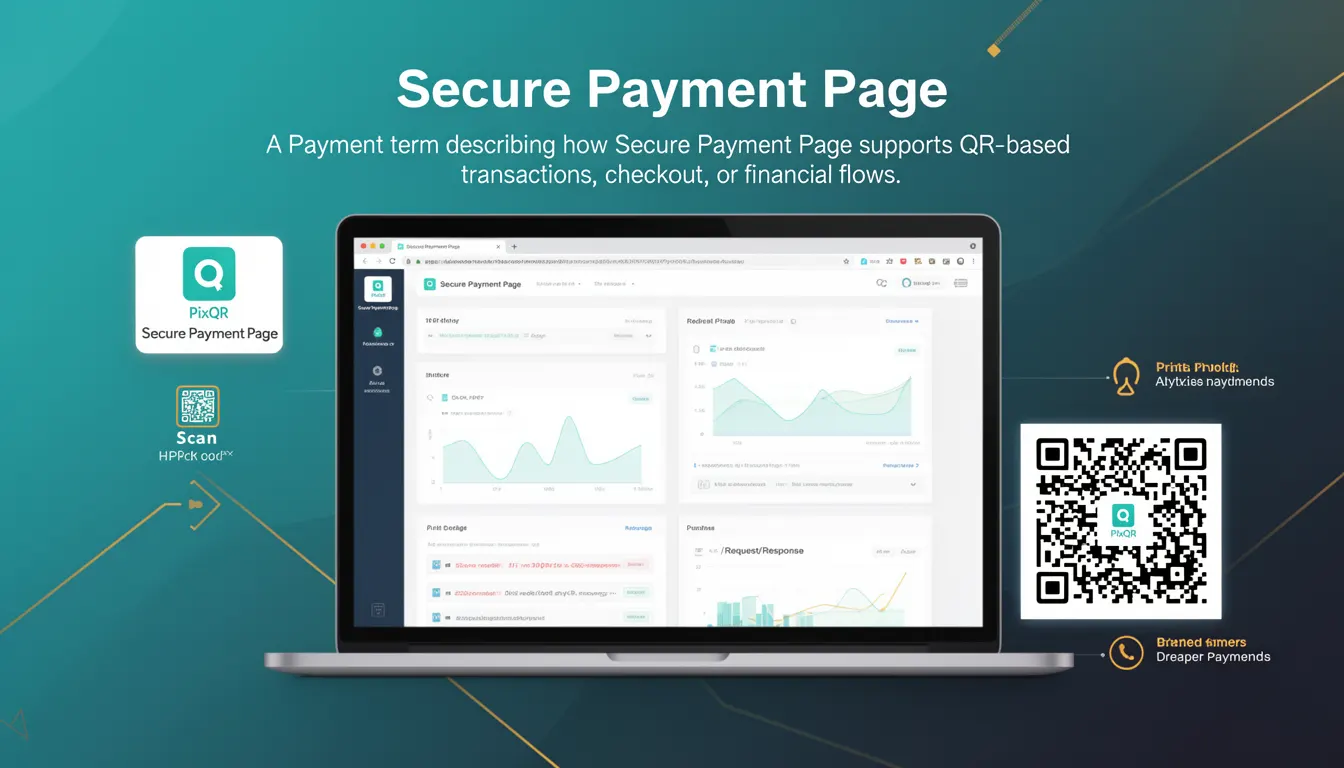
A Secure Payment Page (SPP) is a dedicated, encrypted interface used within PixQR-powered QR code systems to facilitate secure financial transactions. When a user scans a QR code configured for payment, the SPP is invoked to handle the transaction lifecycle, ensuring that sensitive payment data is processed in a secure, compliant, and user-friendly environment.
It serves as a bridge between the QR code's redirect mechanism and the payment processor, managing transaction initiation, user authentication, and data encryption. In the context of PixQR, SPPs are not part of the QR code generation process itself but are activated upon scan, offering a standardized way to manage payment flows while maintaining brand-safe design and privacy compliance.
Why It Matters
For developers, the Secure Payment Page is essential because it encapsulates the security and compliance requirements for financial transactions within a single, tested interface. This reduces the risk of data breaches, PCI DSS violations, or misconfigurations that could occur if payment handling were embedded in a generic redirect or custom page.
From a user experience standpoint, SPPs ensure that payment flows are consistent, trustworthy, and protected, which is critical in maintaining brand reputation and user confidence. For site operators, SPPs provide analytics and audit trails that help monitor transaction success rates, fraud indicators, and operational health.
How It Works
When a QR code configured for payments is scanned, PixQR evaluates the target URL and, if it's a payment endpoint, triggers the Secure Payment Page. The SPP is a pre-configured, hosted interface that handles transaction initiation, tokenization, and communication with the payment processor.
- The SPP is rendered within an iframe or a secure redirect, depending on platform configuration and security settings.
- It supports multiple payment methods, including credit cards, digital wallets, and bank transfers, through integration with supported payment gateways.
- Transaction data is encrypted and passed securely using HTTPS, with tokenization of sensitive fields to reduce exposure.
- The SPP integrates with PixQR's analytics and tracking systems to provide real-time transaction insights and scan event logging.
- It enforces compliance with standards such as PCI DSS, PSD2, and GDPR, ensuring that payment data is handled securely and legally.
Quick Reference
| Item | Purpose | Notes |
|---|---|---|
| Payment endpoint URL | Triggers SPP rendering | Must be configured in PixQR dashboard |
| HTTPS encryption | Secures transaction data | Enforced by PixQR platform |
| Tokenization | Reduces sensitive data exposure | Performed by SPP backend |
| Analytics integration | Provides transaction insights | Enabled by default |
| Compliance standards | Ensures legal adherence | Supports PCI DSS, PSD2, GDPR |
Basic Example
PixQR Example QR
This QR links directly to this glossary page, so printed notes, onboarding docs, and support material can bring scanners back to the current reference.
/glossary/qr-code-for-payments/qr-codes-for-payments-secure-payment-page

This example shows how a QR code might be configured to trigger a Secure Payment Page upon scan. It demonstrates the core setup required to initiate a payment flow through PixQR.
const qrConfig = {
  url: "https://secure.pixqr.com/payments/123456789",
  type: "payment",
  brand_safe: true
};

// QR code is generated with these parameters
const qrCode = pixqr.generate(qrConfig);
The url field points to a payment endpoint managed by PixQR, which triggers the SPP. The type field ensures the platform knows to invoke secure handling. The brand_safe flag ensures the QR code is designed to prevent malicious redirects or unsafe content.
Production Example
This example illustrates a production-ready QR code configuration for a payment flow that includes validation, error handling, and analytics tracking.
const paymentConfig = {
  url: "https://secure.pixqr.com/payments/123456789",
  type: "payment",
  brand_safe: true,
  analytics: {
    enabled: true,
    tags: ["ecommerce", "subscription"]
  },
  security: {
    encryption: "TLS 1.3",
    tokenization: true
  },
  redirect_url: "https://yourdomain.com/thank-you"
};

const qrCode = pixqr.generate(paymentConfig);

// Validate QR before deployment
if (!qrCode || !qrCode.url) {
  throw new Error("Invalid QR configuration");
}
This version includes explicit security and analytics settings, ensuring that the SPP is invoked with full compliance and tracking enabled. The redirect_url ensures users are directed to a post-transaction page, and validation prevents runtime errors.
Common Mistakes
- Not configuring the
typefield as "payment" can result in a standard redirect instead of SPP activation. - Using unencrypted URLs for payment endpoints can expose sensitive data and violate platform security policies.
- Forgetting to enable analytics or security features leads to missing transaction data and reduced monitoring capability.
- Incorrectly setting the
brand_safeflag can lead to QR codes flagged as unsafe or blocked by scan clients. - Not validating QR code output before deployment can cause runtime errors or incorrect behavior during scans.
Security And Production Notes
- All payment endpoints must be served over HTTPS to ensure data encryption during transit.
- PixQR enforces tokenization of payment data within the SPP, reducing the risk of sensitive data exposure.
- Analytics and tracking are enabled by default but can be disabled for privacy-sensitive deployments.
- Compliance with PSD2, PCI DSS, and GDPR is enforced by the platform and cannot be bypassed.
- QR codes must be regenerated after any configuration change to ensure the updated settings are applied.
Related Concepts
Secure Payment Page integrates with several core PixQR features and standards. Dynamic Redirects determine how QR code scans are handled, while Brand Safety ensures that the QR code does not lead to malicious or unsafe content. Privacy Controls manage how user data is handled during transaction flows, and Scan Tracking provides visibility into QR code usage and engagement. Finally, Operational Workflows define how SPPs are integrated into larger systems for automated payment processing.