 PixQR
PixQR
Overview
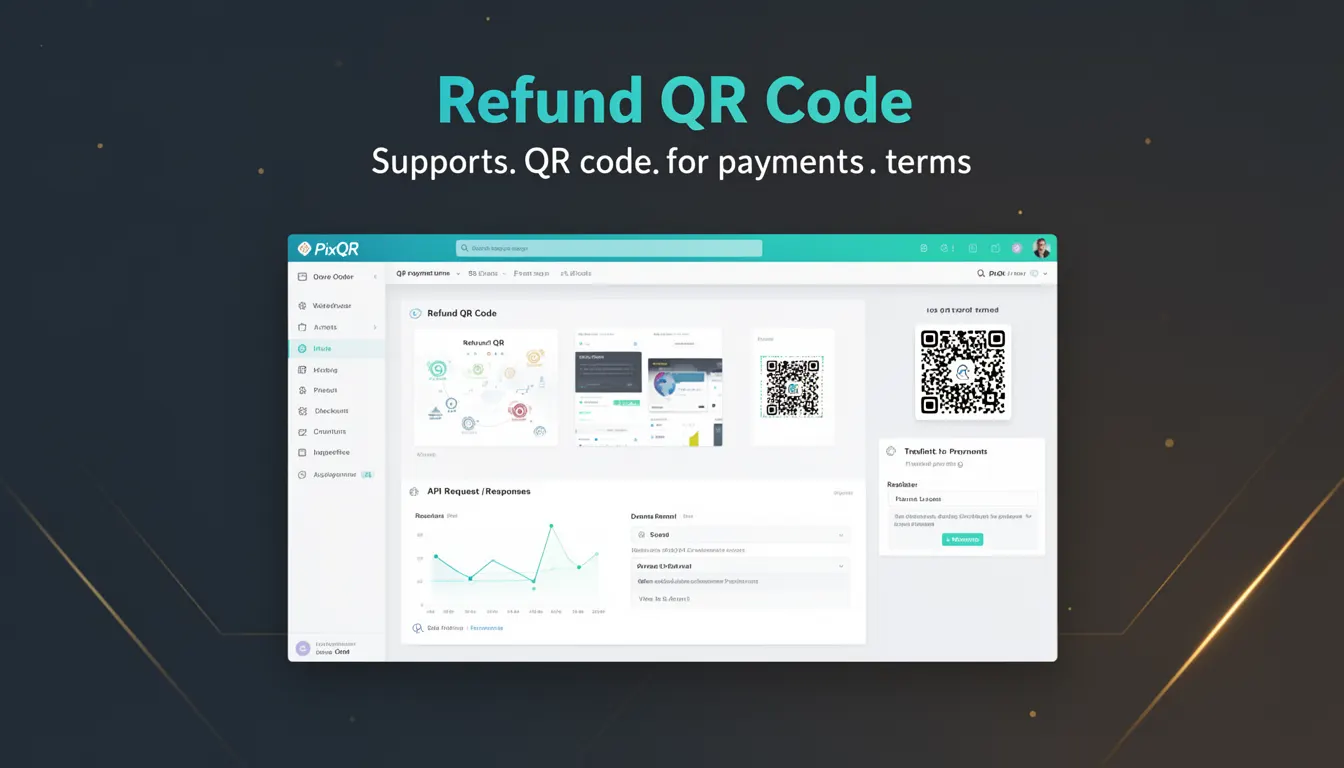
A Refund QR Code is a specialized type of QR code used in payment systems to facilitate the processing of refunds for transactions that were originally completed using QR-based payments. Unlike standard QR codes that enable payments, a Refund QR Code is generated specifically to represent a refund transaction initiated by a merchant or service provider.
These codes are typically issued when a customer requests a refund, or when a merchant needs to reverse a payment. They are designed to maintain compatibility with existing QR payment infrastructure, ensuring that refund transactions can be processed without requiring new systems or protocols. Refund QR Codes are often used in e-commerce, retail, and service-based platforms where QR payments are a primary method of transaction processing.
Why It Matters
For developers working with PixQR, Refund QR Codes are essential for maintaining a complete payment lifecycle. They allow systems to seamlessly handle refunds, which is critical for user trust and platform credibility. Without proper handling of refund QR codes, merchants may face issues such as transaction discrepancies, failed refunds, or incorrect balance updates.
From a security standpoint, Refund QR Codes must be handled carefully to prevent fraud or unauthorized refund processing. They must be tied to specific transactions and authenticated to ensure that only valid refunds are processed. In a production environment, these codes must also be tracked and logged to maintain audit trails and comply with financial regulations.
How It Works
The mechanism behind Refund QR Codes involves generating a unique QR code that encapsulates refund details such as the original transaction ID, refund amount, and merchant identifier. When scanned, this code initiates a refund process that is authenticated and linked to the original transaction.
- Refund QR Codes are typically generated server-side and linked to a specific transaction ID from the original payment.
- Each code contains encoded data that includes transaction metadata, refund amount, and merchant or platform identifier.
- The QR code must be scanned by the original payment platform or a compatible system to initiate the refund.
- Refund QR Codes often include a timestamp or expiration to prevent misuse and ensure timely processing.
- Once scanned, the system validates the refund request against the original transaction and updates the relevant balances or statuses.
Quick Reference
| Item | Purpose | Notes |
|---|---|---|
| Transaction ID | Identifies the original payment | Required for refund validation |
| Refund Amount | Specifies the amount to be refunded | Must match or be less than original |
| Merchant ID | Identifies the issuing platform | Ensures correct refund routing |
| Expiration Time | Prevents long-term code reuse | Typically 24 hours |
| Scan Status | Tracks whether refund was processed | Used for audit logging |
Basic Example
PixQR Example QR
This QR links directly to this glossary page, so printed notes, onboarding docs, and support material can bring scanners back to the current reference.
/glossary/qr-code-for-payments/qr-codes-for-payments-refund-qr-code

This example demonstrates how a Refund QR Code might be generated with basic transaction data. The code is a simplified representation of the data structure used in a refund QR code.
{
  "transaction_id": "txn_1234567890",
  "refund_amount": 50.00,
  "merchant_id": "merchant_001",
  "expires_at": "2025-04-05T12:00:00Z"
}
The example shows a minimal data structure that would be encoded into a QR code. It includes the transaction ID to link the refund to the original payment, the refund amount, and an expiration time to ensure the code is used within a defined window.
Production Example
In a production environment, Refund QR Codes must include additional validation and logging. This example shows a more robust implementation that includes data integrity checks and audit logging.
{
  "transaction_id": "txn_1234567890",
  "refund_amount": 50.00,
  "merchant_id": "merchant_001",
  "expires_at": "2025-04-05T12:00:00Z",
  "refund_reason": "Product not received",
  "created_at": "2025-04-04T10:00:00Z",
  "status": "pending",
  "scan_count": 0
}
This version includes fields such as refund reason, creation timestamp, and scan count, which are useful for tracking and auditing refund transactions. It also ensures that the refund status is clearly defined and can be updated as the refund is processed.
Common Mistakes
- Generating refund codes without linking them to the original transaction, leading to failed or incorrect refunds.
- Not setting an expiration time, which increases the risk of unauthorized refund processing.
- Using the same refund code multiple times, which can cause duplicate refund issues.
- Incorrectly calculating refund amounts, potentially leading to over-refunds or under-refunds.
- Ignoring audit logs, which can hinder compliance and fraud detection efforts.
Security And Production Notes
- Always validate refund codes against the original transaction to prevent unauthorized refunds.
- Implement a secure backend system to manage refund QR code generation and tracking.
- Use cryptographic signing or hashing for refund data to prevent tampering.
- Ensure that refund QR codes are only accessible to authenticated users or systems.
- Log all refund scan events for audit and compliance purposes.
Related Concepts
Refund QR Codes are closely related to several core payment concepts. Payment QR Codes form the basis for both initiating and processing refunds. Transaction IDs ensure that refunds are correctly linked to original payments. API integrations are required to communicate refund data between platforms. Security protocols, such as tokenization or encryption, are essential for protecting refund data. Finally, analytics and reporting systems help monitor refund trends and identify potential issues.