 PixQR
PixQR
Overview
A Receipt QR Code is a specialized QR code implementation used in payment systems to facilitate transaction confirmations, receipts, and financial flows. It typically encodes structured data such as transaction IDs, amounts, timestamps, merchant details, and payment status, enabling automated processing upon scan.
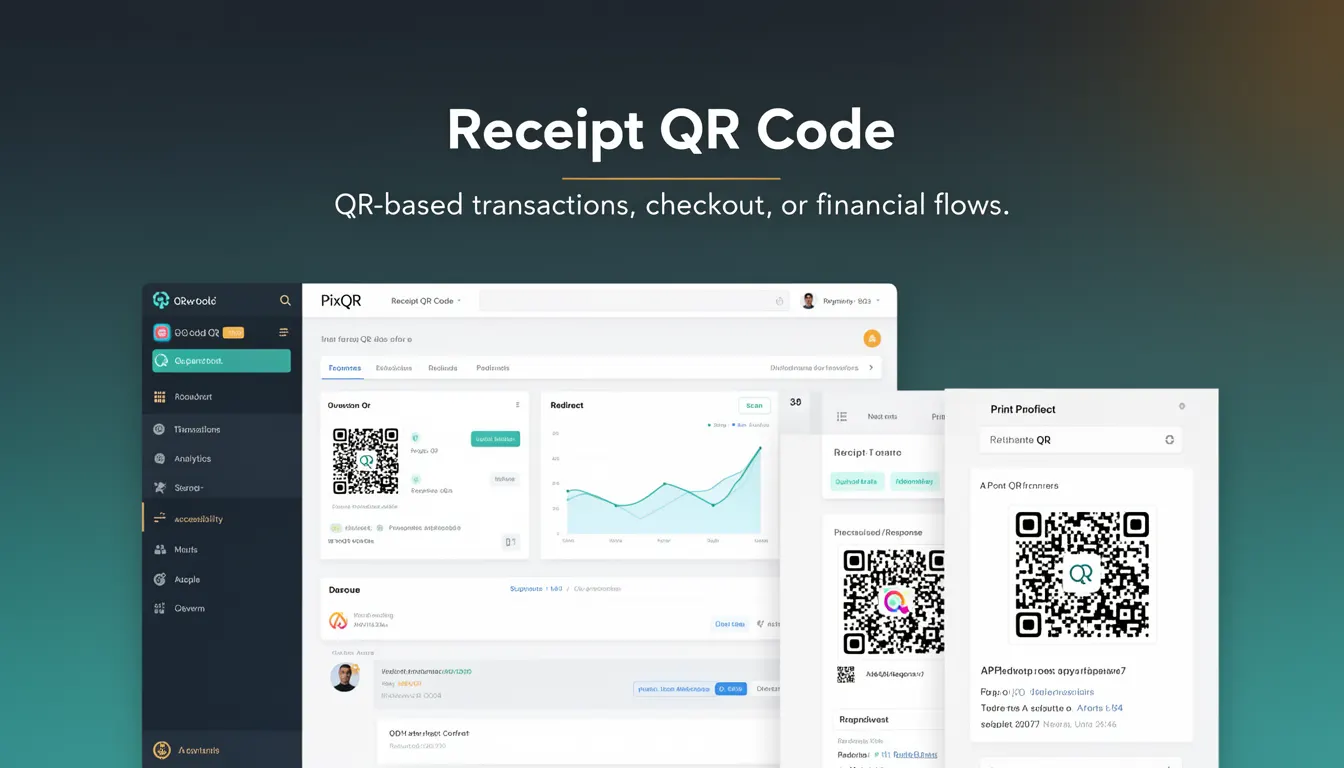
In PixQR, Receipt QR Codes are generated to support seamless payment completion workflows, particularly in retail, e-commerce, and service-based environments where customers scan a code to confirm payment and receive a digital receipt. Unlike standard QR codes, Receipt QR Codes are designed for financial data integrity and are often integrated with backend payment processing systems.
Why It Matters
For developers, Receipt QR Codes are critical in building reliable, traceable, and secure payment flows. They provide a standardized way to encode transaction metadata that can be parsed by payment processors, receipt generators, or audit systems. In PixQR, the structure of a Receipt QR Code ensures that payment confirmation is both machine-readable and human-verifiable, reducing errors in payment reconciliation.
From a user experience standpoint, Receipt QR Codes streamline the checkout process by allowing customers to confirm payments and access receipts instantly. For developers maintaining backend systems, they simplify transaction tracking, reduce manual data entry, and support compliance with financial auditing standards.
How It Works
Receipt QR Codes in PixQR are generated using a defined data schema that includes key fields such as transaction ID, amount, timestamp, merchant ID, and payment status. These codes are designed to be scanned by payment terminals or mobile apps that can parse the encoded data and initiate the appropriate financial actions.
- Receipt QR Codes are typically encoded using the
textorURLformat, with data structured in JSON or key-value pairs. - Each code is generated with a unique identifier to prevent duplicate or replay attacks.
- They are often linked to a secure redirect or API endpoint to fetch real-time transaction status.
- Scanning a Receipt QR Code triggers a callback to a configured endpoint, which updates the payment status in the system.
- They support both static and dynamic data depending on whether the transaction is finalized or still in progress.
Quick Reference
| Item | Purpose | Notes |
|---|---|---|
| Transaction ID | Unique identifier for a payment | Used for tracking and reconciliation |
| Amount | Transaction value | Encoded in a standard monetary format |
| Timestamp | When the transaction occurred | ISO 8601 format recommended |
| Merchant ID | Unique identifier for the seller | Used for reporting and analytics |
| Payment Status | Current state of the transaction | Can be pending, completed, or failed |
Basic Example
PixQR Example QR
This QR links directly to this glossary page, so printed notes, onboarding docs, and support material can bring scanners back to the current reference.
/glossary/qr-code-for-payments/qr-codes-for-payments-receipt-qr-code

This example demonstrates a basic Receipt QR Code structure, showing how transaction data is encoded in a URL format.
https://pixqr.example.com/receipt?txid=123456789&amount=29.99×tamp=2025-04-05T10:00:00Z&status=completedThis URL encodes a transaction with a unique ID, amount, timestamp, and status. When scanned, the system can parse the parameters and update the transaction in real time.
Production Example
This example shows how a Receipt QR Code might be generated in a production system using structured data and secure encoding.
{
  "txid": "txn_abc123",
  "amount": "45.00",
  "currency": "USD",
  "timestamp": "2025-04-05T10:00:00Z",
  "merchant_id": "mch_987654",
  "status": "pending",
  "receipt_url": "https://api.pixqr.example.com/receipt/txn_abc123"
}
This JSON structure is encoded into a QR code and used to track the transaction. The system uses the receipt URL to fetch detailed transaction data upon scan, ensuring data integrity and real-time updates.
Common Mistakes
- Not validating transaction IDs before generating the QR code, leading to duplicate or invalid entries.
- Using unencoded special characters in QR data, which may cause parsing errors or security vulnerabilities.
- Hardcoding merchant or transaction details in the QR code, which reduces flexibility and increases maintenance burden.
- Not implementing a secure redirect mechanism, which may expose sensitive transaction data.
- Ignoring timestamp format consistency, which can cause issues in analytics or audit systems.
Security And Production Notes
- Always encode Receipt QR Code data using a secure method to prevent injection or tampering.
- Use HTTPS for all endpoints involved in Receipt QR Code handling to ensure data transmission security.
- Validate and sanitize all transaction parameters before inclusion in the QR code to avoid parsing errors or exploits.
- Implement rate limiting on QR code generation to prevent abuse or denial-of-service attacks.
- Ensure that Receipt QR Codes are not reused or replayed by using unique transaction IDs and timestamps.
Related Concepts
Receipt QR Codes are closely related to several payment and QR code technologies:
- Dynamic QR Codes – Receipt QR Codes often rely on dynamic generation to reflect real-time transaction states.
- Payment Gateway Integration – The QR code typically acts as a bridge to backend payment systems.
- Transaction ID Management – Unique identifiers are critical for tracking and reconciliation.
- Secure Redirects – The QR code may point to a secure endpoint for transaction verification.
- Financial Compliance – Receipt QR Codes are often required to meet audit and reporting standards.