 PixQR
PixQR
Overview
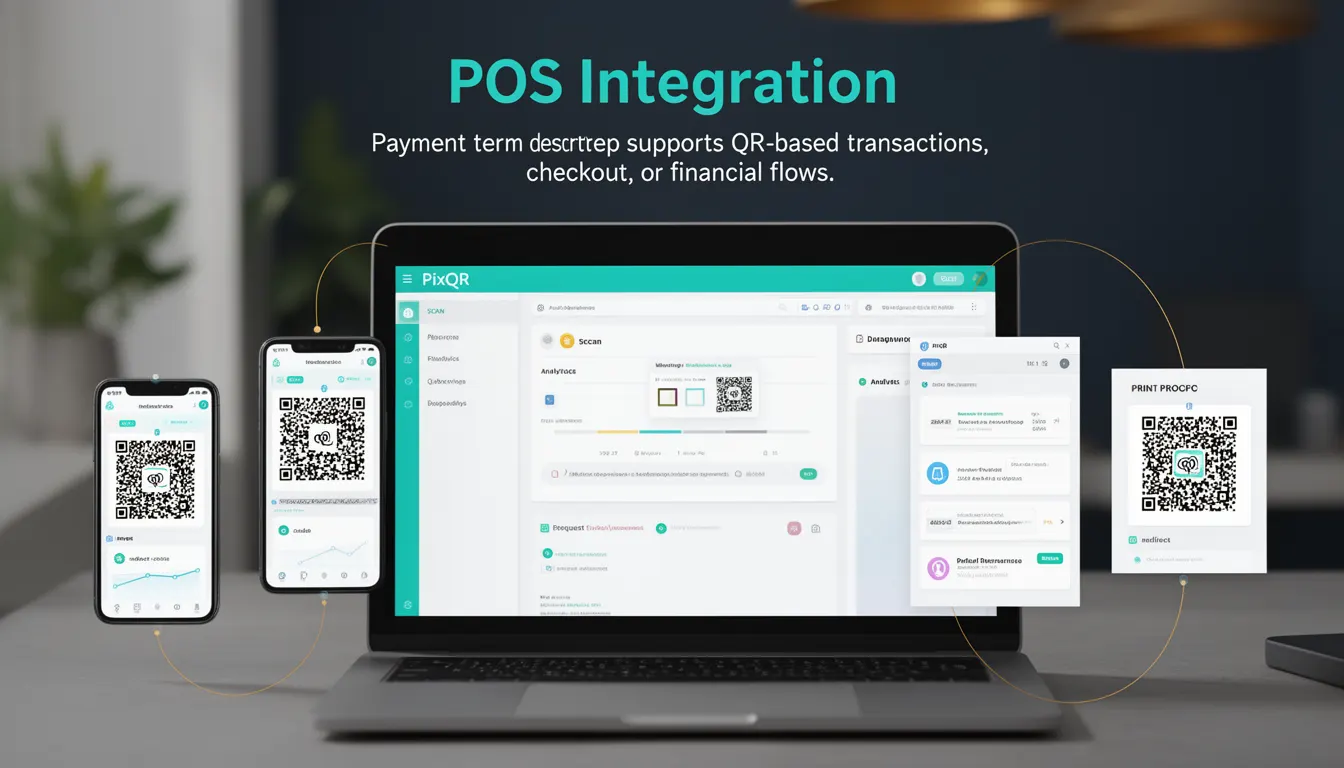
POS Integration refers to the process of connecting point-of-sale (POS) systems with QR code-based payment platforms to enable seamless transaction processing. In the context of PixQR, this integration allows merchants to generate QR codes that support dynamic payment flows, redirecting customers to secure payment gateways or payment pages when scanned.
This term is used in payment processing workflows where a merchant's system needs to communicate with a payment provider or gateway through QR-based mechanisms. It supports both static and dynamic QR codes that can carry transaction-specific data, such as amounts, merchant IDs, or payment references. POS Integration is essential for businesses that rely on mobile or contactless payment methods, especially in retail, hospitality, and e-commerce environments.
Why It Matters
For developers working with PixQR, POS Integration is crucial for ensuring that QR codes function reliably in real-world payment scenarios. It enables merchants to transition from traditional payment methods to modern, secure digital flows that support dynamic transaction data and analytics. Without proper integration, QR codes may fail to redirect or may not carry sufficient transactional information, leading to payment failures or user confusion.
From a security standpoint, correct POS Integration ensures that payment data is encrypted and transmitted through secure channels, preventing unauthorized access or tampering. It also allows for tracking of payment events, which is important for fraud detection, audit trails, and compliance with financial regulations. Additionally, proper integration supports scalability, as dynamic QR codes can be generated on-the-fly with updated transactional data.
How It Works
POS Integration in the PixQR platform enables QR codes to carry transactional payloads that are interpreted by payment systems upon scanning. This process typically involves several key components and steps:
- QR code generation with dynamic or static payloads that include transaction identifiers, amounts, and merchant data.
- Redirect logic that ensures scanned QR codes lead to secure payment pages or APIs that handle payment initiation.
- Integration with payment gateways through APIs that validate transaction data and process payments.
- Support for both single-use and reusable QR codes depending on the payment type and merchant requirements.
- Analytics and logging capabilities that track scan events, payment success or failure, and transaction metadata.
When a QR code is scanned, the system decodes the payload and routes the user to a configured endpoint. This endpoint can be a payment page, a backend API, or a redirect URL. The platform supports various QR code formats, including standard 2D codes, and ensures compatibility with most mobile scanners and POS devices.
Quick Reference
| Item | Purpose | Notes |
|---|---|---|
| Dynamic QR Payload | Encodes transaction-specific data | Includes amount, merchant ID, and reference |
| Redirect URL | Defines where scanned QR leads | Must be HTTPS and secure |
| Payment Gateway API | Handles transaction processing | Must support PixQR payload format |
| Scan Tracking | Logs QR scan events | Supports analytics and fraud detection |
| Reusability | Controls QR code lifecycle | Single-use or reusable based on configuration |
Basic Example
PixQR Example QR
This QR links directly to this glossary page, so printed notes, onboarding docs, and support material can bring scanners back to the current reference.
/glossary/qr-code-for-payments/qr-codes-for-payments-pos-integration

This example demonstrates how a basic POS Integration can be implemented using a PixQR-generated dynamic QR code that redirects to a payment page.
const qrPayload = {
  amount: 100.00,
  merchantId: "M123456",
  reference: "INV001234",
  redirectUrl: "https://payments.example.com/process"
};

const qrCodeUrl = pixqr.generate({
  type: "dynamic",
  payload: qrPayload
});
The qrPayload object contains transaction data that is encoded into the QR code. The generate method creates a URL that points to a secure payment endpoint, ensuring the scanned QR leads to a valid transaction handler.
Production Example
This example illustrates a more robust implementation with validation, error handling, and configuration for a production environment.
const validateTransaction = (payload) => {
  if (!payload.amount || payload.amount <= 0) {
    throw new Error("Invalid transaction amount");
  }
  if (!payload.merchantId) {
    throw new Error("Merchant ID is required");
  }
  return true;
};

const generatePaymentQR = (transactionData) => {
  try {
    validateTransaction(transactionData);
    const qrPayload = {
      amount: transactionData.amount,
      merchantId: transactionData.merchantId,
      reference: transactionData.reference || Date.now().toString(),
      redirectUrl: transactionData.redirectUrl
    };

    const qrUrl = pixqr.generate({
      type: "dynamic",
      payload: qrPayload,
      ttl: 3600,
      analytics: true
    });

    return qrUrl;
  } catch (error) {
    console.error("QR generation failed:", error.message);
    return null;
  }
};
This version includes input validation, error handling, and analytics tracking, making it suitable for production systems where reliability and traceability are essential.
Common Mistakes
- Not validating transaction data before generating QR codes, leading to malformed payloads or payment failures.
- Using insecure HTTP URLs in the redirect field, which may be blocked by modern browsers or payment gateways.
- Generating QR codes without specifying a time-to-live (TTL) or reuse policy, causing confusion in transaction handling.
- Ignoring analytics or logging configurations, which makes it difficult to track performance or detect fraud.
- Using static QR codes for dynamic transactions, which can lead to outdated or invalid payment data.
- Not testing QR code scanning across different devices or POS systems, leading to inconsistent user experiences.
Security And Production Notes
- Always use HTTPS for redirect URLs to prevent man-in-the-middle attacks and ensure secure data transmission.
- Validate and sanitize all transactional data before embedding it into QR codes to prevent injection or data corruption.
- Implement secure tokenization or encryption for sensitive payment data within QR payloads.
- Set appropriate TTL values for dynamic QR codes to avoid expired or reused transactions.
- Use PixQR’s analytics and logging features to monitor QR code usage and detect anomalies or fraudulent activity.
Related Concepts
POS Integration connects closely with several core PixQR features and payment-related concepts:
- Dynamic Redirects: The ability to configure QR codes to redirect to different endpoints based on transaction data.
- QR Code Payloads: The structure and encoding of data within a QR code, essential for payment processing.
- Scan Analytics: Tracking how QR codes are used, including scan frequency, device types, and geographic data.
- Payment Gateways: The backend systems that process transactions, which must be compatible with PixQR's integration model.
- Transaction Lifecycle: The flow from QR generation to payment confirmation, including retries and error handling.