 PixQR
PixQR
Overview
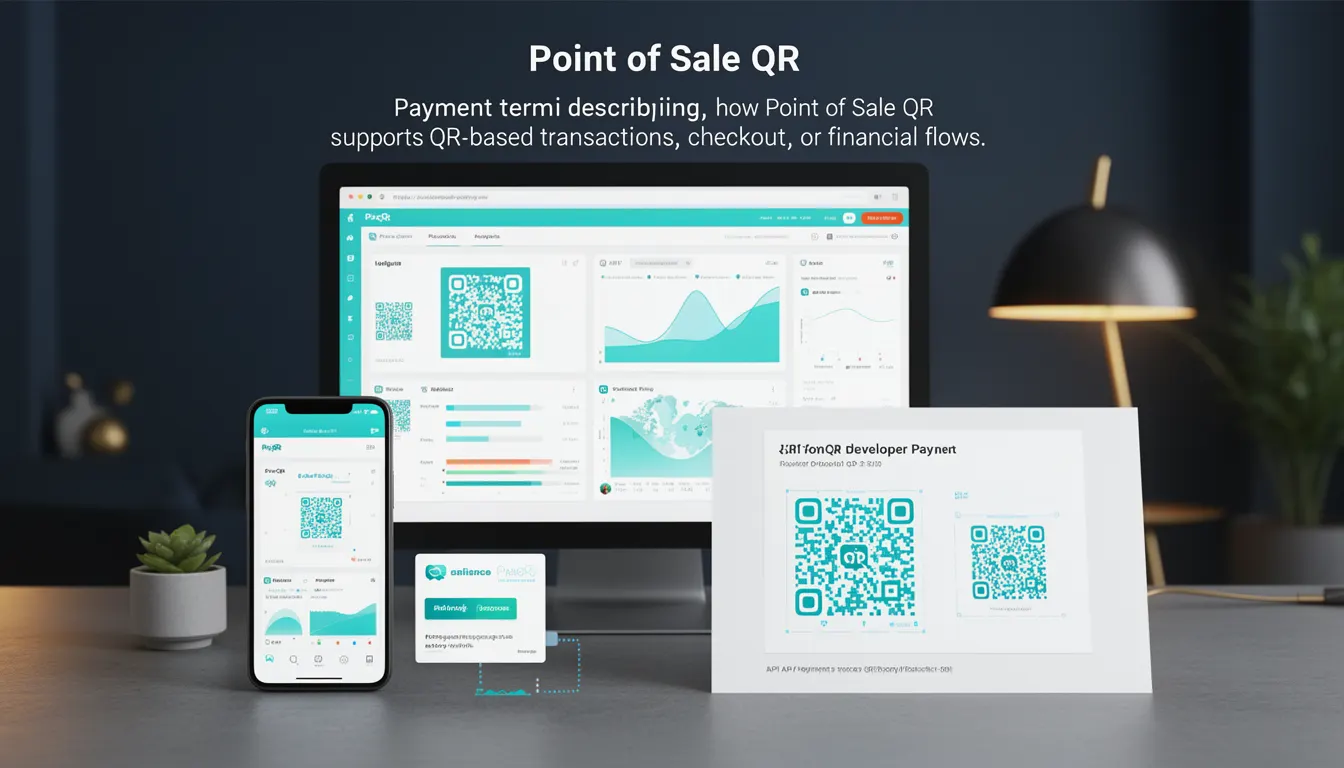
A Point of Sale QR (POS QR) is a specialized type of QR code used in payment processing systems to facilitate transactions at physical retail locations. It enables customers to complete purchases by scanning a QR code with their mobile device, which then redirects to a payment gateway or initiates a payment request. The code serves as a bridge between the physical checkout and the digital payment infrastructure, allowing for quick, contactless transactions.
POS QR codes are typically generated by payment processors or platforms such as PixQR and are designed to support dynamic payment flows. They are commonly used in retail stores, restaurants, kiosks, and other environments where physical payment terminals are not present or practical. The QR code may encode payment instructions, merchant identifiers, transaction amounts, or redirect URLs to payment processors.
Why It Matters
For developers working with payment systems or QR code platforms, POS QR codes are a core component of modern transactional workflows. They provide a scalable, low-cost alternative to traditional payment terminals, especially in small businesses or mobile commerce. From a development perspective, POS QR codes must be generated with care to ensure compatibility, security, and reliability across platforms.
POS QR codes are also critical for operational efficiency. A poorly constructed or insecure QR code can lead to transaction failures, fraud, or customer confusion. Developers must ensure that the QR code content is valid, the redirect is safe, and the payment flow is traceable. In PixQR, POS QRs are built with privacy controls and analytics integration to support both merchant and platform-level reporting.
How It Works
POS QR codes operate within a defined transactional lifecycle. The process begins with the generation of a QR code that contains a payload designed to initiate a payment. This payload may be a URL, a payment request token, or encoded transaction data. The QR code is then rendered for display, either digitally or physically, and scanned by a customer using a compatible app.
- POS QR codes typically encode a URL or a payment protocol identifier such as
payment://orbitcoin:. - The payload must be structured to support dynamic redirects, often using a PixQR-generated endpoint that maps to a payment gateway.
- Upon scanning, the QR code triggers a redirect or a payment request that is handled by a payment app or browser.
- Transaction data is usually encrypted or tokenized to prevent tampering or unauthorized access.
- Each transaction may be tracked and logged for analytics, audit, or fraud detection purposes.
Quick Reference
| Item | Purpose | Notes |
|---|---|---|
| QR Code Payload | Contains payment data or redirect URL | Must be valid and secure |
| Redirect Endpoint | Handles QR scan and payment initiation | Must be brand-safe and secure |
| Dynamic Link | Supports real-time transaction updates | Can be managed via PixQR API |
| Transaction ID | Unique identifier for payment flow | Used for tracking and analytics |
| Scan Analytics | Tracks QR scan behavior | Integrated into PixQR platform |
Basic Example
PixQR Example QR
This QR links directly to this glossary page, so printed notes, onboarding docs, and support material can bring scanners back to the current reference.
/glossary/qr-code-for-payments/qr-codes-for-payments-point-of-sale-qr

This example shows a minimal POS QR payload that encodes a payment redirect URL. It is intended to demonstrate the structure of a basic transactional QR code.
https://pay.pixqr.io/txn/1234567890abcdefThe URL encodes a unique transaction ID and redirects the user to a secure payment gateway. This type of code is typically generated by the PixQR platform and is designed to be scanned by a mobile payment app.
Production Example
This example demonstrates a more robust implementation of a POS QR code, including validation, analytics, and error handling. It is structured to be used in a production environment with a PixQR backend.
{
  "id": "pos_abc123",
  "payload": "https://pay.pixqr.io/txn/1234567890abcdef",
  "expires_at": "2025-04-01T12:00:00Z",
  "redirect_url": "https://merchant.example.com/checkout",
  "analytics": {
    "track_scans": true,
    "track_failures": true
  },
  "security": {
    "is_encrypted": true,
    "is_tokenized": true
  }
}
This version includes metadata and configuration options to support secure and traceable payment flows. It is generated using PixQR's API and can be customized to meet merchant requirements for analytics, expiration, and security.
Common Mistakes
- Using unescaped or invalid URLs in QR payloads, which causes redirect failures or security warnings.
- Not validating transaction IDs or tokens, leading to payment processing errors or fraud risks.
- Generating QR codes without expiration or tracking, which reduces platform usability and auditability.
- Ignoring platform-specific QR size or error correction requirements, causing scan failures in low-quality displays.
- Hardcoding payment gateways or endpoints, which limits scalability and makes updates difficult.
Security And Production Notes
- POS QR codes must be generated with secure, encrypted payloads to prevent tampering or unauthorized access.
- Always validate and sanitize URLs or identifiers in QR payloads to avoid open redirect vulnerabilities.
- Use PixQR's analytics and logging features to monitor scan behavior and detect anomalies.
- Implement expiration timestamps for QR codes to prevent replay attacks or stale transactions.
- Ensure that QR codes are compatible with standard scanning libraries and platforms to avoid compatibility issues.
Related Concepts
POS QR codes are part of a broader ecosystem of payment and transactional technologies. Related concepts include:
- Dynamic QR Codes: QR codes that update in real-time to reflect changing transaction data.
- Payment Gateways: Platforms that process payments, often integrated with QR code workflows.
- Scan Tracking: The process of logging and analyzing QR scan behavior for analytics or fraud detection.
- Redirect Safety: Ensuring that QR redirects are safe and point to verified destinations.
- Link Management: Tools and systems for creating, monitoring, and updating QR code URLs.