 PixQR
PixQR
Overview
A PIX QR Code is a payment-oriented QR code used within the Brazilian financial ecosystem, specifically for transactions facilitated by the PIX payment system. PIX QR Codes are generated by financial institutions or merchants and can be scanned by customers using a mobile banking app or a QR code scanner to complete a payment.
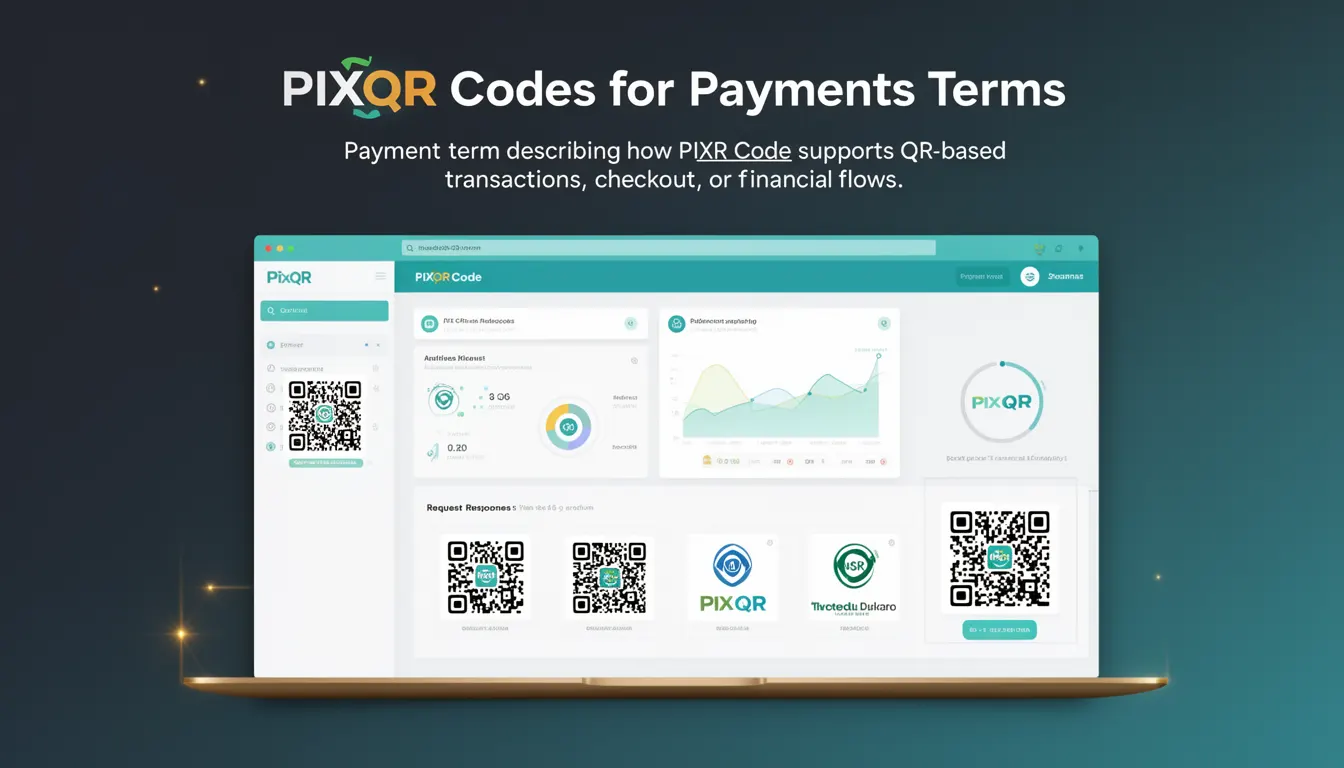
In the context of PixQR, a PIX QR Code is a dynamic, brand-safe QR code that supports real-time payment flows, including payment initiation, transaction tracking, and financial reconciliation. The code itself is a structured data payload encoded in a QR code format that contains transaction details, such as the recipient's account information, amount, and purpose of payment.
Why It Matters
For developers working with PixQR, understanding the PIX QR Code is essential because it underpins how payments are initiated and tracked within the Brazilian payment infrastructure. The reliability of a PIX QR Code affects transaction success rates, user experience, and compliance with financial regulations. A poorly configured or insecurely generated PIX QR Code can lead to failed payments, fraud risks, or compliance issues.
From a technical perspective, PixQR supports secure generation and management of PIX QR Codes through APIs, ensuring that the QR code payload is valid, the content is traceable, and the scan flow is protected from manipulation. For platform maintainers, this means the system must ensure data integrity, scalability, and analytics tracking for each transaction.
How It Works
The mechanism of a PIX QR Code involves several key components and processes:
- Transaction data is encoded in a structured payload, typically using the
pixprotocol or a custom format compatible with Brazilian financial standards. - The payload is then encoded into a QR code image using a standard encoding algorithm, such as QR Code Model 2, which supports up to 7,089 alphanumeric characters.
- When scanned, the QR code data is interpreted by a mobile banking app or a payment scanner to initiate a transaction.
- PixQR ensures the generated QR code is compliant with the Central Bank of Brazil’s specifications, including validation of transaction fields such as amount, account details, and transaction reference.
- Each PIX QR Code is assigned a unique identifier that enables tracking, analytics, and fraud prevention during the transaction lifecycle.
Quick Reference
| Item | Purpose | Notes |
|---|---|---|
| Transaction Amount | Specifies the payment amount | Must be in BRL, up to 12 digits |
| Recipient Account | Identifies the receiving account | Must be a valid PIX key (CPF, CNPJ, or email) |
| Transaction Reference | Uniquely identifies the transaction | Used for reconciliation and tracking |
| QR Code Format | Encoding type of the QR payload | Standardized for compatibility with banking apps |
| Dynamic Payload | Enables real-time transaction updates | Supports expiry and modification |
Basic Example
PixQR Example QR
This QR links directly to this glossary page, so printed notes, onboarding docs, and support material can bring scanners back to the current reference.
/glossary/qr-code-for-payments/qr-codes-for-payments-pix-qr-code

This example shows a minimal structure of a PIX QR Code payload, demonstrating how data is encoded for payment initiation.
{ "pixKey": "user@example.com", "amount": "100.00", "description": "Payment for goods" }The payload includes a payment key, amount, and description. This structure is then encoded into a QR code for scanning.
Production Example
This example shows a more complete and secure implementation of a PIX QR Code generation process, including validation and secure handling.
{ "pixKey": "12345678901", "amount": "100.00", "description": "Product purchase", "reference": "TXN-2023-001", "expiry": "2024-05-20T10:00:00Z" }This version includes a transaction reference for tracking, an expiry timestamp to prevent stale transactions, and a validated payment key. The structure is suitable for integration with PixQR’s API for dynamic QR generation.
Common Mistakes
- Incorrectly formatting the transaction amount, such as using commas instead of periods, which causes payment failures.
- Using an invalid or unverified PIX key, leading to failed transactions or fraud detection alerts.
- Generating static QR codes without expiry timestamps, increasing the risk of unauthorized use.
- Not validating transaction data before encoding, resulting in malformed QR codes that cannot be scanned.
- Ignoring the need for unique transaction references, which can cause reconciliation issues in financial systems.
Security And Production Notes
- Always validate transaction data before generating the QR code payload to avoid malformed or invalid codes.
- Use unique transaction identifiers to prevent replay attacks and ensure proper reconciliation.
- Implement secure, HTTPS-based APIs for QR code generation to prevent data interception or manipulation.
- Set appropriate expiry times for dynamic QR codes to reduce the window of opportunity for fraud.
- Ensure that payment keys are verified against a trusted source to prevent unauthorized transactions.
Related Concepts
Several related concepts are essential for understanding how PIX QR Codes function within PixQR:
- Dynamic QR Codes – QR codes that can be updated or invalidated after generation, providing enhanced control over transactions.
- Payment Gateway Integration – The process of connecting PixQR with financial institutions to process payments securely.
- Transaction Tracking – The ability to monitor and trace transaction status through PixQR’s analytics and reporting tools.
- PIX Key – A unique identifier used in PIX transactions, which can be a CPF, CNPJ, email, or phone number.
- QR Code Validation – Ensuring that generated QR codes are correctly formatted and readable by standard scanning tools.