 PixQR
PixQR
Overview
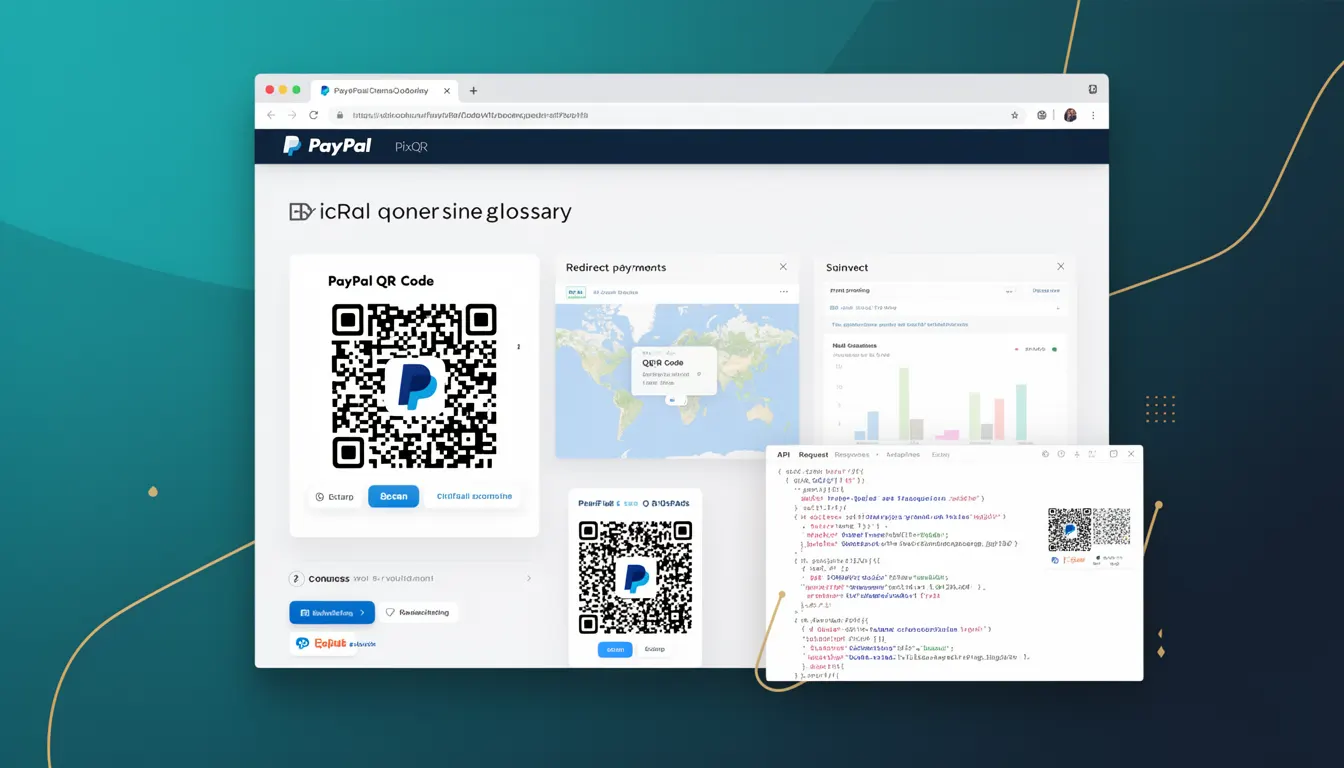
A PayPal QR Code is a specific type of QR code generated through the PixQR platform that enables users to complete payments via PayPal. This mechanism supports transactional flows by encoding payment-related data into a scannable QR code. The QR code typically includes parameters such as recipient PayPal email, amount, currency, and transaction metadata, which are decoded by the scanning application and used to initiate a payment.
Developers using PixQR to create payment-enabled QR codes must understand how PayPal QR Codes are structured, how they interact with PayPal's API, and how they can be integrated into payment workflows. This term is primarily used in contexts involving digital payments, point-of-sale systems, e-commerce platforms, and mobile applications where QR-based transactions are supported.
Why It Matters
For developers, PayPal QR Codes are essential in enabling seamless, secure, and scalable payment solutions. They reduce friction in the checkout process by allowing users to pay with a simple scan instead of manually entering payment details. From a security perspective, PixQR ensures that the QR code data is properly encoded, validated, and tracked to prevent tampering or misuse.
From a performance standpoint, QR-based payments reduce transaction latency and improve conversion rates by simplifying the payment flow. For businesses, this means fewer abandoned transactions and more reliable payment processing. Additionally, PayPal QR Codes support analytics and fraud detection features, helping developers monitor and secure their payment workflows.
How It Works
PayPal QR Codes are generated by encoding specific data into a QR code format using PixQR's API or dashboard. The encoded data is structured to be interpreted by PayPal’s payment processing system upon scanning. The QR code can be static or dynamic, with dynamic QR codes allowing for updates to payment details without re-generating the code.
- PayPal QR Codes are generated using the
typeparameter set topaypalin PixQR’s API. - The QR code payload typically includes recipient PayPal email, amount, currency, and optional transaction metadata.
- Scan reliability is enhanced through PixQR’s error correction and print optimization features.
- Dynamic QR codes support updates to payment parameters, such as amount or description, without re-creating the QR code.
- Analytics tracking is enabled by default, capturing scan events, user behavior, and transaction outcomes.
Quick Reference
| Item | Purpose | Notes |
|---|---|---|
type | Defines QR code type | Must be set to paypal for PayPal QR Codes |
payload | Encodes payment data | Includes email, amount, currency, and metadata |
dynamic | Enables dynamic updates | Set to true for dynamic QR codes |
redirect_url | Redirects after payment | Optional URL for post-payment flow |
analytics | Enables scan tracking | Default enabled for all PayPal QR codes |
Basic Example
PixQR Example QR
This QR links directly to this glossary page, so printed notes, onboarding docs, and support material can bring scanners back to the current reference.
/glossary/qr-code-for-payments/qr-codes-for-payments-paypal-qr-code

This example demonstrates how to generate a basic PayPal QR code using PixQR's API. It encodes a payment request for $10 USD to a specific PayPal email address.
{
  "type": "paypal",
  "payload": {
    "email": "merchant@example.com",
    "amount": 10.00,
    "currency": "USD"
  },
  "dynamic": false
}
The type field is set to paypal, indicating the QR code will be used for PayPal transactions. The payload contains the recipient email and payment amount. The dynamic field is set to false, meaning the QR code is static.
Production Example
This example shows a more robust configuration for a PayPal QR code used in a production environment. It includes error handling, analytics, and dynamic updates.
{
  "type": "paypal",
  "payload": {
    "email": "merchant@example.com",
    "amount": 25.99,
    "currency": "EUR",
    "description": "Order #12345"
  },
  "dynamic": true,
  "redirect_url": "https://example.com/payment-complete",
  "analytics": true,
  "branding": {
    "logo": "https://example.com/logo.png",
    "color": "#0070BA"
  }
}
This version includes a dynamic QR code with a redirect URL, branding options, and analytics enabled. These features are crucial for enterprise-level payment systems that require tracking, branding, and user experience consistency.
Common Mistakes
- Incorrectly setting the
typeparameter to a non-PayPal value, resulting in a non-functional QR code. - Using static QR codes for transactions that require updates, leading to outdated payment data.
- Forgetting to include required fields in the
payload, such as the recipient email or amount. - Not validating QR code URLs or redirect destinations, which can introduce security vulnerabilities.
- Disabling analytics when tracking is needed, reducing visibility into payment success or failure rates.
Security And Production Notes
- Always validate PayPal email addresses and payment amounts to prevent unauthorized transactions.
- Use HTTPS for all redirect URLs to ensure secure data transmission.
- Enable dynamic QR codes for transactions where payment details may change, such as subscriptions or recurring payments.
- Implement proper error handling and logging to detect issues during payment processing.
- Ensure that QR code generation is rate-limited to prevent abuse or denial-of-service attacks.
Related Concepts
PayPal QR Codes are closely related to several other QR code and payment concepts. Dynamic QR Codes allow updates to payment information without re-generating the code. Payment Redirects are used to guide users after a payment is completed. QR Code Analytics provide insights into scan behavior and conversion rates. Brand-Safe QR Codes ensure visual consistency and trustworthiness. Secure Link Management is the broader practice of ensuring all QR-generated links are safe and trackable.