 PixQR
PixQR
Overview
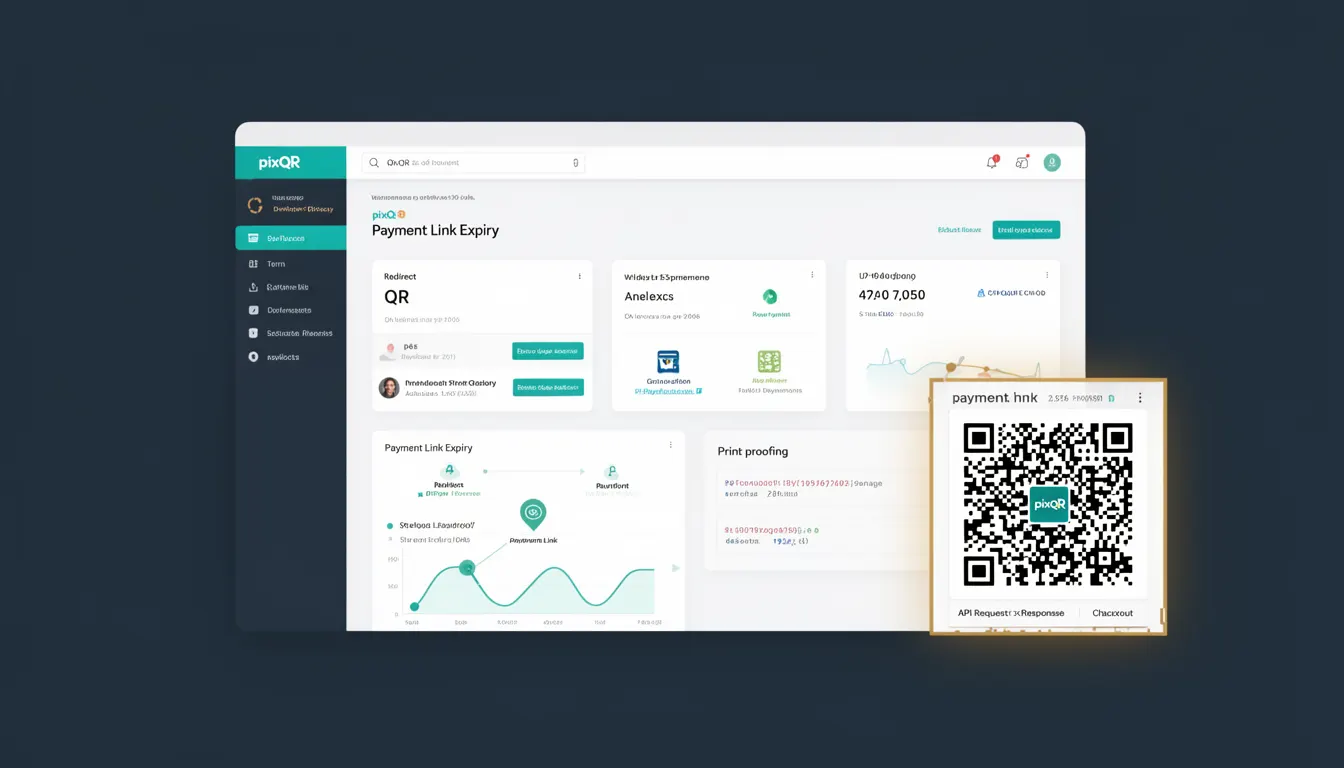
Payment Link Expiry is a mechanism within PixQR that defines how long a payment-enabled QR code remains valid for transaction processing. This feature ensures that financial flows are secure and time-bound, reducing the risk of unauthorized or stale payments.
When a QR code is generated for payment purposes, the system allows configuration of an expiry time, after which the QR code becomes invalid. This is particularly important in dynamic payment workflows, where links might be shared across platforms or printed for physical use. Payment Link Expiry supports both static and dynamic QR code implementations, ensuring consistency across different use cases.
Why It Matters
For developers and platform maintainers, Payment Link Expiry is critical for mitigating fraud risks and ensuring proper financial control. Without expiry, a QR code could be used indefinitely, potentially allowing unauthorized transactions long after the intended payment window. This is especially relevant in retail, event ticketing, or subscription-based services where time-sensitive transactions are common.
From a user experience standpoint, expiry times help prevent confusion when a QR code is scanned after its validity has ended. It allows developers to configure clear feedback or redirect behavior, enhancing trust and transparency. In PixQR, this feature is part of a broader suite of operational security controls that support brand-safe QR code workflows.
How It Works
Payment Link Expiry is implemented through a configurable time-based parameter when a QR code is generated. The system tracks the creation timestamp and compares it against a configured expiry duration to determine validity.
- Expiry is defined in seconds, with a minimum value of 60 seconds and a maximum configurable by the platform.
- Once the expiry time is reached, the QR code's associated payment link is marked as inactive and no longer accepts transactions.
- Scans of expired QR codes return a structured error response, which can be handled by the client application to display a user-friendly message.
- Expiry is enforced server-side to prevent client-side manipulation, ensuring integrity of the payment flow.
- Dynamic QR codes can have their expiry times updated or extended via API calls, allowing for flexible transaction management.
Quick Reference
| Item | Purpose | Notes |
|---|---|---|
| expiry_duration | Defines how long a payment QR code remains valid | Set in seconds, minimum 60 |
| is_expired | Indicates if a QR code has passed its expiry time | Boolean flag returned by API |
| update_expiry | API method to extend a QR code's validity | Requires valid authentication |
| scan_result | Response payload when QR is scanned | Includes expiry status |
| default_expiry | Platform default for new payment QR codes | Typically 3600 seconds (1 hour) |
Basic Example
PixQR Example QR
This QR links directly to this glossary page, so printed notes, onboarding docs, and support material can bring scanners back to the current reference.
/glossary/qr-code-for-payments/qr-codes-for-payments-payment-link-expiry

This example shows how to generate a QR code with a 1-hour expiry using PixQR's API.
{
  "type": "payment",
  "amount": 100.00,
  "currency": "USD",
  "expiry_duration": 3600,
  "redirect_url": "https://example.com/payment-complete"
}
The expiry_duration field sets the validity period to 3600 seconds (1 hour). Once this time passes, the QR code will no longer process payments.
Production Example
In a production environment, a system might generate a QR code with a custom expiry and validate it before processing a transaction.
{
  "type": "payment",
  "amount": 25.99,
  "currency": "EUR",
  "expiry_duration": 1800,
  "redirect_url": "https://shop.example.com/confirm",
  "metadata": {
    "order_id": "ORD-12345",
    "customer_id": "CUST-789"
  }
}
This version includes metadata for tracking and a shorter expiry of 1800 seconds (30 minutes), which is suitable for a fast-moving e-commerce transaction. It also ensures that all relevant data is passed to the payment processor for audit and reconciliation.
Common Mistakes
- Setting an expiry duration that is too short, causing valid transactions to fail before completion.
- Ignoring the
is_expiredflag in API responses, leading to invalid transactions being processed. - Using default expiry times without considering business context, such as event ticketing or subscription billing.
- Not implementing server-side validation of expiry, exposing the system to client-side manipulation.
- Assuming all QR codes have the same expiry, when some may require longer or shorter validity periods.
Security And Production Notes
- Expiry times are enforced server-side to prevent tampering by end users or malicious actors.
- Expired QR codes must return a structured error response to avoid misleading clients.
- Use of metadata in QR code generation supports traceability and audit logging for compliance.
- Implementing dynamic expiry updates should require strong authentication and audit logging.
- Expiry durations should be validated against platform limits to avoid invalid configurations.
Related Concepts
Payment Link Expiry is closely related to several other QR code and payment concepts:
- Dynamic Redirect: Payment links often redirect to a payment processor, and expiry ensures that the redirect is time-bound.
- Scan Tracking: Expiry times are often logged with scan events to monitor usage patterns and identify potential abuse.
- Link Management: QR codes with expiry are part of a larger system for managing and monitoring all generated links.
- Privacy Controls: Expiry times help limit data retention and reduce the risk of unauthorized access to payment flows.
- Operational Workflows: Expiry settings are part of the secure operational framework that ensures all QR code usage aligns with brand safety and fraud prevention policies.