 PixQR
PixQR
Overview
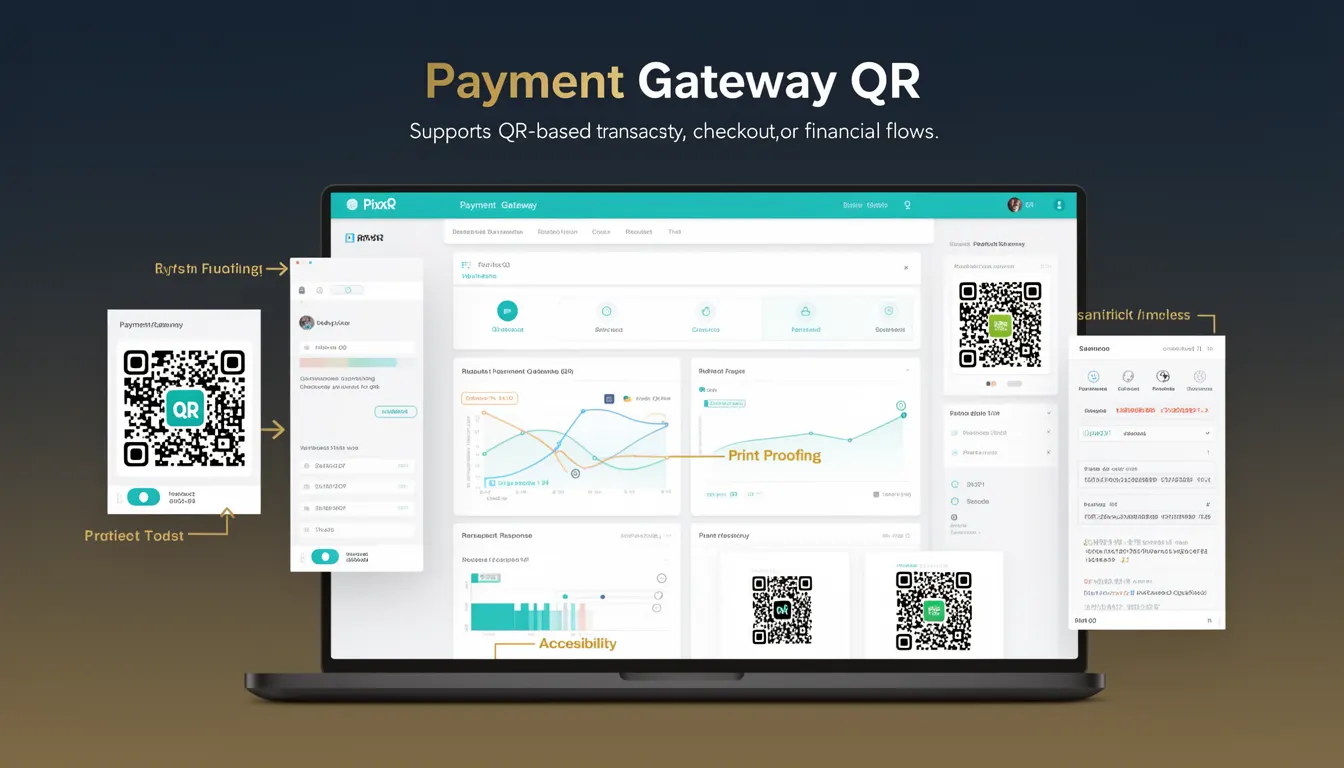
A Payment Gateway QR is a QR code implementation that facilitates financial transactions by encoding payment gateway identifiers, transaction parameters, or checkout instructions. It bridges the gap between physical or digital payment points and a payment processing system, allowing users to initiate payments via a scan.
In the context of PixQR, a Payment Gateway QR is generated to support seamless transaction flows. These QR codes are typically used in retail environments, e-commerce platforms, and service-based payment systems where a user scans a code to proceed to a payment gateway, such as Stripe, PayPal, or Square.
Why It Matters
For developers and product teams, Payment Gateway QR codes are essential for enabling secure, scalable, and user-friendly payment experiences. They reduce friction in payment processing by eliminating manual input or redirection steps. A well-implemented Payment Gateway QR ensures that transactions are handled securely, data is correctly encoded, and the user journey from scan to payment is reliable and fast.
From a security perspective, these QR codes must avoid exposing sensitive data or enabling injection attacks. PixQR ensures that generated Payment Gateway QRs are designed with privacy and integrity in mind, avoiding exposure of raw payment credentials or URLs with excessive parameters.
How It Works
Payment Gateway QRs are generated by encoding specific transaction data into a QR code, typically using a structured format like a URL or a proprietary data schema. The QR code is then rendered and made available for scanning. When scanned, the QR reader decodes the data and redirects the user to the appropriate payment gateway or triggers a payment flow in a mobile application.
- The QR code typically encodes a URL with transaction parameters, such as amount, currency, merchant ID, or transaction ID.
- It can also encode a proprietary protocol or data format that mobile apps or payment terminals understand.
- Encoding must follow the QR standard to ensure compatibility across devices and readers.
- Security mechanisms like tokenization or encryption may be applied to sensitive transaction data.
- PixQR supports dynamic QR generation, allowing for real-time updates to transaction parameters without re-generating the QR code.
Quick Reference
| Item | Purpose | Notes |
|---|---|---|
| Transaction ID | Uniquely identifies a payment request | Used for tracking and reconciliation |
| Amount | Specifies payment value | Should be encoded with currency code |
| Merchant ID | Identifies the business or service provider | Used for routing payments |
| Redirect URL | Specifies where to redirect after payment | Must be secure (HTTPS) |
| QR Code Format | Encoding standard for the QR payload | Typically URL or custom schema |
Basic Example
PixQR Example QR
This QR links directly to this glossary page, so printed notes, onboarding docs, and support material can bring scanners back to the current reference.
/glossary/qr-code-for-payments/qr-codes-for-payments-payment-gateway-qr

This example demonstrates a minimal Payment Gateway QR URL structure that encodes a payment request:
https://pay.pixqr.com/checkout?amount=100¤cy=USD&merchant_id=12345&txn_id=txn_abc123The URL includes parameters for amount, currency, merchant identifier, and transaction ID. When scanned, this QR code directs the user to a secure payment page hosted by PixQR, which then forwards them to the merchant's payment gateway.
Production Example
This example shows a more robust implementation using dynamic QR generation with secure tokenization:
POST /api/v1/qr/payment
{
  "amount": 150.00,
  "currency": "EUR",
  "merchant_id": "mch_98765",
  "redirect_url": "https://example.com/payment-complete",
  "token": "tok_abc123def456",
  "expires_in": 3600
}
This version allows for secure tokenization of sensitive data, sets an expiration time, and supports dynamic QR generation through the PixQR API. The resulting QR code is safe, scalable, and compliant with payment industry standards.
Common Mistakes
- Hardcoding sensitive data like merchant keys or transaction IDs in QR payloads, which can lead to exposure during scans or interception.
- Using insecure HTTP URLs in QR codes, which can be intercepted or manipulated in transit.
- Generating QR codes without validating input, leading to malformed or invalid URLs that fail to process correctly.
- Ignoring expiration times on QR codes, causing outdated or unused codes to remain active and potentially misused.
- Not implementing proper error handling or fallback mechanisms for when a QR code scan fails or redirects incorrectly.
Security And Production Notes
- Always use HTTPS for all URLs encoded in Payment Gateway QRs to prevent man-in-the-middle attacks.
- Tokenize sensitive data such as merchant IDs or transaction details to avoid exposing raw credentials.
- Implement expiration times for QR codes to limit their usability window and reduce risk of replay attacks.
- Validate and sanitize all inputs to prevent injection attacks or malformed QR payloads.
- Ensure that QR codes are generated and rendered with integrity checks to prevent tampering or corruption.
Related Concepts
Payment Gateway QRs are closely related to several other QR code and payment concepts:
- Dynamic QR Codes: QR codes that can be updated without re-printing, often used for payment transactions.
- Payment Links: Short, shareable URLs that direct users to payment pages, often encoded in QRs.
- Transaction ID: Unique identifiers used to track and reconcile payments, commonly included in QR payloads.
- QR Code Encoding: The process of converting data into a scannable format, critical for Payment Gateway QRs.
- Secure Payment Processing: The broader ecosystem that includes QRs, gateways, and transaction safety mechanisms.