 PixQR
PixQR
Overview
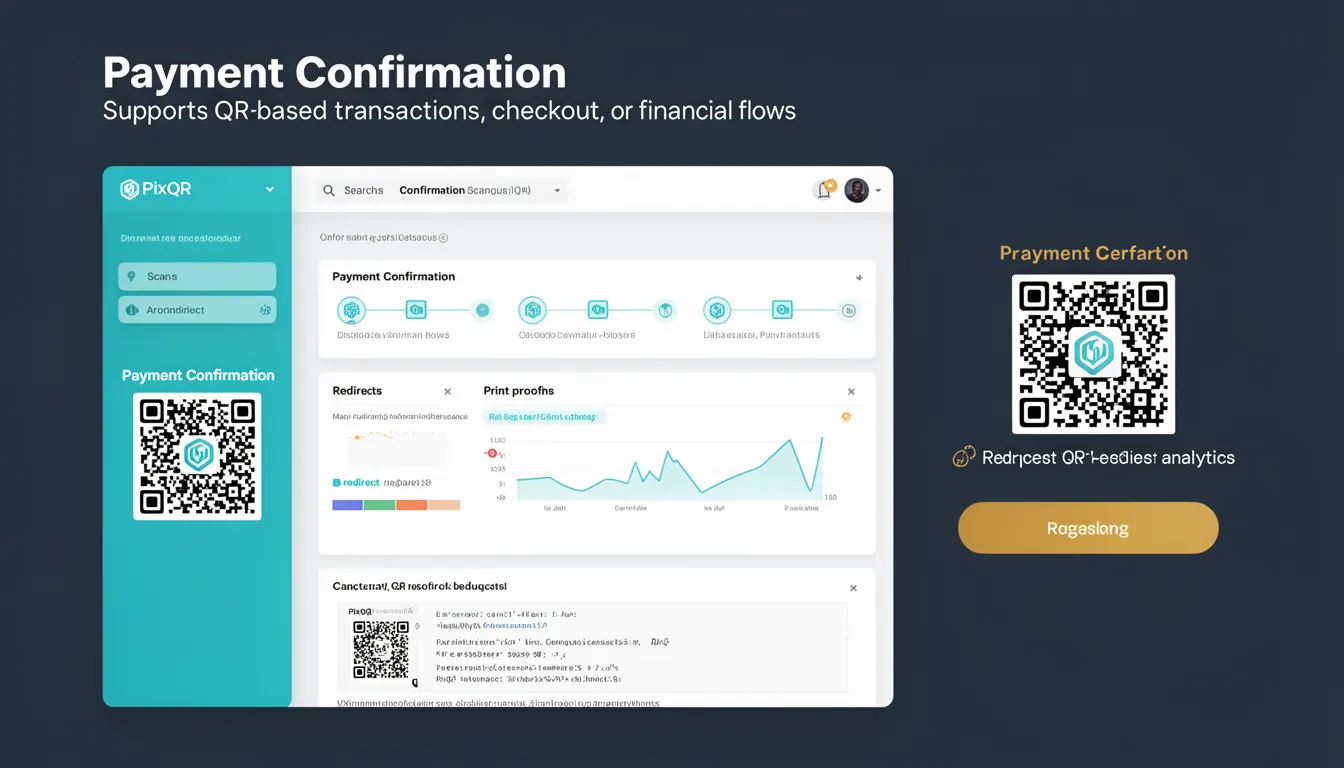
Payment Confirmation in the context of PixQR refers to the process by which a QR code transaction is validated and finalized, typically within a payment ecosystem that supports dynamic QR generation and financial flows. It represents the final step in a transaction lifecycle where the system confirms that funds have been successfully transferred, the payment has been authorized, and the transaction is complete.
For developers working with PixQR, Payment Confirmation is a key concept when integrating payment flows into applications or services that rely on QR-based transactions. It is especially relevant when building systems that support dynamic QR codes, real-time payment tracking, or automated financial workflows. Payment Confirmation ensures that systems can accurately track and respond to payment events, whether in a point-of-sale environment, e-commerce integration, or digital wallet transactions.
Why It Matters
For developers and system integrators, Payment Confirmation directly affects the reliability and trustworthiness of financial transactions. It is a critical component for maintaining transaction integrity and ensuring that systems respond appropriately to payment events. Without proper handling of Payment Confirmation, a system may process a transaction as complete when it has not actually occurred, leading to discrepancies, fraud, or user dissatisfaction.
From a security standpoint, Payment Confirmation helps prevent unauthorized or duplicate transactions by ensuring that only verified payments are accepted. It also supports compliance with financial regulations by providing a clear audit trail of transaction completion. For user experience, accurate Payment Confirmation ensures that users are notified promptly when their payment is processed, reducing uncertainty and improving confidence in the platform.
How It Works
Payment Confirmation in PixQR operates through a sequence of events that begin with a QR code being scanned and a transaction initiated. The system then communicates with the payment processor to validate the transaction details, confirm the payment, and return a status. This confirmation is then used by the application to update its internal state and notify relevant parties.
- When a user scans a QR code, the system initiates a transaction request with the payment provider.
- The payment provider validates the transaction details, checks for sufficient funds, and authorizes the payment.
- Upon successful authorization, the payment provider sends a confirmation back to the PixQR system.
- The PixQR system processes this confirmation and updates the QR code's status or associated transaction record.
- Finally, the application or service receives the confirmation and triggers appropriate actions, such as updating inventory, sending notifications, or logging the transaction.
Quick Reference
| Item | Purpose | Notes |
|---|---|---|
| Transaction ID | Unique identifier for payment confirmation | Used to correlate QR code and payment events |
| Payment Status | Indicates whether payment is confirmed or failed | Typically "confirmed", "pending", or "failed" |
| Confirmation Timestamp | Time when payment was confirmed | Used for audit trails and reporting |
| Transaction Metadata | Additional data associated with payment | Includes user, product, or session information |
| Payment Provider API | Interface for retrieving confirmation | Must support webhook or polling mechanisms |
Basic Example
PixQR Example QR
This QR links directly to this glossary page, so printed notes, onboarding docs, and support material can bring scanners back to the current reference.
/glossary/qr-code-for-payments/qr-codes-for-payments-payment-confirmation

This basic example demonstrates how a QR code system might receive and process a payment confirmation event.
const paymentConfirmation = {
  transactionId: 'txn_123456789',
  status: 'confirmed',
  timestamp: '2023-10-01T12:00:00Z',
  amount: 50.00,
  currency: 'USD'
};

console.log('Payment confirmed for', paymentConfirmation.amount, paymentConfirmation.currency);
The example shows a minimal confirmation object with essential fields such as transaction ID, status, and amount. This structure allows the system to identify and process the confirmation.
Production Example
This more detailed example shows how a system might handle Payment Confirmation in a real-world environment, including validation, error handling, and integration with external services.
class PaymentProcessor {
  async handlePaymentConfirmation(transactionId, confirmationData) {
    try {
      const transaction = await this.getTransactionById(transactionId);
      if (!transaction) {
        throw new Error('Transaction not found');
      }

      if (confirmationData.status === 'confirmed') {
        transaction.status = 'completed';
        transaction.confirmedAt = new Date();
        await this.updateTransaction(transaction);
        await this.notifyUser(transaction);
      } else {
        transaction.status = 'failed';
        await this.updateTransaction(transaction);
      }
    } catch (error) {
      console.error('Error processing payment confirmation:', error);
    }
  }
}
This version is more suitable for production because it includes validation, error handling, and interaction with a database or notification system, making it robust and maintainable.
Common Mistakes
- Assuming that a QR scan alone confirms payment. Scanning a QR code only initiates a transaction; confirmation must be awaited from the payment provider.
- Not implementing proper error handling for failed or delayed confirmations. This can lead to inconsistent transaction states and user confusion.
- Ignoring transaction metadata. Metadata such as user ID or session details are crucial for tracking and auditing.
- Using outdated or unverified transaction IDs. This can cause mismatches and invalid confirmation processing.
- Not validating confirmation timestamps. Timestamps are essential for ensuring that confirmations are current and not replayed attacks.
Security And Production Notes
- Always validate transaction IDs and metadata to prevent replay attacks or unauthorized modifications.
- Implement secure communication with payment providers using HTTPS and API tokens.
- Ensure that confirmation timestamps are validated against system time to prevent time-based exploits.
- Use asynchronous confirmation handling to avoid blocking the main application thread during payment processing.
- Log all confirmation events for audit and debugging purposes, but avoid logging sensitive payment data.
Related Concepts
Payment Confirmation is closely related to several other concepts in payment and QR code systems:
- Transaction Lifecycle: Payment Confirmation is the final stage in a transaction, following initiation, authorization, and processing.
- Dynamic QR Code: Payment Confirmations are often triggered by dynamic QR codes that update in real time to reflect transaction status.
- Payment Gateway: The system that processes payments and returns confirmation status to the PixQR platform.
- Webhook: A mechanism used by payment providers to notify the PixQR system of a payment confirmation.
- Scan Tracking: The process of monitoring QR code scans and correlating them with payment confirmations for analytics and fraud prevention.