 PixQR
PixQR
Overview
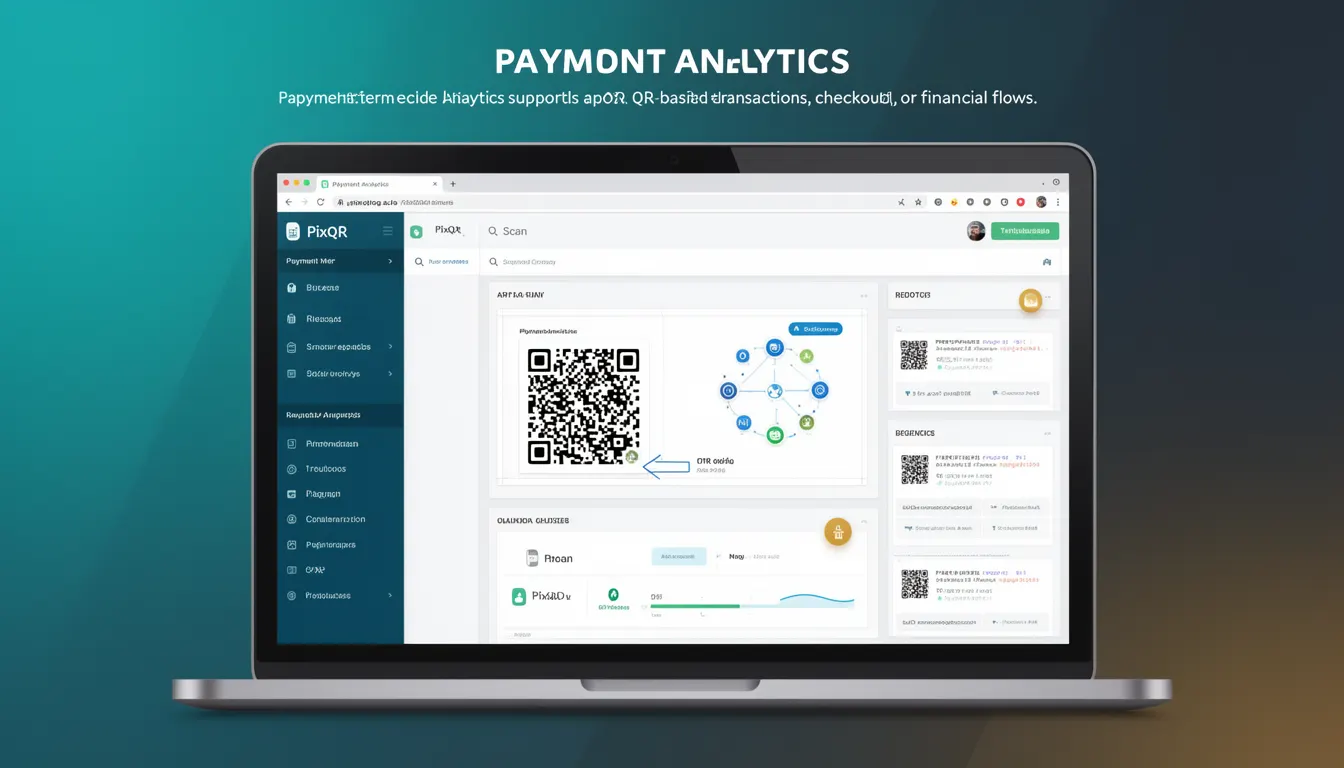
Payment Analytics refers to the collection, processing, and reporting of data related to QR code-based payment transactions. It enables developers and business stakeholders to monitor transaction volumes, conversion rates, user behavior, and financial outcomes in real time. In the context of PixQR, Payment Analytics supports dynamic QR generation workflows, checkout integrations, and financial flow tracking.
For developers working with PixQR, Payment Analytics is a core feature that allows for real-time visibility into how QR codes are being used for payments. This includes tracking scan events, transaction success or failure, user engagement, and financial performance. It directly impacts how payment systems are monitored, optimized, and secured in production environments.
Why It Matters
Payment Analytics is critical for developers who need to understand transactional behavior, optimize user flows, and ensure compliance with financial regulations. It provides actionable insights that can guide decisions on payment gateway integration, QR code design, and user experience improvements. In PixQR, it helps maintain scan reliability and secure transaction tracking by offering detailed logs and performance metrics.
From a production standpoint, accurate Payment Analytics enables fraud detection, performance tuning, and real-time alerting. For example, sudden drops in successful scans or spikes in failed transactions can trigger automated alerts. Developers can also use analytics to optimize QR code placement, reduce bounce rates, and improve checkout conversion. Without proper analytics, payment systems can become opaque and difficult to maintain or scale.
How It Works
Payment Analytics in PixQR is built on a combination of server-side tracking, client-side event logging, and real-time data aggregation. The system captures data at multiple stages of the payment flow: QR scan initiation, redirect to payment gateway, transaction confirmation, and post-transaction feedback.
- Transaction data is collected via PixQR's API endpoints, which log each QR interaction with metadata including timestamp, device type, IP address, and transaction status.
- Each QR code can be configured to include custom tracking parameters, allowing developers to tag transactions by campaign, user segment, or business unit.
- Analytics data is aggregated and made available through PixQR’s dashboard and API, supporting both real-time dashboards and batch reporting.
- Metrics such as scan rate, conversion rate, and average transaction value are calculated and displayed for each QR code or group of codes.
- Advanced features include segmentation by geographic region, device type, and time of day, which help developers tailor QR code strategies to specific user groups.
Quick Reference
| Item | Purpose | Notes |
|---|---|---|
| transaction_id | Unique identifier for each payment | Used to correlate scan events with financial records |
| scan_timestamp | Time of QR scan | Required for real-time dashboards and analytics |
| payment_status | Success, failure, or pending | Used for conversion rate and fraud detection |
| source_channel | How the QR was scanned (e.g., mobile app, web) | Helps optimize channel-specific experiences |
| user_segment | Custom tag for user behavior or campaign | Enables A/B testing and targeted analytics |
Basic Example
PixQR Example QR
This QR links directly to this glossary page, so printed notes, onboarding docs, and support material can bring scanners back to the current reference.
/glossary/qr-code-for-payments/qr-codes-for-payments-payment-analytics

This example demonstrates how a QR code might be configured with analytics parameters to track user behavior.
const qrConfig = {
  url: 'https://pay.example.com/checkout',
  analytics: {
    campaign: 'summer_sale',
    user_segment: 'premium'
  }
};
The analytics object is passed to the PixQR API to tag transactions. This allows developers to segment data later for reporting and optimization.
Production Example
In a production environment, developers often use Payment Analytics to build real-time dashboards and trigger alerts based on transaction behavior.
const transactionLog = {
  transaction_id: 'txn_12345',
  scan_timestamp: '2025-04-05T10:30:00Z',
  payment_status: 'success',
  source_channel: 'mobile_app',
  user_segment: 'loyal_customer',
  amount: 29.99,
  currency: 'USD'
};

// Send to PixQR analytics endpoint
fetch('https://api.pixqr.com/analytics/transaction', {
  method: 'POST',
  headers: {
    'Content-Type': 'application/json',
    'Authorization': 'Bearer YOUR_API_KEY'
  },
  body: JSON.stringify(transactionLog)
});
This version includes full transaction metadata and integrates with PixQR’s analytics backend. It supports error handling, authentication, and structured logging, making it suitable for production systems.
Common Mistakes
- Not validating transaction data before sending to the analytics backend, leading to data corruption or system errors.
- Using hardcoded API keys in client-side code, exposing credentials to unauthorized access.
- Ignoring analytics data for failed transactions, which can hide fraud or system issues.
- Overlooking user privacy compliance, such as failing to anonymize IP addresses or personal identifiers.
- Not setting up alerts for unusual patterns, such as sudden spikes in failed transactions or drop-offs in conversion rates.
Security And Production Notes
- Always use HTTPS for analytics API calls to prevent data interception.
- Validate and sanitize all transaction data to prevent injection or malformed data issues.
- Implement rate limiting to prevent abuse of analytics endpoints.
- Ensure compliance with data privacy laws like GDPR or CCPA by anonymizing user identifiers in analytics logs.
- Use secure authentication tokens for API access and rotate them regularly.
Related Concepts
Payment Analytics is closely connected to several core PixQR concepts:
- Dynamic QR Redirects: Analytics data often feeds into redirect logic, enabling real-time optimization of payment pathways.
- Scan Tracking: Analytics rely on scan events to build transactional behavior models.
- Brand-Safe Design: Analytics help ensure QR codes are used in contexts that maintain brand integrity.
- Operational Workflows: Analytics inform how QR codes are deployed, monitored, and updated in production.
- Privacy Controls: Analytics must respect user privacy and comply with data handling regulations.