 PixQR
PixQR
Overview
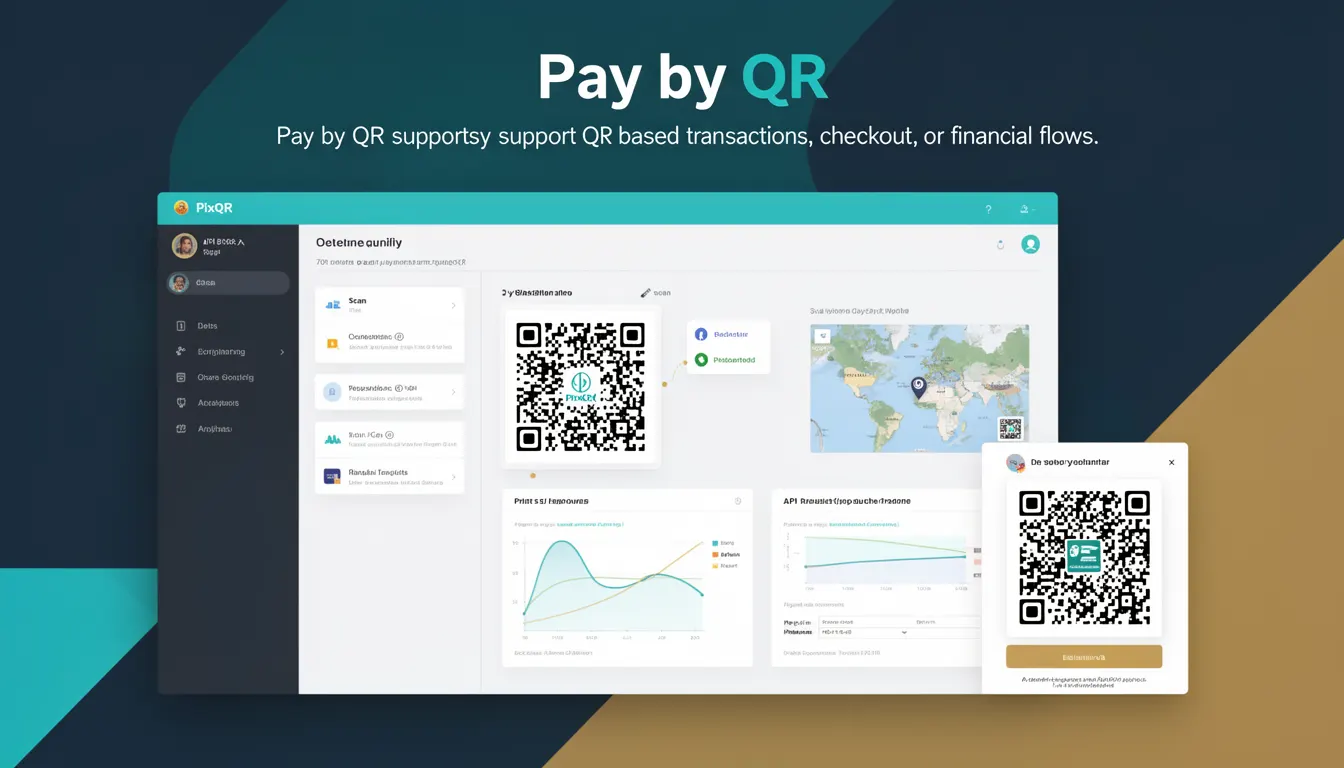
Pay by QR is a payment method that allows users to complete transactions by scanning a QR code, typically generated for a specific amount or payment request. In the context of PixQR, this term refers to the integration and support for QR-based payment flows, including dynamic QR generation, payment routing, and transaction tracking. This functionality enables businesses to offer seamless, secure, and scalable payment solutions directly through QR codes.
Developers working with PixQR use Pay by QR to create payment-enabled QR codes that can be scanned by mobile wallets, payment apps, or dedicated QR readers. The system supports both static and dynamic QRs, and integrates with payment processors to handle transaction validation, confirmation, and reporting. Pay by QR is especially useful in retail, event ticketing, and B2B environments where quick, secure, and traceable transactions are essential.
Why It Matters
For developers, Pay by QR is a powerful feature that simplifies payment integration while maintaining high security standards. It reduces the complexity of handling payment information directly in web applications by delegating transaction processing to secure payment gateways. The QR-based approach also enhances accessibility for users who may not be comfortable entering payment details manually or who prefer contactless solutions.
From a performance standpoint, QR-based payments reduce friction in transaction completion, leading to lower cart abandonment rates. For businesses, Pay by QR supports real-time transaction tracking, which improves financial operations and fraud detection. PixQR’s implementation ensures that payment QR codes are generated with proper encryption, scan reliability, and analytics, making it a robust choice for developers building secure payment systems.
How It Works
Pay by QR in PixQR operates through a structured flow involving QR code generation, payment request handling, and transaction confirmation. The system supports both static and dynamic QRs, where dynamic QRs can be updated with new payment details or expiration times. The following are key mechanisms and components involved:
- QR code generation with embedded payment parameters such as amount, currency, merchant ID, and transaction ID.
- Integration with payment processors to validate and process transactions securely.
- Dynamic QR updates to reflect payment status or modify transaction details in real time.
- Analytics and tracking of QR scan events, including timestamps, device types, and geographic data.
- Support for multiple payment methods such as credit cards, digital wallets, and bank transfers.
When a QR code is scanned, the system redirects the user to a secure payment gateway or initiates a direct payment flow. The transaction is then tracked through PixQR’s dashboard or API, allowing for real-time reporting and reconciliation. QR codes are generated with secure encoding and validated to prevent tampering or misuse.
Quick Reference
| Item | Purpose | Notes |
|---|---|---|
| amount | Specifies payment amount | Must be numeric, supports decimals |
| currency | Defines payment currency | ISO 4217 standard required |
| merchant_id | Identifies the merchant | Unique identifier for tracking |
| transaction_id | Unique transaction reference | Used for reconciliation |
| redirect_url | URL to redirect after payment | Must be HTTPS and valid |
Basic Example
PixQR Example QR
This QR links directly to this glossary page, so printed notes, onboarding docs, and support material can bring scanners back to the current reference.
/glossary/qr-code-for-payments/qr-codes-for-payments-pay-by-qr

This example shows how to generate a basic Pay by QR code with a fixed amount and currency. It demonstrates the structure of the payload used to create a QR code in PixQR.
{
  "amount": 29.99,
  "currency": "USD",
  "merchant_id": "M123456",
  "transaction_id": "TX789012",
  "redirect_url": "https://example.com/payment-complete"
}
The payload defines a payment of $29.99 in USD, associated with merchant ID M123456 and transaction ID TX789012. The redirect URL ensures the user is sent to a confirmation page after payment.
Production Example
This more advanced example includes validation, error handling, and secure configuration. It demonstrates how to build a production-ready Pay by QR integration with dynamic parameters and analytics.
{
  "amount": 45.00,
  "currency": "EUR",
  "merchant_id": "M987654",
  "transaction_id": "TX123456",
  "redirect_url": "https://api.example.com/payment/confirm",
  "expires_in": 3600,
  "metadata": {
    "order_id": "ORD123456",
    "customer_email": "user@example.com"
  }
}
This version includes an expiration time, metadata for tracking, and a secure redirect URL. The configuration supports dynamic updates, ensures compliance with payment standards, and integrates with PixQR’s analytics for transaction monitoring.
Common Mistakes
- Using non-HTTPS redirect URLs, which can lead to security warnings or payment failures.
- Not validating transaction IDs, causing duplicate or mismatched payments.
- Ignoring currency formatting, which may result in payment processing errors.
- Setting expiration times too short or too long, affecting usability or security.
- Embedding sensitive data in QR code payloads, which can expose information to unauthorized parties.
Security And Production Notes
- QR code payloads must be encrypted or encoded securely to prevent tampering.
- All redirect URLs must be HTTPS and validated to avoid open redirect vulnerabilities.
- Transaction IDs must be unique and tracked to prevent duplicate payments.
- Payment parameters should be validated against merchant and currency standards.
- Analytics data must be logged securely and in compliance with privacy regulations.
Related Concepts
Pay by QR is closely related to several key concepts in payment systems and QR code technologies:
- Dynamic QR: QR codes that can be updated with new transaction details after creation.
- Payment Gateway Integration: The process of connecting with third-party payment processors.
- Transaction Tracking: Monitoring and logging payment events for reconciliation and reporting.
- QR Code Generation: The process of creating QR codes with embedded data for specific purposes.
- Scan Analytics: Data collected from QR code scans to improve user experience and fraud detection.