 PixQR
PixQR
Overview
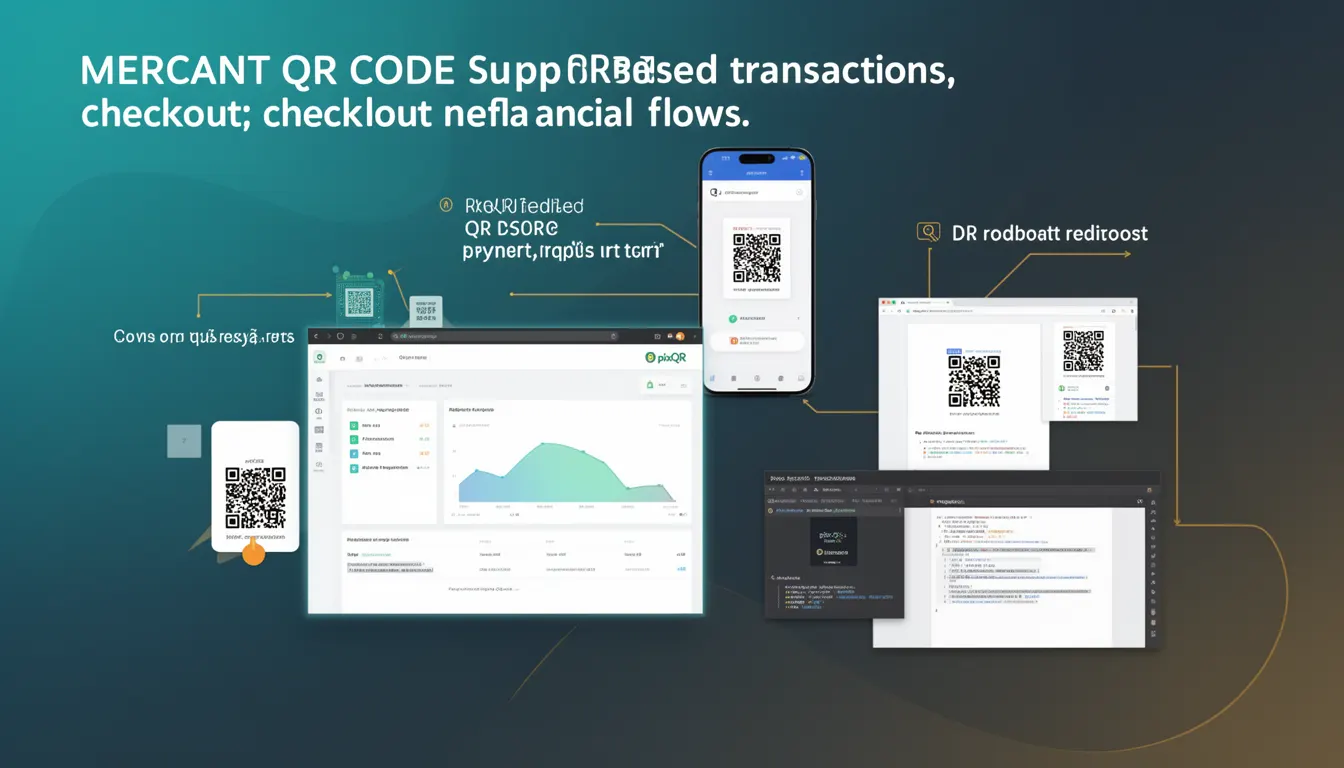
A Merchant QR Code is a specific type of QR code used in payment systems to enable transactions between a customer and a merchant. It is designed to support digital payment flows by encoding payment-related data, such as merchant account details, transaction amount, or payment gateway identifiers, into a scannable format. Unlike generic QR codes, Merchant QR Codes are purpose-built for financial interactions and are typically generated and managed through platforms like PixQR.
These codes are commonly used in point-of-sale (POS) systems, mobile apps, or online checkout flows where a user scans the code to initiate a payment. They are integral to digital payment ecosystems, especially in regions where QR-based payments are prevalent, such as in parts of Asia and Africa. In the context of PixQR, Merchant QR Codes are generated with a focus on brand-safe design, scan reliability, and operational security.
Why It Matters
For developers working with payment systems, Merchant QR Codes are critical for enabling seamless, secure, and scalable transaction flows. They simplify payment initiation for users by reducing friction in the checkout process, allowing users to scan a code instead of manually entering payment details. This enhances user experience, particularly in mobile or kiosk environments.
From a developer perspective, correctly implementing Merchant QR Codes ensures compliance with payment standards, supports analytics tracking, and integrates with backend systems such as payment gateways or accounting software. Mismanagement can lead to payment failures, security vulnerabilities, or compliance issues, especially when handling sensitive transaction data or integrating with third-party systems.
How It Works
Merchant QR Codes function by encoding structured data into a QR code format that payment applications or scanners can interpret. This data typically includes identifiers, transaction parameters, and merchant-specific configurations. The process involves generating the QR code with specific attributes, ensuring it is scannable, and linking it to a payment processing system.
- Merchant QR Codes are typically generated using APIs or SDKs provided by payment platforms, such as PixQR, which offer tools for dynamic QR code creation.
- The encoded data includes fields such as merchant ID, transaction amount, currency, and payment gateway URL to direct the user’s payment flow.
- Each QR code can be static or dynamic, with dynamic codes allowing updates to transaction details without regenerating the entire code.
- Scanning a Merchant QR Code triggers a payment application or web interface to read the embedded data and initiate the transaction.
- For security, these codes often include validation mechanisms to prevent tampering or unauthorized use, such as digital signatures or HMACs.
Quick Reference
| Item | Purpose | Notes |
|---|---|---|
| merchant_id | Identifies the merchant or business | Required for transaction routing |
| amount | Transaction value in specified currency | Optional for dynamic codes |
| currency | ISO 4217 currency code | Defaults to local currency if not specified |
| payment_url | Endpoint for payment processing | Must be HTTPS and secure |
| dynamic | Boolean to enable dynamic updates | False by default in static codes |
Basic Example
PixQR Example QR
This QR links directly to this glossary page, so printed notes, onboarding docs, and support material can bring scanners back to the current reference.
/glossary/qr-code-for-payments/qr-codes-for-payments-merchant-qr-code

This example shows how a basic Merchant QR Code might be initialized with essential data fields. It demonstrates the structure of a code that can be used to generate a scannable QR image.
const merchantQR = {
  merchant_id: "M123456789",
  amount: 100.00,
  currency: "USD",
  payment_url: "https://api.pixqr.com/payments/checkout",
  dynamic: false
};
The merchant_id uniquely identifies the business. The amount and currency define the transaction value. The payment_url is where the payment flow is directed upon scanning. The dynamic flag controls whether the code supports updates.
Production Example
This example shows how a Merchant QR Code might be generated and configured for production use, including validation and security considerations.
const generateMerchantQR = (config) => {
  const { merchant_id, amount, currency, payment_url, dynamic } = config;

  if (!merchant_id || !payment_url) {
    throw new Error("Merchant ID and payment URL are required");
  }

  const qrData = {
    merchant_id,
    amount,
    currency,
    payment_url,
    dynamic
  };

  return {
    data: JSON.stringify(qrData),
    type: "merchant",
    timestamp: Date.now()
  };
};

const qrConfig = {
  merchant_id: "M123456789",
  amount: 100.00,
  currency: "USD",
  payment_url: "https://secure.pixqr.com/payments/checkout",
  dynamic: true
};

const qrCode = generateMerchantQR(qrConfig);
This version includes input validation and uses a secure payment URL. It also supports dynamic updates, which is essential for real-time transaction handling in production environments.
Common Mistakes
- Not validating merchant IDs or payment URLs before QR generation, leading to invalid or insecure codes.
- Using unencrypted URLs or HTTP endpoints, which exposes transaction data to interception.
- Ignoring dynamic QR code configuration, resulting in static codes that cannot be updated post-generation.
- Using default or hardcoded values for currency or amount, which can cause payment processing errors.
- Generating QR codes without verifying scan reliability or accessibility, leading to user experience issues.
Security And Production Notes
- Always use HTTPS for payment URLs to ensure data integrity and prevent man-in-the-middle attacks.
- Validate all inputs to prevent injection or malformed data in QR code payloads.
- Implement secure storage for merchant keys or tokens used in QR generation to avoid unauthorized code creation.
- Use dynamic QR codes for transactions with changing amounts or time-sensitive data to reduce risk of code reuse.
- Include timestamp or nonce values in QR data to prevent replay attacks or duplicate transactions.
Related Concepts
Merchant QR Codes are closely tied to several other payment and QR code concepts. These include:
- Dynamic QR Codes: Codes that can be updated after generation, often used for variable payment amounts.
- Payment Gateway Integration: The backend systems that process transactions initiated by QR scans.
- Scan Reliability: The ability of QR codes to be consistently read across devices and lighting conditions.
- Transaction Tracking: Tools that monitor and log QR code scans and payment events.
- Brand-Safe Design: Ensuring QR codes maintain visual integrity and align with brand guidelines.