 PixQR
PixQR
Overview
An Invoice QR Code is a specific type of QR code used in payment processing workflows to encode payment instructions, transaction details, and financial data. It enables businesses to generate a scannable code that links directly to an invoice or payment request, facilitating seamless digital transactions.
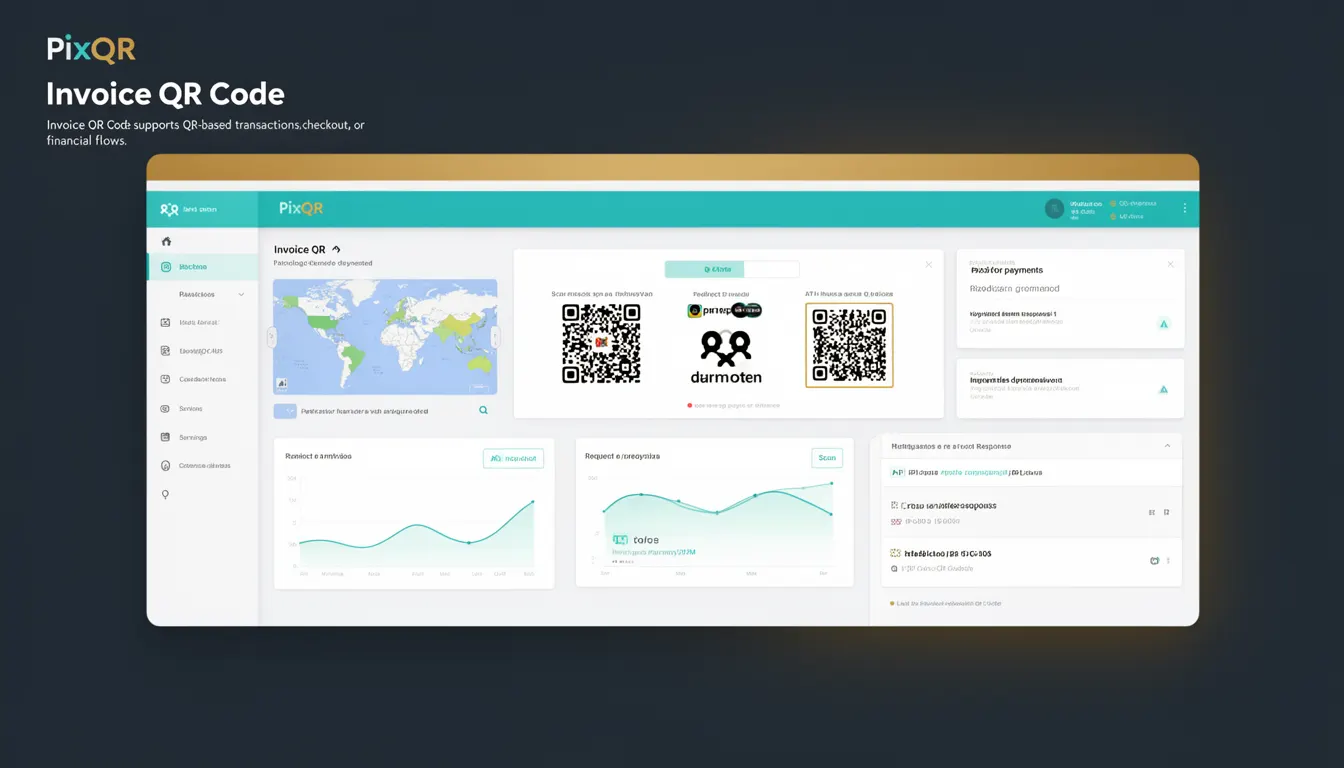
In the context of PixQR, Invoice QR Codes are generated with support for dynamic redirects, brand-safe design, and secure operational workflows. They are often used in e-commerce, B2B payments, and automated billing systems where customers scan a QR code to proceed to a payment page or directly complete a transaction.
Why It Matters
Invoice QR Codes are essential for businesses that rely on digital payment flows. They reduce friction in payment processing by eliminating manual data entry, decreasing errors, and improving user experience. For developers, these codes are part of a broader payment infrastructure that integrates with payment gateways, accounting systems, and invoice management platforms.
From a security perspective, Invoice QR Codes must be generated with strong integrity checks to prevent tampering or fraud. PixQR ensures that the QR codes are safe to use in both digital and print environments, with built-in protections against invalid redirects and malicious payloads.
How It Works
Invoice QR Codes function by encoding structured data into a QR code format. This data typically includes the payment amount, merchant identifier, invoice ID, currency, and a redirect URL. The QR code is then generated using PixQR’s backend services, which support dynamic and static QR code generation.
- Invoice QR Codes are typically generated from payment data provided by a backend system or API.
- The QR code encodes a URL or a specific payment instruction that can be interpreted by a QR scanner or mobile payment app.
- When scanned, the QR code triggers a redirect to a payment page or initiates a payment request directly.
- PixQR ensures that generated QR codes are optimized for scan reliability and include analytics tracking for performance monitoring.
- QR codes can be customized with brand elements such as logos or color schemes to maintain brand consistency.
Quick Reference
| Item | Purpose | Notes |
|---|---|---|
| Payment Amount | Specifies the transaction value | Must be a valid numeric value |
| Invoice ID | Unique identifier for the invoice | Used for tracking and reconciliation |
| Redirect URL | Destination after scanning the QR code | Must be HTTPS and secure |
| Merchant Identifier | Unique ID for the merchant or business | Used for payment routing |
| QR Code Type | Static or dynamic QR code | Dynamic codes support updates post-generation |
Basic Example
PixQR Example QR
This QR links directly to this glossary page, so printed notes, onboarding docs, and support material can bring scanners back to the current reference.
/glossary/qr-code-for-payments/qr-codes-for-payments-invoice-qr-code

This example shows a basic Invoice QR Code configuration using PixQR's API. It demonstrates how to define a payment request with a fixed amount and a redirect URL.
{
  "amount": 150.00,
  "currency": "USD",
  "invoice_id": "INV-12345",
  "redirect_url": "https://example.com/payments/complete",
  "qr_type": "static"
}
The example sets the payment amount to $150.00, assigns an invoice ID, and specifies a secure HTTPS redirect URL. The QR code type is set to static, meaning it will not change after generation.
Production Example
This example shows a more robust implementation that includes validation, error handling, and dynamic QR code generation using PixQR's API. It ensures that all inputs are sanitized and that the QR code is generated securely.
{
  "amount": 150.00,
  "currency": "USD",
  "invoice_id": "INV-12345",
  "redirect_url": "https://secure.example.com/payments/complete",
  "merchant_id": "MERCHANT_789",
  "qr_type": "dynamic",
  "branding": {
    "logo_url": "https://example.com/logo.png",
    "color_scheme": "#007BFF"
  },
  "analytics": {
    "track_scans": true,
    "track_conversions": true
  }
}
This version includes dynamic QR code generation, branding customization, and analytics tracking. It is more suitable for production environments where security, branding, and performance are critical.
Common Mistakes
- Using untrusted or insecure redirect URLs in QR codes, which can lead to phishing or fraud.
- Generating static QR codes for dynamic payment data, causing outdated or incorrect payment instructions.
- Not validating payment amounts or currency codes, leading to financial discrepancies.
- Ignoring branding or accessibility considerations, resulting in poor user experience or compliance issues.
- Not enabling analytics or tracking, which prevents monitoring of QR code performance or user behavior.
Security And Production Notes
- QR codes must always redirect to HTTPS endpoints to ensure secure communication.
- Payment data should be sanitized and validated before encoding into the QR code to prevent injection attacks.
- Dynamic QR codes should be protected with access controls to prevent unauthorized updates.
- Ensure QR codes are generated with appropriate error correction levels to maintain scan reliability.
- Use PixQR’s built-in analytics to monitor scan behavior and detect anomalies or fraudulent usage.
Related Concepts
Invoice QR Codes are closely related to several other QR code and payment concepts:
- Dynamic Redirects – QR codes that can be updated post-generation, enabling flexible payment workflows.
- Payment Gateway Integration – The process of linking QR code payments to a payment processing system.
- QR Code Analytics – Tracking scan events and conversion rates to optimize payment flows.
- Brand-Safe QR Design – Ensuring QR codes maintain brand consistency while remaining scannable.
- Scan Reliability – Optimizing QR code structure and design to ensure consistent scanning across devices.