 PixQR
PixQR
Overview
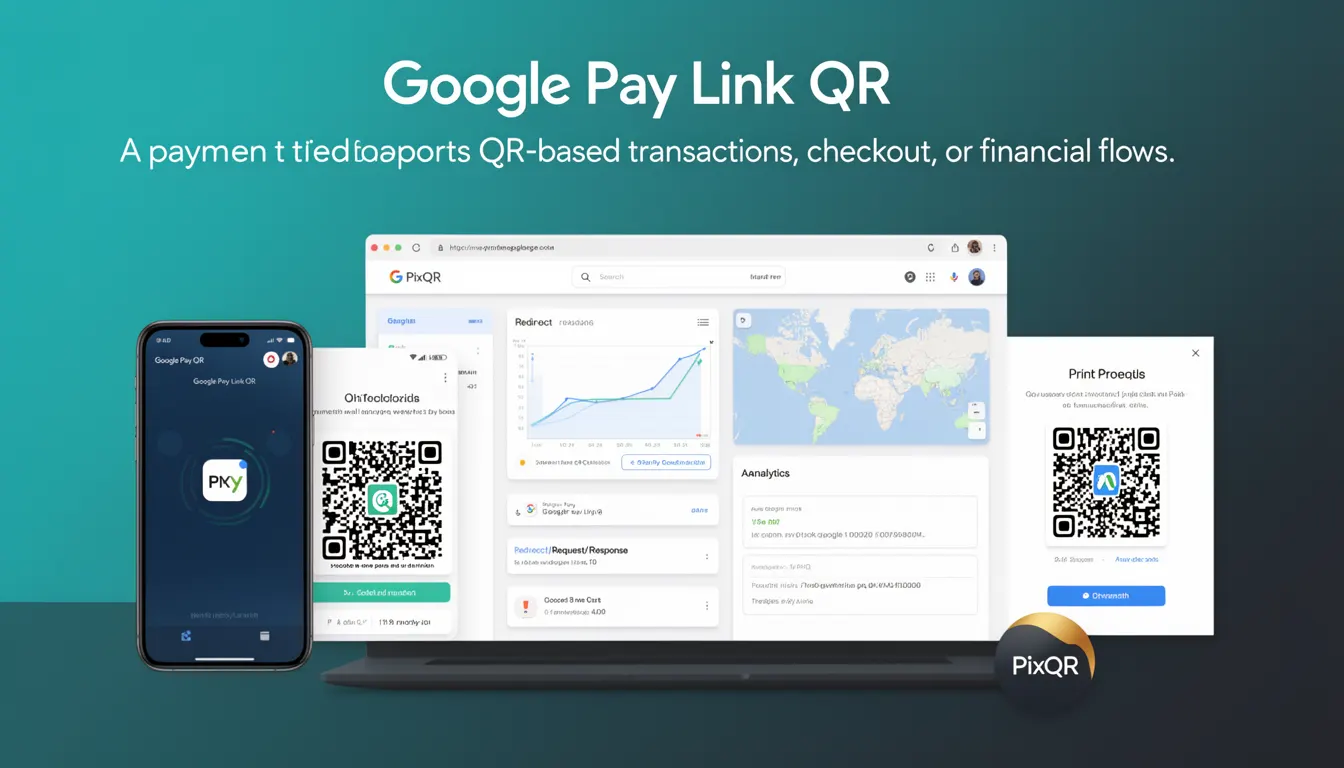
A Google Pay Link QR is a specific type of QR code used to initiate Google Pay transactions. It encodes a payment link that, when scanned, opens the Google Pay application or web interface and prompts the user to complete a payment. This functionality enables seamless integration of digital payments into physical or digital workflows where a QR code is the primary interaction point.
Developers working with PixQR may generate or manage Google Pay Link QR codes as part of payment-enabled experiences. These QR codes are distinct from standard QR codes in that they contain structured data that the Google Pay system recognizes and interprets to launch the payment flow. The QR code itself does not contain payment credentials but instead points to a payment endpoint or intent.
Why It Matters
For developers, Google Pay Link QR codes simplify payment integration by abstracting complex payment flows into a single scannable element. This is particularly valuable in retail, event ticketing, and e-commerce environments where physical or printed QR codes are used for transactions. The QR code ensures that users are directed to a trusted payment system, reducing friction in the checkout process.
From a security standpoint, Google Pay Link QRs provide a layer of abstraction that protects sensitive payment data. They are not static payment tokens and do not store user credentials. Instead, they act as dynamic redirects to a secure payment flow. This makes them safer to use in public or untrusted environments compared to QR codes containing raw payment information.
How It Works
Google Pay Link QRs are generated using a specific data format that includes a payment intent URL or a structured identifier. When a user scans the QR code, the device's QR scanner identifies the format and triggers a handler in the Google Pay application or web browser. The handler then uses the embedded data to initiate a payment flow, typically requiring user authentication and confirmation.
- The QR code format includes a prefix such as
https://pay.google.com/gp/p/to signal the Google Pay intent. - It supports dynamic content, allowing for payment amounts, recipient details, and transaction metadata to be encoded.
- The QR code is generated by PixQR’s backend services, which ensure the link is valid and secure before rendering.
- When scanned, the QR code redirects the user to a secure Google Pay endpoint, which may include additional verification steps.
- Support for multiple currencies and regions is enabled through the encoded data, which can be customized during QR generation.
Quick Reference
| Item | Purpose | Notes |
|---|---|---|
| QR Code Format | Encodes Google Pay intent | Must begin with https://pay.google.com/gp/p/ |
| Payment Intent | Defines transaction details | Includes amount, currency, and recipient |
| Dynamic Link | Allows runtime configuration | Supports variable transaction parameters |
| Scan Tracking | Monitors QR code interactions | Available via PixQR analytics |
| Security | Ensures payment safety | Does not store user credentials |
Basic Example
PixQR Example QR
This QR links directly to this glossary page, so printed notes, onboarding docs, and support material can bring scanners back to the current reference.
/glossary/qr-code-for-payments/qr-codes-for-payments-google-pay-link-qr
The following example shows how a basic Google Pay Link QR code is structured for use in PixQR. It demonstrates a minimal implementation that encodes a payment intent.
https://pay.google.com/gp/p/1234567890abcdefThis URL format is recognized by Google Pay as a payment intent. When scanned, it opens the Google Pay app and prompts the user to confirm the payment.
Production Example
A production-ready Google Pay Link QR code includes dynamic parameters, error handling, and analytics tracking. The following example shows how such a QR code might be generated via PixQR’s API, with configurable transaction data.
https://pay.google.com/gp/p/1234567890abcdef?amount=29.99¤cy=USD&merchant=ABC123This version includes transaction parameters that are passed through the URL. It is generated dynamically, ensuring that each QR code is unique and tied to a specific payment intent, which enhances both security and traceability.
Common Mistakes
- Using static QR codes for payments without dynamic parameters, which can lead to transaction errors or invalid payment requests.
- Not validating the URL format before generating the QR code, resulting in non-functional links.
- Reusing QR codes for multiple transactions, which can cause payment failures or security issues.
- Ignoring the need for HTTPS in the payment URL, which can cause compatibility issues with Google Pay.
- Not tracking QR code scans, which limits the ability to monitor transaction success or user behavior.
Security And Production Notes
- Always use HTTPS for payment URLs to ensure secure transmission of transaction data.
- Validate all parameters before generating the QR code to prevent malformed or invalid links.
- Use unique identifiers for each transaction to avoid replay attacks or duplicate payments.
- Integrate scan tracking with PixQR analytics to monitor usage and detect anomalies.
- Do not embed sensitive information in the QR code, as it may be visible or accessible outside the intended payment flow.
Related Concepts
Google Pay Link QRs are closely related to several payment and QR code technologies. These include dynamic QR generation, secure payment links, transaction intent handling, and analytics tracking. In PixQR, these concepts are often combined to provide a full payment solution, from QR code creation to transaction monitoring.
Dynamic QR codes, for example, allow for real-time updates to transaction parameters, which is essential for flexible payment workflows. Secure payment links ensure that transactions are handled in a trusted environment, and analytics tracking provides insights into user behavior and payment success rates. Together, these concepts form the foundation of a robust payment infrastructure.