 PixQR
PixQR
Overview
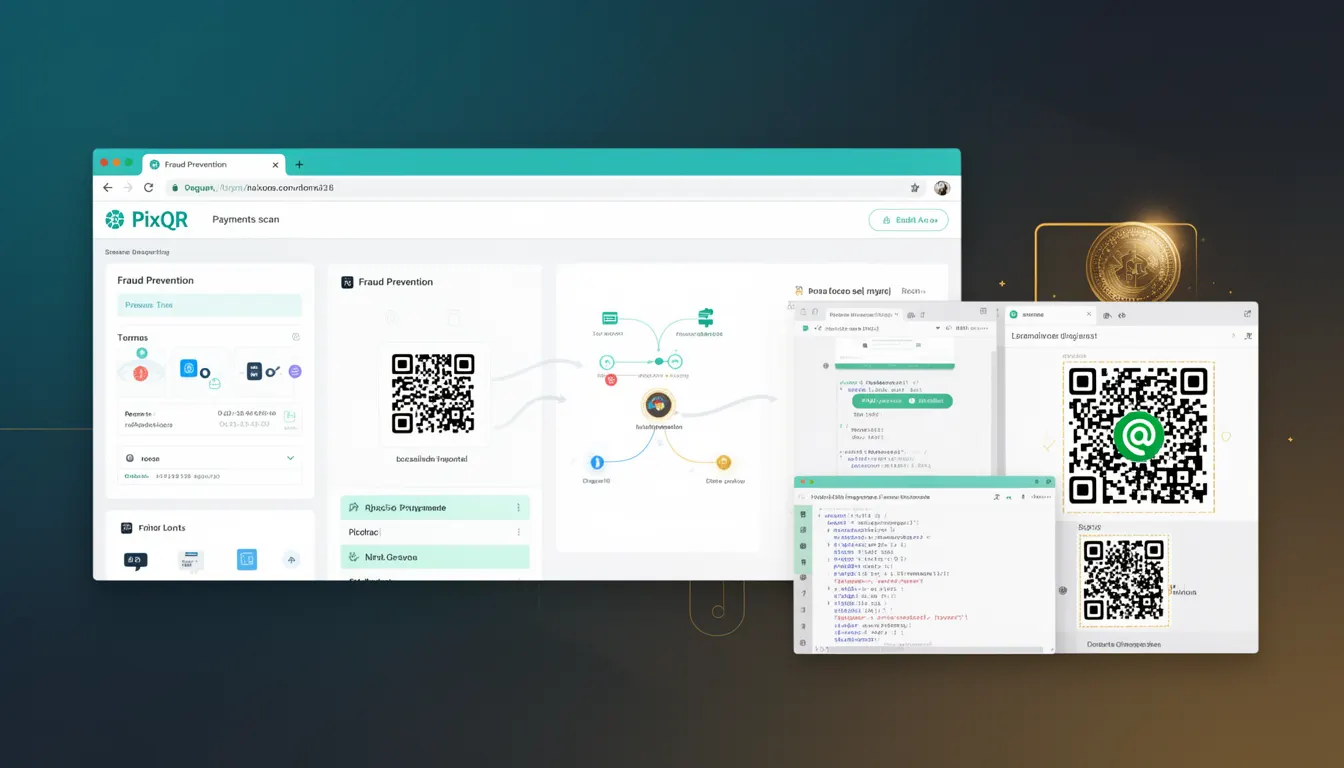
Fraud Prevention in the context of PixQR refers to a set of mechanisms and operational practices that ensure QR-based transactions and financial flows are secure, traceable, and protected against unauthorized or malicious use. It is a critical component for developers and platform operators managing payment-related QR codes, particularly those used in dynamic redirects or checkout systems.
In PixQR, Fraud Prevention is implemented through a combination of transaction monitoring, scan tracking, user behavior analysis, and secure redirect handling. It ensures that QR codes are not misused for fraudulent purposes, such as unauthorized financial transfers or malicious redirects, and that all interactions are logged and traceable for audit or compliance purposes.
Why It Matters
For developers working with PixQR, Fraud Prevention is essential to maintain trust in the platform and protect both users and businesses. Without proper fraud safeguards, QR codes can be exploited to redirect users to phishing sites, or to initiate unauthorized transactions. This can result in financial loss, brand damage, and regulatory penalties.
From a production standpoint, fraud prevention directly affects how QR codes are generated, tracked, and validated. It influences API access control, user session tracking, and analytics data integrity. Developers must integrate these features into their systems to comply with financial and security standards such as PCI-DSS, PSD2, or local financial regulations.
How It Works
Fraud Prevention in PixQR operates through several interconnected systems that monitor and validate QR code usage in real time. These systems include:
- Transaction logging with timestamps, IP addresses, and user identifiers to track QR code scans and redirects.
- Behavioral analytics that detect anomalies in scan frequency, device types, or geographic patterns that may indicate fraudulent activity.
- Secure redirect validation that ensures QR code destinations are safe and approved before allowing redirection.
- Dynamic code invalidation or throttling mechanisms that limit usage after suspicious activity is detected.
- Integration with external fraud detection services to cross-check transaction patterns against known fraud signatures.
Each QR code generated in PixQR can be assigned a unique identifier and a set of access rules. These rules can include IP restrictions, time-based validity windows, and user role limitations. The platform also supports real-time monitoring and alerts for high-risk behaviors.
Quick Reference
| Item | Purpose | Notes |
|---|---|---|
| Scan tracking | Logs QR code interaction details | Includes timestamp, IP, device |
| Behavioral analytics | Identifies anomalies in usage | Used for fraud risk scoring |
| Redirect validation | Ensures destination is safe | Prevents phishing and malicious links |
| Code invalidation | Disables QR codes after suspicious activity | Used to stop fraudulent use |
| External fraud detection | Integrates with third-party fraud services | Enhances detection accuracy |
Basic Example
PixQR Example QR
This QR links directly to this glossary page, so printed notes, onboarding docs, and support material can bring scanners back to the current reference.
/glossary/qr-code-for-payments/qr-codes-for-payments-fraud-prevention

This basic example demonstrates how a QR code can be generated with fraud prevention enabled in PixQR. It shows the essential parameters used to configure a secure QR code for payment processing.
const qrConfig = {
  url: "https://example.com/checkout",
  validUntil: "2025-04-01T00:00:00Z",
  ipRestrictions: ["192.168.1.1", "10.0.0.0/8"],
  scanLimit: 5,
  fraudPrevention: true
};
The example configures a QR code with a valid time window, IP access control, and a scan limit. The fraudPrevention flag enables real-time monitoring and alerting for suspicious behavior.
Production Example
In a production environment, developers must ensure that fraud prevention is not only enabled but also monitored and maintained. This example shows how to set up a QR code with comprehensive fraud safeguards, including analytics and alerting.
const qrCode = pixqr.create({
  url: "https://shop.example.com/pay",
  validUntil: new Date(Date.now() + 3600000).toISOString(),
  ipRestrictions: ["192.168.1.0/24"],
  scanLimit: 10,
  fraudPrevention: {
    enabled: true,
    riskThreshold: 0.7,
    alerts: ["admin@example.com", "security@example.com"]
  },
  analytics: {
    enabled: true,
    tags: ["payment", "ecommerce"]
  }
});
This version includes risk scoring, alerting, and analytics. It is more suitable for production because it defines clear thresholds for fraud detection and ensures that security teams are notified of high-risk scans.
Common Mistakes
- Disabling fraud prevention for performance reasons. This can lead to significant financial loss and compliance issues.
- Not setting scan limits or IP restrictions. Allows unlimited access and makes it easier for attackers to exploit QR codes.
- Using generic QR codes without unique identifiers. Makes tracking and invalidation difficult in case of fraud.
- Ignoring analytics or logging data. Prevents detection of suspicious behavior after an incident occurs.
- Reusing QR codes across multiple transactions without proper validation. Increases risk of replay attacks.
Security And Production Notes
- Always enable fraud prevention for payment-related QR codes to comply with financial regulations.
- Use IP restrictions to limit access to known and trusted networks.
- Set scan limits to reduce the risk of brute-force or abuse attacks.
- Integrate with external fraud detection services for enhanced protection.
- Log all QR code interactions for audit and compliance purposes.
Related Concepts
Fraud Prevention is closely tied to several other developer concepts:
- Secure Redirects – Ensures QR code destinations are safe and not malicious.
- Scan Tracking – Logs and monitors QR code usage for behavioral analysis.
- Dynamic QR Code Generation – Allows real-time updates to QR code behavior and access rules.
- Access Control – Restricts who can scan or interact with QR codes.
- API Security – Protects the PixQR API from unauthorized or malicious requests.