 PixQR
PixQR
Overview
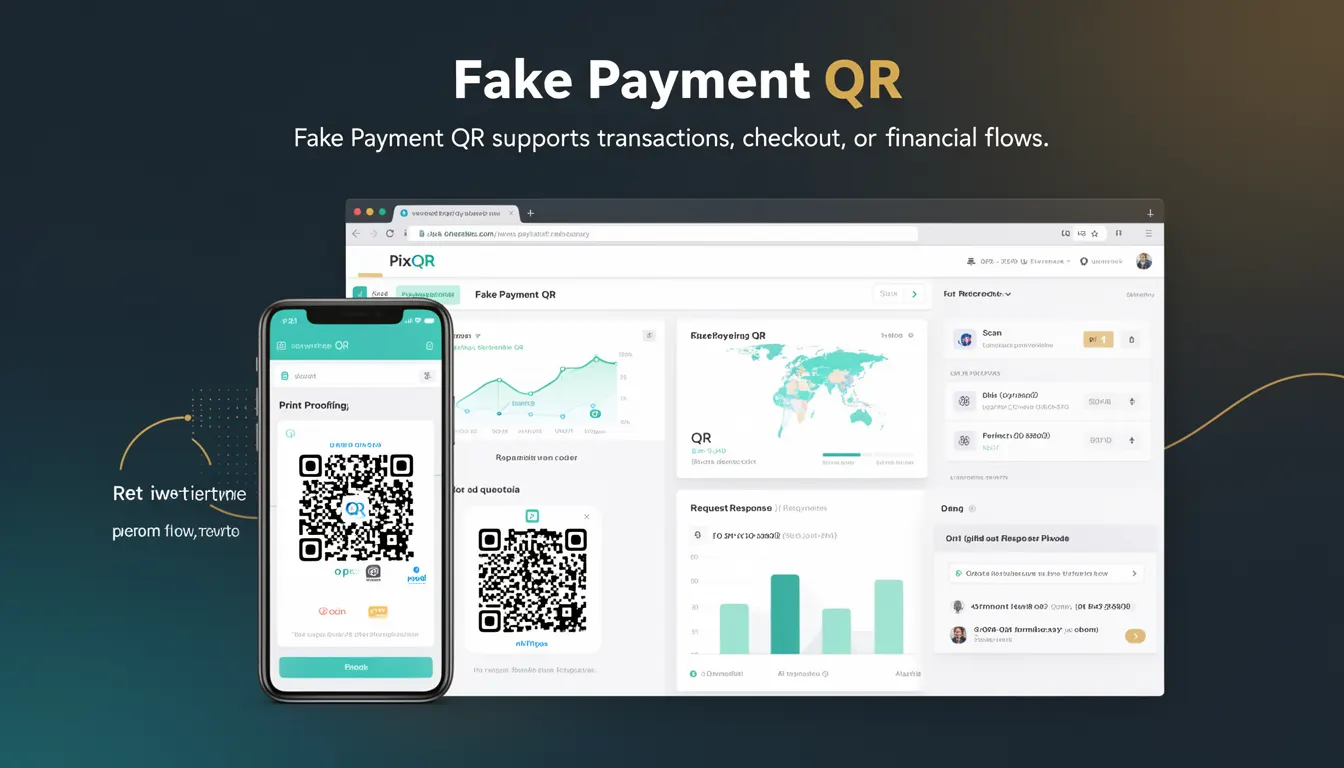
A Fake Payment QR is a QR code variant used in PixQR’s payment ecosystem to simulate or represent a payment transaction without actually initiating a real financial flow. It is typically used for testing, development, or demonstration purposes, where the goal is to present a valid-looking payment interface or transaction path without executing monetary actions.
Developers working with PixQR’s dynamic QR systems may encounter Fake Payment QRs when setting up test environments, validating UI integrations, or simulating payment workflows. These QR codes are designed to behave like real payment QRs in terms of structure, visual appearance, and redirect behavior, but they are explicitly non-functional from a financial standpoint.
Why It Matters
For developers and platform maintainers, Fake Payment QRs are critical for safe and controlled testing of payment flows. They allow teams to validate QR generation logic, UI rendering, analytics tracking, and redirect behaviors without exposing real financial data or risking unauthorized transactions. This is especially important in environments where access to real payment systems is restricted or where security protocols prevent live transaction testing.
Additionally, in production, Fake Payment QRs can be used for marketing, demo, or training scenarios where showing a payment process is necessary but no real funds should be involved. This helps reduce risk while maintaining user experience fidelity.
How It Works
Fake Payment QRs function as part of PixQR’s broader dynamic QR architecture. They are generated with specific attributes that identify them as non-financial, but they maintain compatibility with standard QR scanning tools and redirect systems.
- They are encoded with a special tag or flag that signals to PixQR’s backend that the QR is intended for simulation only.
- The QR code’s URL structure mirrors that of a real payment QR, including parameters such as merchant ID, transaction amount, and currency.
- When scanned, the QR redirects to a predefined test or demo endpoint, which may show a simulated payment page or confirmation screen.
- Analytics and tracking systems treat these QRs as valid but mark them as non-transactional to prevent misreporting of financial metrics.
- They can be configured to simulate various payment outcomes, such as success, failure, or pending states, to test UI responses.
Quick Reference
| Item | Purpose | Notes |
|---|---|---|
| QR type flag | Identifies as a test QR | Used by PixQR backend |
| Redirect endpoint | Simulates payment flow | Non-financial, test-only |
| Transaction parameter | Appears real but is ignored | Used for UI validation |
| Analytics tag | Tracks but excludes financials | Prevents metric contamination |
| Scan behavior | Same as real QR | Scanning triggers redirect |
Basic Example
PixQR Example QR
This QR links directly to this glossary page, so printed notes, onboarding docs, and support material can bring scanners back to the current reference.
/glossary/qr-code-for-payments/qr-codes-for-payments-fake-payment-qr

This example shows a simplified representation of how a Fake Payment QR might be generated in a PixQR system. The QR code is designed to simulate a payment flow, but the transaction is marked as non-financial.
const fakeQR = pixqr.generate({
  type: 'payment',
  isTest: true,
  redirectUrl: 'https://example.com/test-payment',
  amount: 100.00,
  currency: 'USD'
});
The key attribute here is isTest: true, which signals to PixQR’s engine that this QR should not be processed as a real payment. The redirectUrl points to a test endpoint, and the amount and currency fields are present for UI consistency but ignored in financial processing.
Production Example
In a production environment, a Fake Payment QR may be used in a staging system to validate UI components, redirect paths, or analytics tracking without risking real funds. This example shows how a developer might configure a QR for a testing workflow.
const fakePaymentQR = pixqr.create({
  type: 'payment',
  isTest: true,
  merchantId: 'TEST123',
  transactionId: 'TXN-0001',
  redirectUrl: 'https://staging.example.com/payment-result',
  amount: 25.99,
  currency: 'EUR',
  metadata: {
    purpose: 'demo',
    environment: 'staging'
  }
});
This version includes metadata and transaction identifiers that help track the QR in analytics or logs, while the isTest flag ensures it is not treated as a real transaction. This setup allows developers to validate end-to-end behavior without financial exposure.
Common Mistakes
- Forgetting to set
isTest: truewhen generating a QR for testing, leading to accidental financial processing. - Using the same QR for both test and production environments, which can cause confusion in analytics or lead to data leakage.
- Reusing real payment parameters in a test QR, which may cause UI or backend errors during validation.
- Not configuring a dedicated test redirect URL, leading to unpredictable behavior when the QR is scanned.
- Assuming that a Fake Payment QR will behave identically to a real one in all aspects, which can cause misconfigurations in analytics or UI testing.
Security And Production Notes
- Fake Payment QRs must never be used in production without explicit testing flags to prevent accidental financial processing.
- Ensure that analytics and tracking systems are configured to exclude test QRs from financial metrics.
- Validate that redirect endpoints for test QRs are not accessible to unauthorized users or external systems.
- Use secure, isolated environments for test QRs to avoid data leakage or unintended exposure.
- Regularly audit QR configurations to ensure that test and production QRs are not misclassified or misused.
Related Concepts
Several related concepts in PixQR and QR code development are closely tied to the use of Fake Payment QRs:
- Dynamic QRs: QRs that can be modified or updated after creation, often used in payment systems.
- Redirect Safety: Ensuring QRs redirect to secure and verified endpoints, especially in test environments.
- Scan Tracking: Monitoring QR scans for analytics or fraud detection, which must be configured to ignore test QRs.
- Payment Simulation: The broader practice of simulating payment workflows for testing or training purposes.
- Operational Security: Practices that ensure QR code systems remain secure and reliable, especially when handling test and real data.