 PixQR
PixQR
Overview
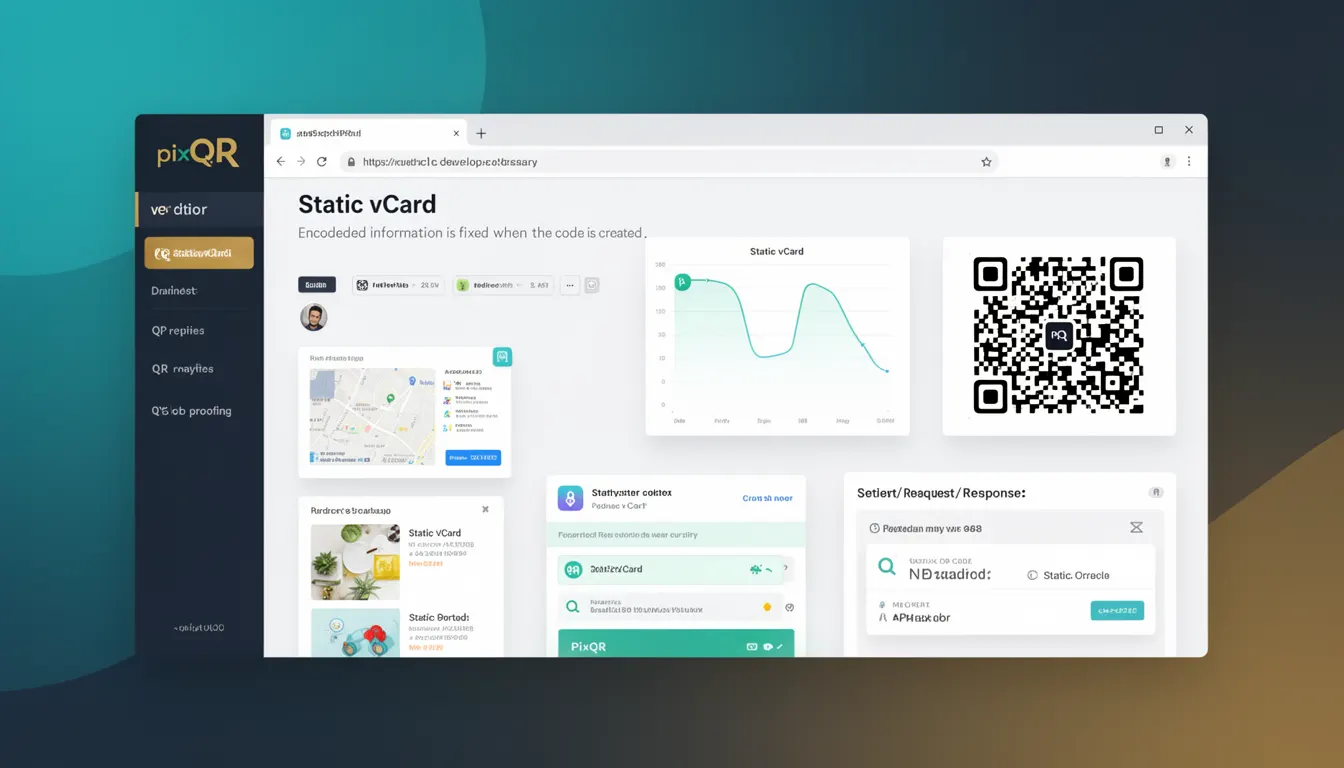
A static vCard is a specific type of static QR code used to encode contact information in a standardized format. It is a fixed, unchanging representation of personal or business contact data that can be scanned by any QR code reader to automatically populate a digital contact card. Unlike dynamic QR codes, which can be updated post-creation, static vCard QR codes contain a fixed payload that is generated once and remains immutable.
In PixQR, static vCard codes are used to streamline contact sharing across platforms, especially in environments where consistency and reliability are required, such as business cards, printed materials, or offline marketing. They are particularly useful when the contact information is intended to remain unchanged over time, and when the QR code needs to be scanned reliably without relying on external systems or redirects.
Why It Matters
Static vCard QR codes provide a consistent and predictable way to share contact information. This is especially important in production environments where dynamic systems may introduce instability or require additional infrastructure to manage updates. For instance, in a marketing campaign, a static vCard QR code ensures that every scan retrieves the same contact data, preventing potential miscommunication or confusion.
From a security perspective, static vCard codes are inherently safer in environments where external systems or APIs are not trusted. Since the payload is encoded directly into the QR code and not fetched from a server, there is no risk of a malicious redirect or data injection. This makes them ideal for brand-safe and privacy-conscious deployments.
For developers working with PixQR, understanding static vCard codes is essential when designing systems that require predictable, immutable QR code payloads. It also plays a role in ensuring scan reliability and performance, as static codes avoid the overhead of server-side redirection or API calls.
How It Works
Static vCard QR codes are based on the vCard standard, a widely adopted format for electronic business cards. The vCard data is encoded into a QR code using a fixed structure that includes fields like name, email, phone number, address, and organization. When scanned, the QR code reader interprets this data and prompts the user to save or view the contact information.
- The vCard format is defined by RFC 6350 and supports multiple versions (vCard 2.1, 3.0, and 4.0), each with specific encoding rules and field types.
- Static vCard QR codes are generated by PixQR using a fixed payload, meaning the encoded data cannot be changed after creation.
- The QR code's data structure is typically prefixed with the string
BEGIN:VCARDand terminated withEND:VCARD. - Each field in the vCard is represented by a specific identifier (e.g.,
N:for name,TEL:for phone number,EMAIL:for email address). - QR code readers must support vCard parsing to correctly interpret the data, though most modern readers do so by default.
When generating a static vCard QR code in PixQR, the system takes the provided contact details, formats them according to the vCard standard, and encodes them into a QR code. The resulting QR code is immutable and can be safely used in print or digital media without concern for future changes.
Quick Reference
| Item | Purpose | Notes |
|---|---|---|
| vCard format | Standardized contact data structure | Defined in RFC 6350 |
| QR code payload | Fixed vCard data encoded in QR format | Immutable after creation |
| Field identifiers | Key-value pairs for contact data | Examples: N:, TEL:, EMAIL: |
| Encoding | How data is structured in QR code | Uses UTF-8 encoding |
| Scanning compatibility | Reader support for vCard data | Modern readers support vCard |
Basic Example
PixQR Example QR
This QR links directly to this glossary page, so printed notes, onboarding docs, and support material can bring scanners back to the current reference.

This example shows a minimal static vCard payload that can be encoded into a QR code. It includes basic contact information such as name, email, and phone number.
BEGIN:VCARD
VERSION:3.0
N:Smith;John;;;
FN:John Smith
EMAIL:john.smith@example.com
TEL:+1-555-123-4567
END:VCARD
The lines in this payload define the contact's name (N:), formatted name (FN:), email (EMAIL:), and phone number (TEL:). When encoded into a QR code, this structure allows any compatible reader to extract and process the contact data.
Production Example
In a production environment, a static vCard QR code might be generated with additional fields and validation to ensure compatibility and data integrity. The following example demonstrates a more complete vCard structure, suitable for use in PixQR.
BEGIN:VCARD
VERSION:4.0
N:Smith;John;Doe;Dr.;Jr.
FN:Dr. John Doe Smith Jr.
ORG:Example Inc.
TITLE:Software Engineer
EMAIL:john.doe@example.com
TEL:+1-555-123-4567
URL:https://example.com
ADR:;;123 Main St;Anytown;ST;12345;USA
END:VCARD
This version includes additional fields like organization (ORG:), title (TITLE:), website (URL:), and address (ADR:). It also uses vCard 4.0 format, which is the latest standard and offers better support for extended data types. This structure is more suitable for production use where richer contact information is required.
Common Mistakes
- Using outdated vCard versions such as 2.1, which may not be fully supported by all QR readers or mobile devices.
- Incorrectly formatting fields, such as omitting required prefixes like
N:orFN:, which can cause scanning errors. - Using special characters or unescaped symbols in contact data that may corrupt the QR code or prevent proper decoding.
- Generating QR codes with invalid or inconsistent data, such as mismatched name and formatted name fields.
- Not validating the QR code output before deployment, leading to failed scans or incorrect contact data.
Security And Production Notes
- Static vCard QR codes are inherently secure because they do not rely on external systems or APIs for data retrieval.
- Always validate the vCard data before encoding to ensure it meets the required format and avoids scanning errors.
- Use UTF-8 encoding for all fields to ensure compatibility across different platforms and devices.
- Ensure that no sensitive information (e.g., passwords or private keys) is included in the vCard payload.
- Test QR code generation and scanning in multiple environments to confirm compatibility and reliability.
Related Concepts
Static vCard QR codes are closely related to several other technologies and concepts in the QR code ecosystem. These include:
- Dynamic QR Codes: Unlike static vCard codes, dynamic QR codes can be updated post-creation, offering flexibility but introducing dependency on backend systems.
- vCard Standards: The vCard format itself is a key component, with different versions offering varying levels of support and data types.
- QR Code Encoding: The method used to encode structured data into QR code format, including character set and data mode selection.
- Scan Reliability: Static QR codes are more reliable in offline or low-connectivity environments due to their fixed nature.
- Privacy and Data Handling: Static vCard codes avoid data leakage or injection issues that can occur with dynamic systems.