 PixQR
PixQR
Overview
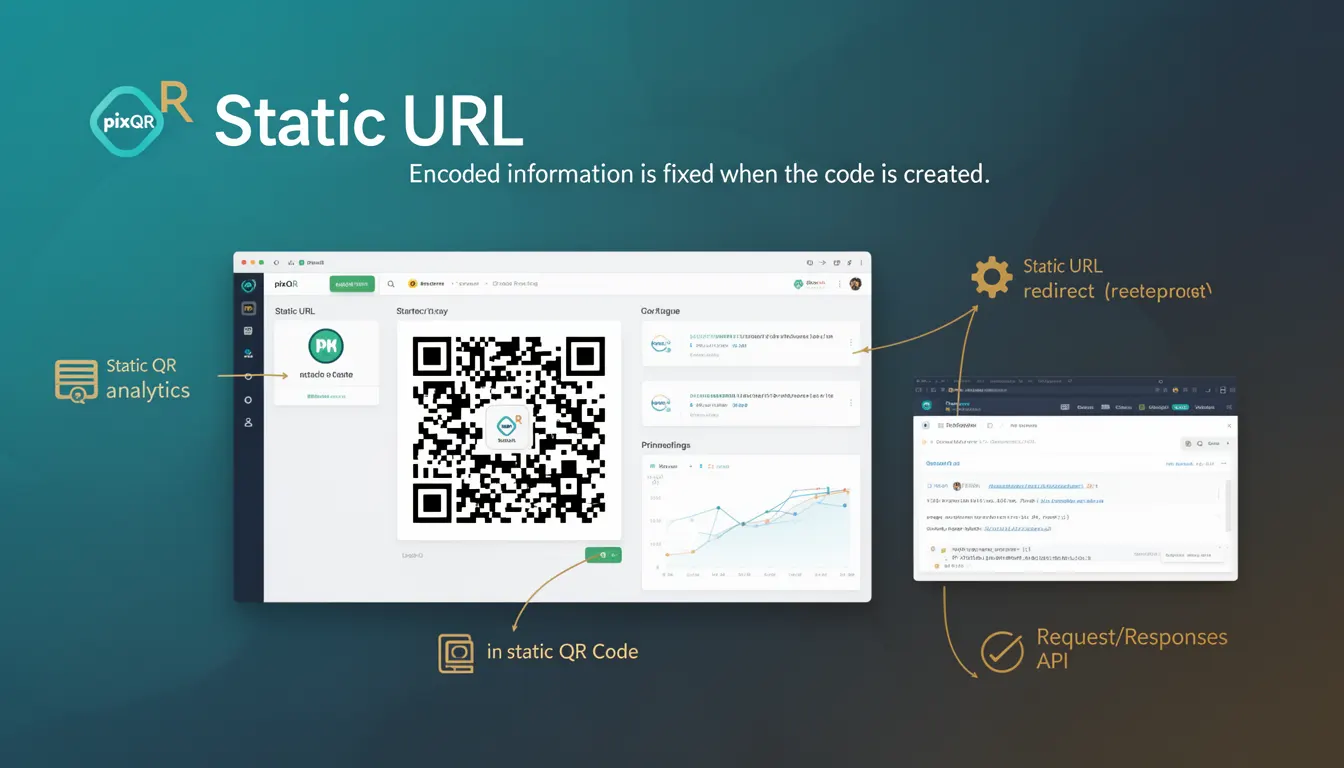
A Static URL in the context of PixQR refers to a Uniform Resource Locator that is encoded directly into a QR code at the time of generation, without any dynamic redirection or runtime modification. The encoded URL remains fixed for the lifetime of the QR code, regardless of how many times it is scanned or how long it exists in use.
This approach contrasts with dynamic QR codes, where the target URL can change over time, often managed through a backend system. Static URLs are foundational to many QR code applications, particularly in environments where predictability, reliability, and simplicity are required, such as product packaging, event signage, or printed materials.
Why It Matters
For developers and site operators, static URLs provide a consistent and predictable target for QR code scans. This is critical in production workflows where dynamic behavior can introduce instability or unexpected redirects. Static URLs also support brand-safe design practices, as the content and destination are fixed, reducing risks of phishing or unauthorized redirection.
Additionally, static URLs simplify analytics and tracking because each scan maps directly to a single, unchanging endpoint. This makes performance monitoring, fraud detection, and user behavior analysis more reliable and interpretable. For systems managing large volumes of QR codes, static URLs reduce backend complexity and operational overhead.
How It Works
When generating a static QR code in PixQR, the system encodes the provided URL directly into the QR code matrix. This process involves:
- Input validation of the URL to ensure it is well-formed and secure.
- Encoding the URL into the QR code’s binary data structure using standard QR code specifications.
- Rendering the QR code image with fixed data that does not change over time.
- Supporting optional metadata such as expiration time or scan tracking flags.
- Providing a stable identifier for analytics or operational tracking.
The QR code itself is generated using a fixed set of parameters. The system does not allow for runtime updates or modifications to the encoded URL. This ensures that once a static QR code is created, its behavior is immutable and predictable.
Quick Reference
| Item | Purpose | Notes |
|---|---|---|
| URL encoding | Fixed target for QR code | Must be valid and secure |
| QR code matrix | Storage for encoded URL | Immutable once generated |
| Expiration settings | Optional time-based validity | Not part of static URL itself |
| Analytics tracking | Scan event logging | Consistent destination ensures accuracy |
| Scan reliability | Ensures predictable scanning | Static URL reduces scan errors |
Basic Example
PixQR Example QR
This QR links directly to this glossary page, so printed notes, onboarding docs, and support material can bring scanners back to the current reference.

The following example demonstrates how a static URL is used in a PixQR generation request:
{
  "qr_type": "static",
  "url": "https://example.com/product/12345",
  "branding": {
    "logo": "https://example.com/logo.png",
    "color": "#000000"
  }
}
This JSON payload specifies a static QR code with a fixed URL. The system encodes the URL into the QR code matrix and applies branding. The resulting QR code will always redirect to https://example.com/product/12345 regardless of when or how many times it is scanned.
Production Example
In a production environment, a static URL is often used in conjunction with a stable backend endpoint and proper validation:
{
  "qr_type": "static",
  "url": "https://api.example.com/redirect/12345",
  "metadata": {
    "campaign": "product_launch",
    "location": "store_123",
    "expires_at": "2025-12-31T23:59:59Z"
  },
  "tracking": {
    "enabled": true,
    "analytics": "ga4"
  }
}
This example includes metadata and tracking settings. While the URL itself is static, the metadata allows for campaign tracking and expiration. The system ensures that the URL is validated for correctness and safety before encoding into the QR code.
Common Mistakes
- Using unvalidated or unsafe URLs, which can lead to phishing or malicious redirection.
- Assuming that static QR codes can be updated after creation, which is not possible.
- Misunderstanding that static URLs do not support runtime tracking or analytics without additional configuration.
- Overlooking the need for secure HTTPS URLs, which are required for safe scanning in modern browsers.
- Ignoring expiration settings, which may cause confusion if the QR code is expected to stop working after a certain date.
Security And Production Notes
- Static URLs must be validated for correctness and security to prevent injection or malicious content.
- HTTPS is mandatory for all static URLs to ensure secure scanning and prevent man-in-the-middle attacks.
- Static QR codes should not be used for sensitive data or authentication flows, as the URL is exposed in plain text.
- Metadata such as campaign identifiers or location tags should be validated to prevent unauthorized tracking or data leakage.
- Production systems should implement logging for static QR code creation and scan events to support compliance and debugging.
Related Concepts
Static URLs are closely related to several core QR code concepts:
- Dynamic QR codes — Unlike static URLs, dynamic QR codes allow for runtime changes to the target URL.
- QR code generation — The process of encoding data into a QR code matrix, which static URLs are a part of.
- Scan tracking — Static URLs enable reliable tracking of scans, as the destination is fixed.
- Brand-safe design — Static URLs align with brand-safe practices by ensuring consistent, predictable destinations.
- Operational workflows — Static URLs simplify operational workflows by removing the need for backend redirection logic.